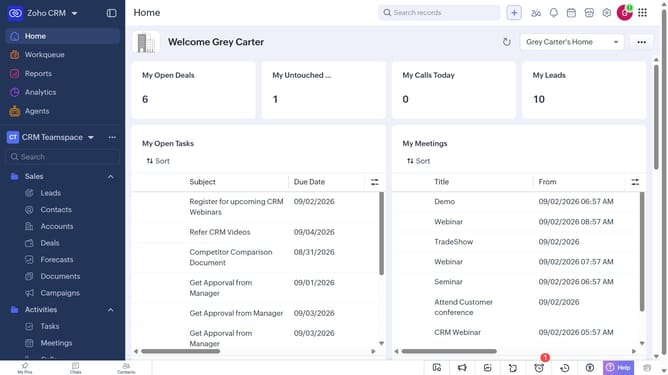
How to view the details of a price book on Zoho CRM
Here is how to view the details of a price book on zoho crm
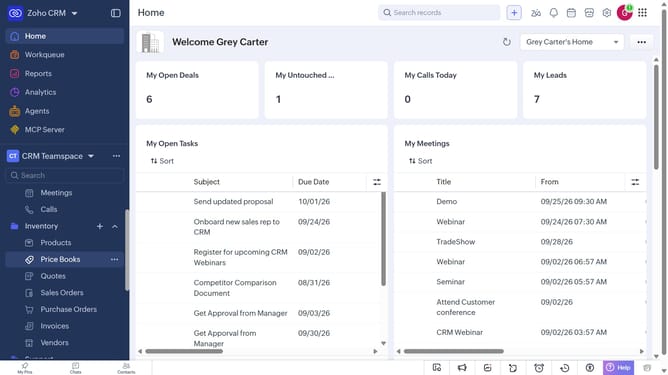
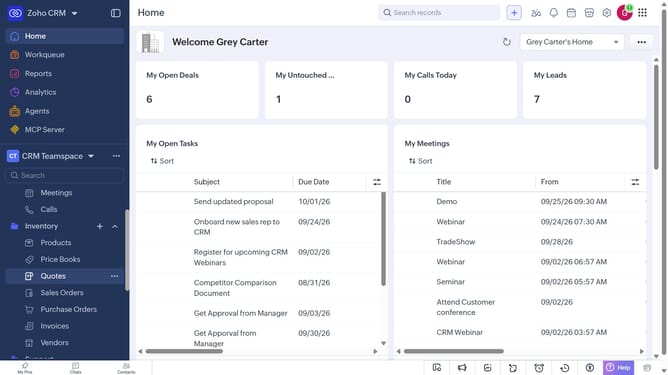
- First, click on "Price Books" under the "Inventory" section in the left sidebar menu
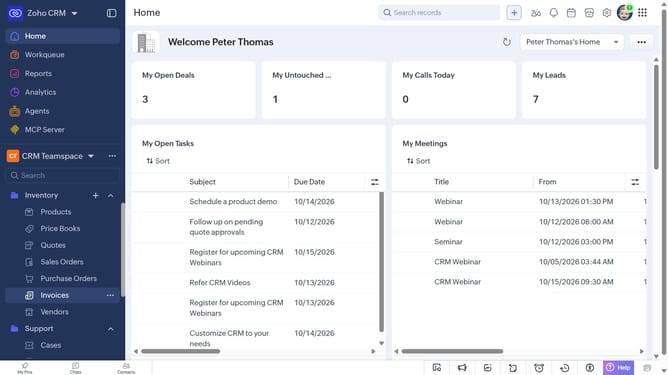
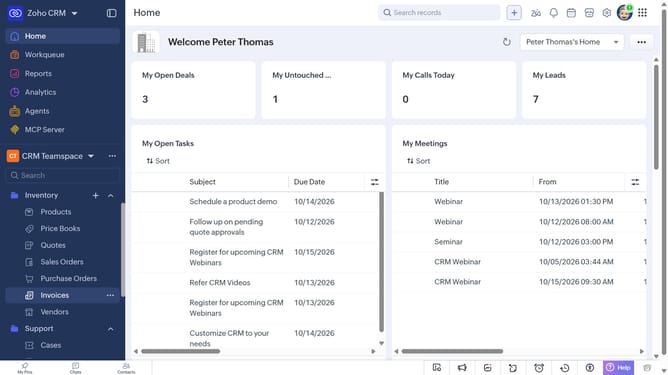
- Next, click on the price book you want to view
- The Price Book Details page opens, displaying all the price book information
Why should you How to view the details of a price book on Zoho CRM
Zoho CRM is a powerful tool designed to streamline customer relationship management for businesses of all sizes.
Viewing the details of a price book in Zoho CRM is an intuitive feature that enhances your ability to manage pricing strategies effectively. By accessing this feature, you gain insights into the various pricing tiers and structures specific to your products or services.
This comprehensive view supports better decision-making and allows you to tailor your sales approach, ensuring that your pricing aligns perfectly with market demands and customer expectations.
Utilizing this feature not only improves accuracy in pricing but also fosters stronger customer relationships by allowing for more transparent and flexible pricing discussions.