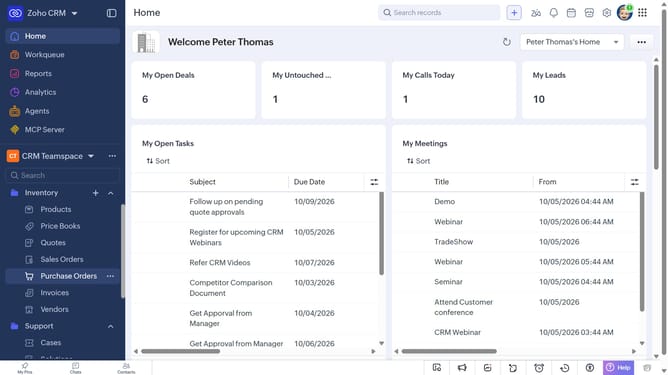
How to export services as an XLSX file on Zoho CRM
Here is how to export services as an xlsx file on zoho crm
- First, click on "Services" in the left sidebar menu
- Next, click on the "More Options" button next to "Create Service"
- Select "Export Services" from the dropdown menu
- In the "Export Service" dialog, click on the "Fields to Export" dropdown
- Choose whether to export all fields or only the fields from the custom view
- Then, select "XLSX" as the file type
- Next, toggle the "Set Password" switch on or leave it off
- Finally, click on the "Export" button
Why should you How to export services as an XLSX file on Zoho CRM
Zoho CRM is a versatile platform designed to streamline your customer relationship management efforts.
The ability to export services as an XLSX file on Zoho CRM offers a practical solution for efficiently managing your data. This feature allows you to organize and analyze information with ease, ensuring that you can access your data in a familiar Excel format.
Exporting data is crucial for tasks such as reporting, sharing with team members, or backing up your information. By using the XLSX format, you maintain structured and accessible data, enabling smoother collaboration and insightful decision-making.
Last update