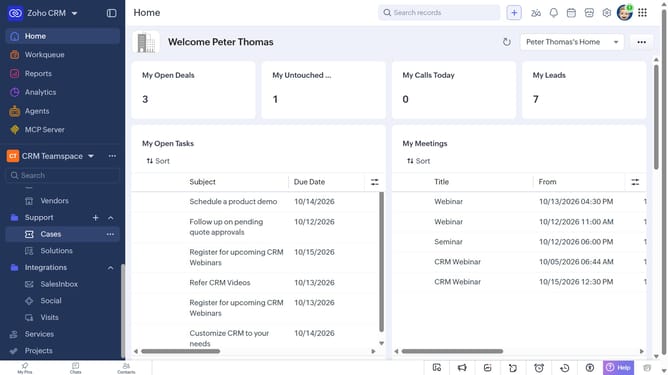
How to rename a group on Zoho CRM
Here is how to rename a group on zoho crm
- First click on your avatar profile in the top right corner
- Click on "Users" under the "General" section
- Next click on the "Groups" tab
- Locate the group you want to rename
- Next, click on the three dots menu that appears
- Then select "Rename" from the dropdown menu
- Enter the new name for the group in the modal
- Finally click on the "Save" button
Why should you How to rename a group on Zoho CRM
Zoho is a versatile platform designed to enhance business productivity by streamlining CRM processes.
Renaming a group in Zoho CRM is a straightforward feature that offers remarkable advantages.
It allows you to maintain organized records and ensures clarity in group management, especially beneficial for evolving teams or changing projects.
By using this feature, you can effortlessly keep your CRM aligned with current business demands, thus optimizing workflow and enhancing team communication.
Last update