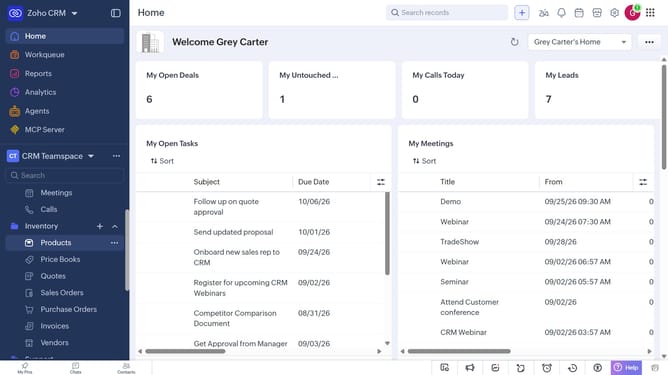
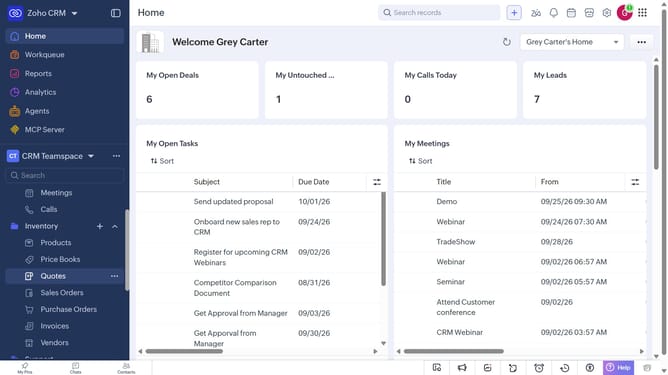
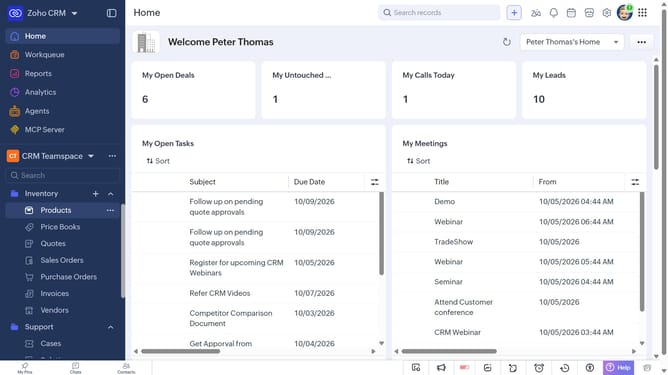
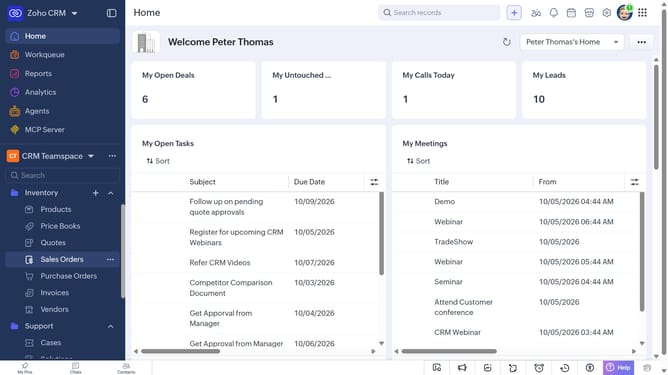
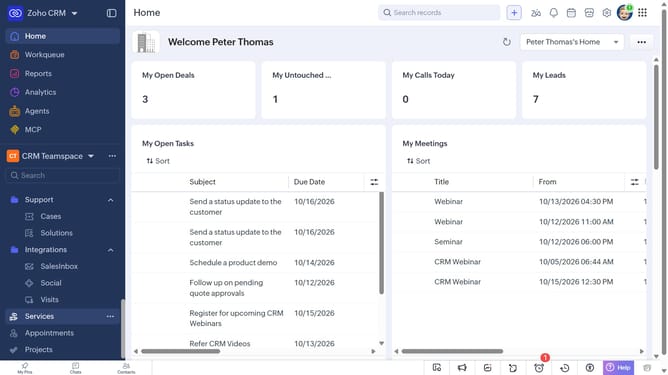
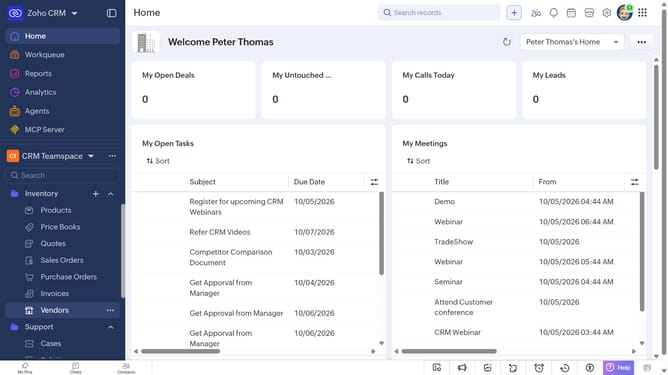
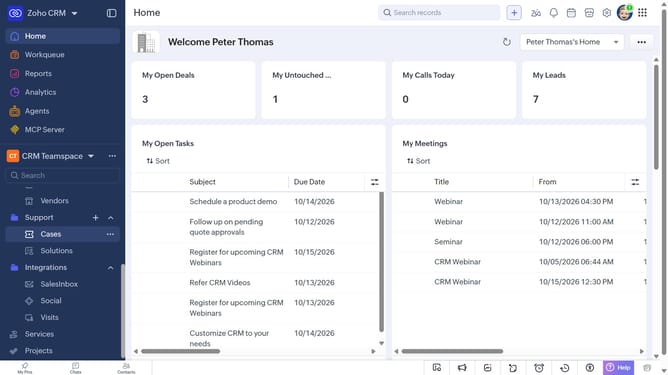
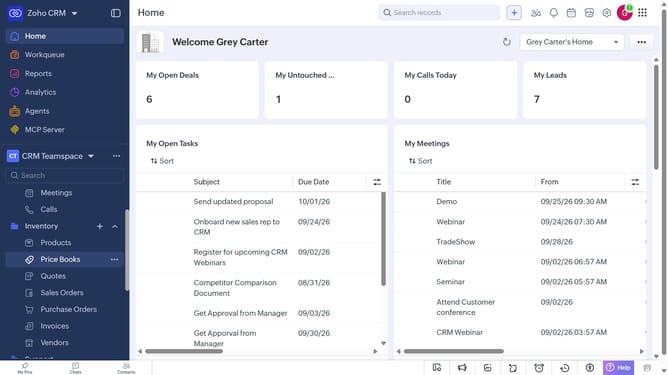
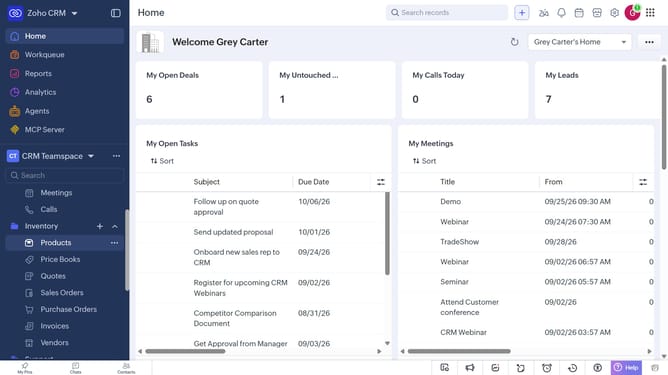
How to change the theme color to Crimson on Zoho CRM
Here is how to change the theme color to crimson on zoho crm
- First click on your avatar profile in the top right corner
- Next locate the "Themes" section
- Then, select your preferred theme option (Dark or Lite)
- Finally, select "Crimson" from the theme color options
Why should you How to change the theme color to Crimson on Zoho CRM
Zoho CRM is a versatile platform designed to streamline customer relationship management for businesses of all sizes.
One of its standout features is the ability to personalize the interface, such as changing the theme color to Crimson. This simple customization allows users to align the CRM’s look with their brand aesthetics or personal preferences.
Utilizing this feature enhances usability by creating a more engaging and visually cohesive environment, which can boost efficiency and user satisfaction.
Last update