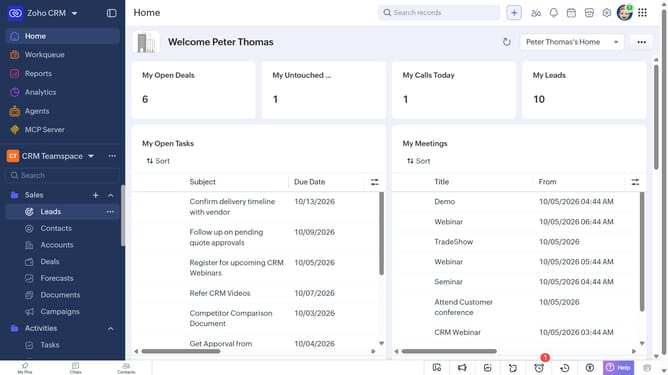
How to edit a vendor on Zoho CRM
Here is how to edit a vendor on zoho crm
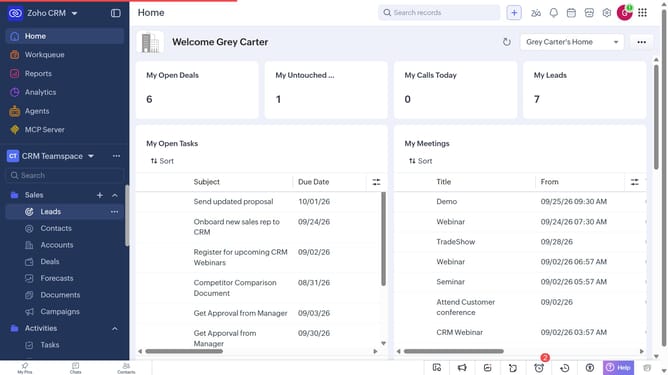
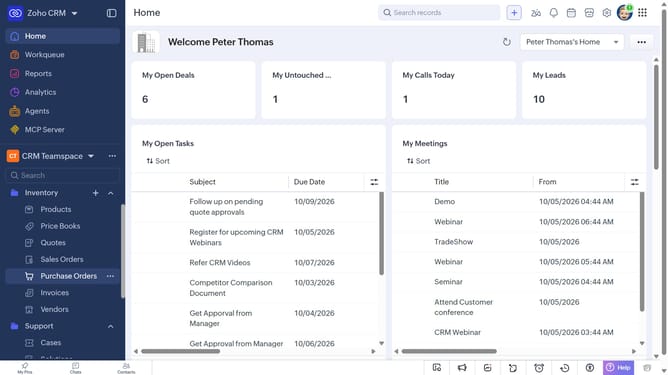
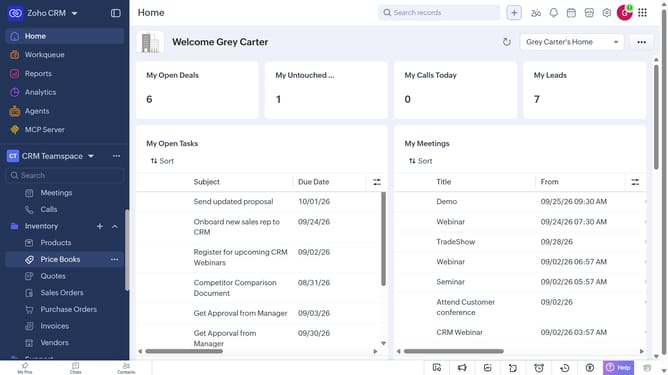
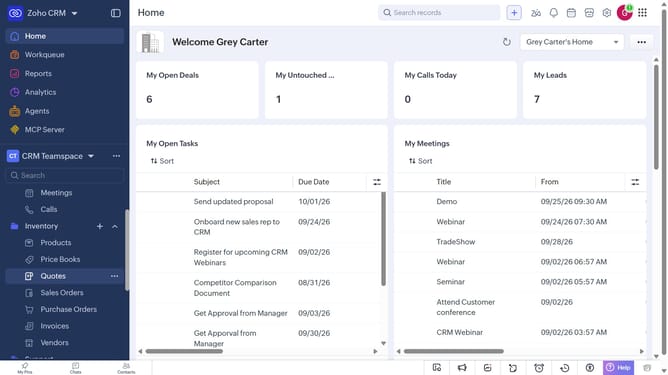
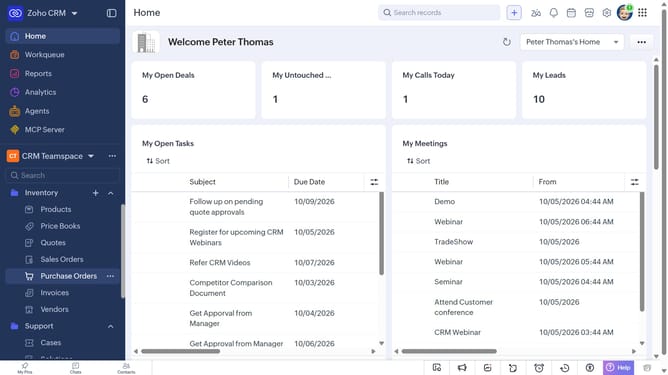
- First, click on "Vendors" under the "Inventory" section in the left sidebar menu
- Next, click on the vendor you want to edit
- Click on the "Edit" button in the top right corner
- Then, make the necessary changes to the vendor details
- Finally, click on the "Save" button
Why should you How to edit a vendor on Zoho CRM
Zoho CRM is a comprehensive platform designed to streamline your business operations by enhancing customer relationship management.
Editing a vendor on Zoho CRM is incredibly straightforward, allowing users to maintain up-to-date and accurate vendor information efficiently. This feature supports seamless data management, ensuring all vendor details are current, which is crucial for effective communication and decision-making.
By providing easy access to edit vendor information, Zoho CRM enhances user control and operational flexibility. Keeping vendor details up-to-date can lead to improved collaboration and stronger business relationships.
Last update