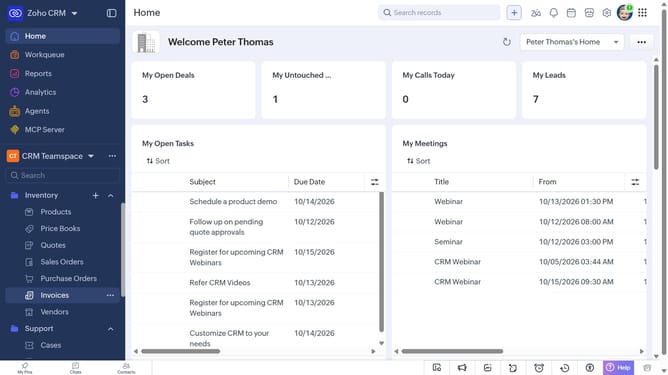
How to share a case on Zoho CRM
Here is how to share a case on zoho crm
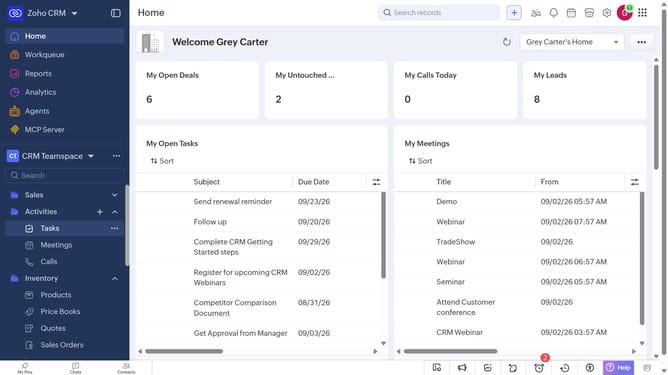
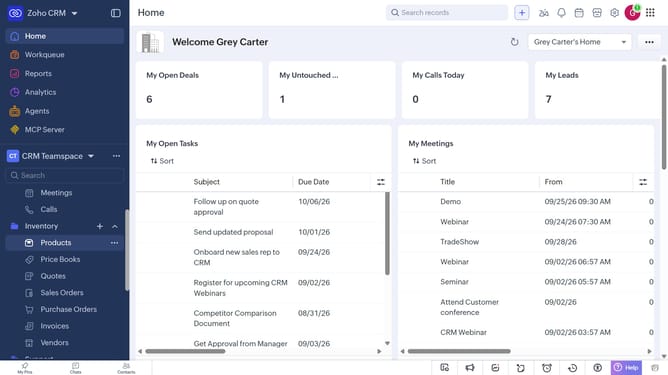
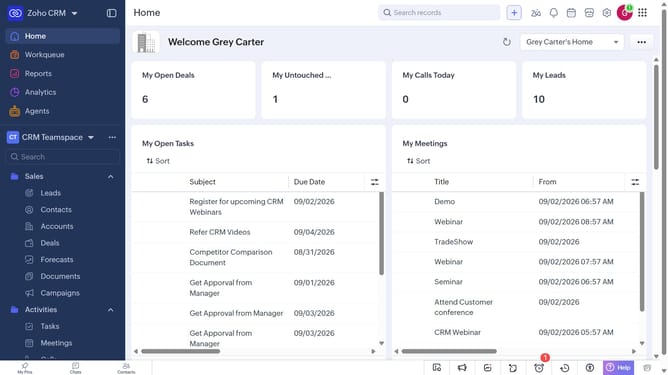
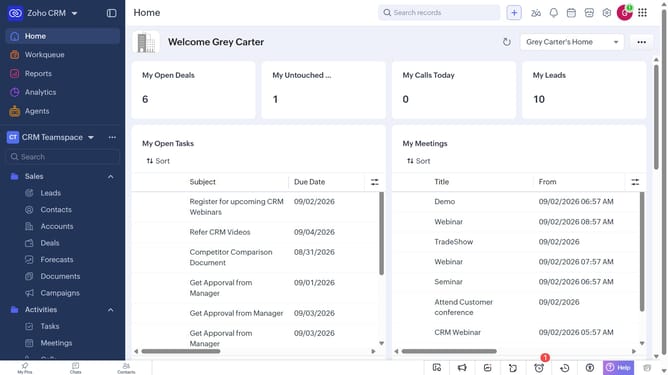
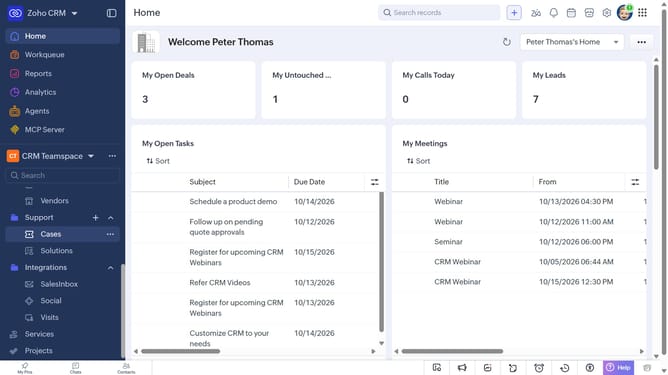
- First, click on "Cases" under "Support" in the left sidebar menu
- Next, click on the case you want to share
- After that, click on the "More Options" button
- Select "Share" from the dropdown menu
- Then, select the record access type
- Next, click the "Permission" dropdown
- From the dropdown menu, choose the appropriate permission level
- Finally, click on the "Share" button
Why should you How to share a case on Zoho CRM
Zoho CRM is an intuitive platform designed to streamline your customer relationship management efforts, enhancing productivity and growth.
Sharing a case on Zoho CRM is a seamless feature that allows team members to collaborate efficiently by accessing pertinent information in real-time. This feature ensures that every team member is on the same page, minimizing miscommunications and enhancing problem-solving capabilities.
Utilizing this feature not only fosters effective teamwork but also speeds up response times, improving customer satisfaction. By promoting transparency and collaboration, Zoho CRM helps in creating a more dynamic and responsive work environment.
Last update