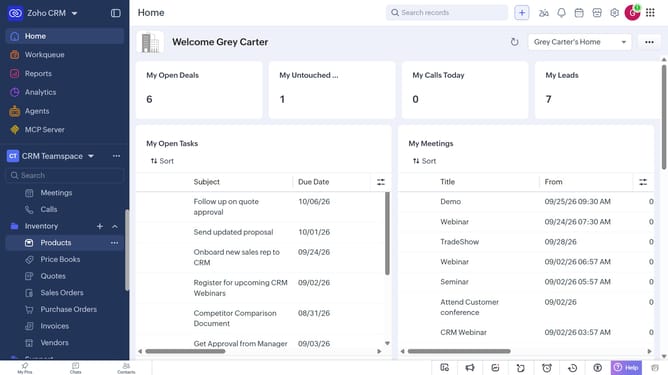
How to add members to a group on Zoho CRM
Here is how to add members to a group on zoho crm
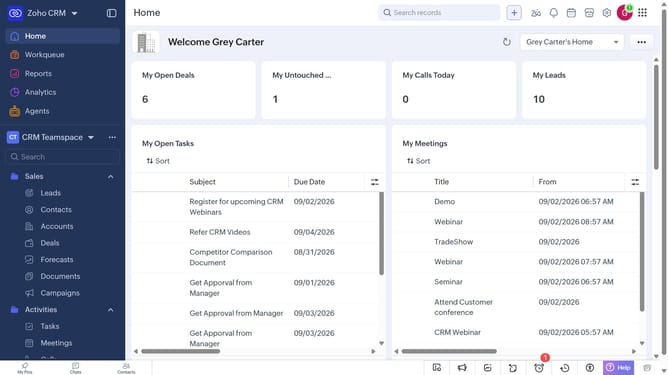
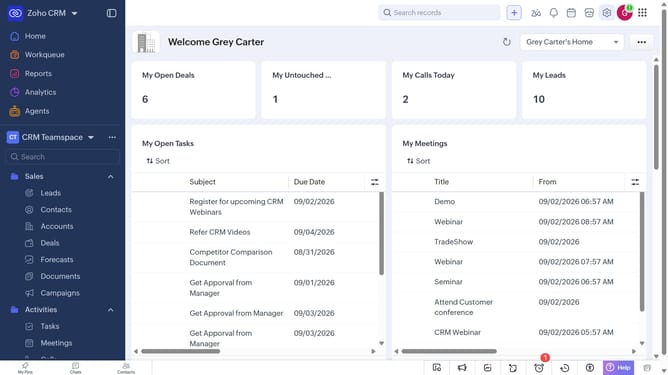
- First click on the settings icon in the top right corner
- Click on "Users" under the "General" section
- Next click on the "Groups" tab
- Click on the group you want to add a member to
- Next, click on the "Add Members" button
- Then select the users you want to add to the group
- Finally, click on the "Save" button
Why should you How to add members to a group on Zoho CRM
Zoho CRM is a powerful tool designed to streamline business processes and enhance customer relationships.
Adding members to a group within Zoho CRM is a feature that enhances team collaboration and ensures everyone stays on the same page. This feature allows you to efficiently organize team members based on specific projects, departments, or tasks, making communication seamless.
The ability to structure groups helps in targeting the right audience during campaigns and fosters a more agile work environment. Utilizing this feature can significantly boost productivity and coordination by ensuring that information is accessible and well-organized across teams.
Last update