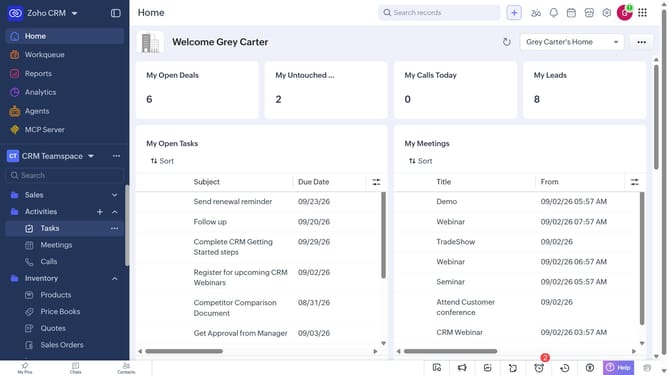
How to assign a product to another owner on Zoho CRM
Here is how to assign a product to another owner on zoho crm
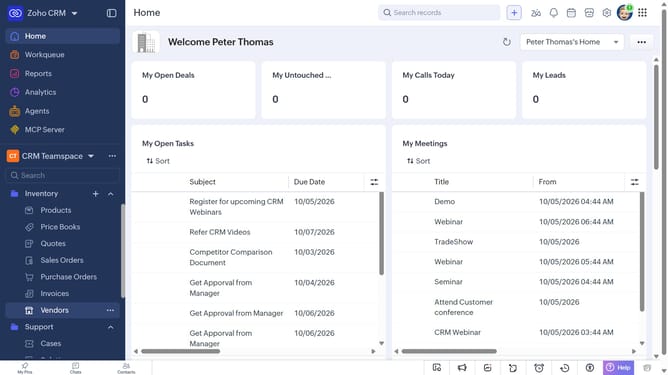
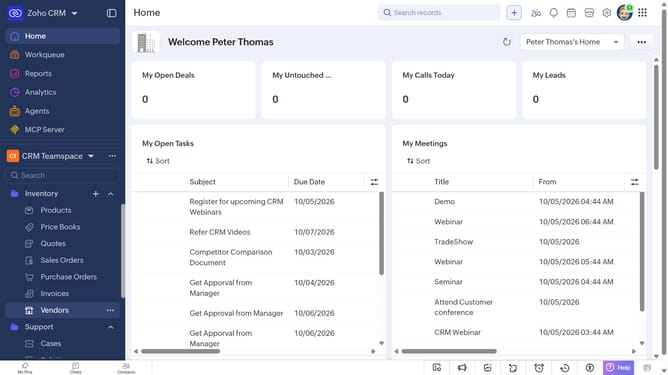
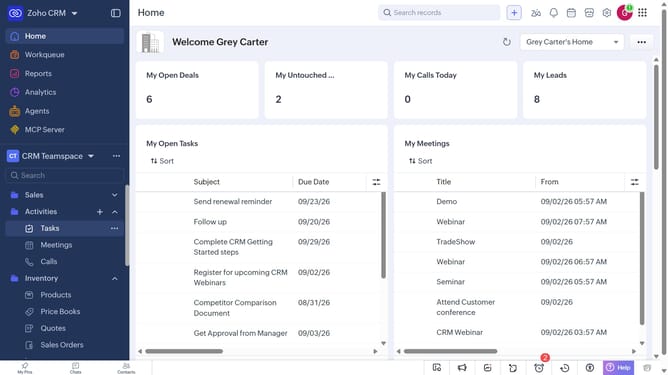
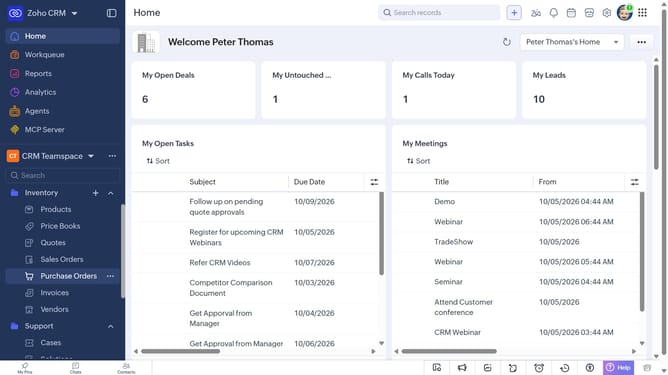
- First, click on "Products" under "Inventory" in the left sidebar menu
- Next, locate the product whose owner you want to change
- Click on the "More options" button next to the product
- Select "Change Owner" from the dropdown menu
- In the "Change Owner" modal, click on the dropdown
- Then select the new owner from the dropdown menu
- Next, check "Send Email notification" to enable alerts, or leave it unchecked
- Finally, click on the "Change Owner" button
Why should you How to assign a product to another owner on Zoho CRM
Zoho CRM is a powerful tool designed to enhance business relationships and boost customer engagement.
The ability to assign a product to another owner within Zoho CRM adds a layer of flexibility and efficiency to your workflow. This feature allows you to seamlessly transfer product management to a different team member, ensuring responsibilities align with expertise and availability.
Using this feature not only streamlines operations but also enhances team collaboration. It encourages better resource allocation and helps maintain continuity in product oversight, ultimately benefiting customer satisfaction and organizational productivity.
Last update