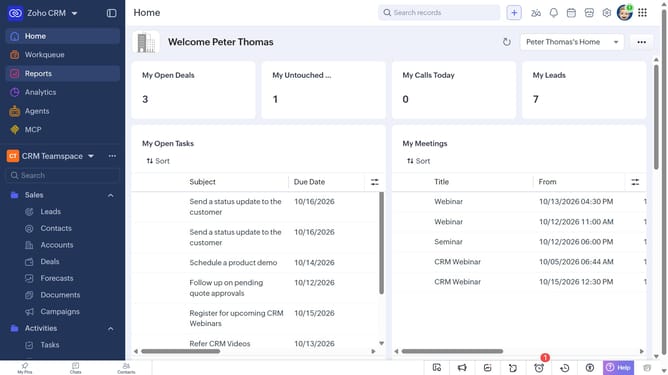
How to remove a user from a group on Zoho CRM
Here is how to remove a user from a group on zoho crm
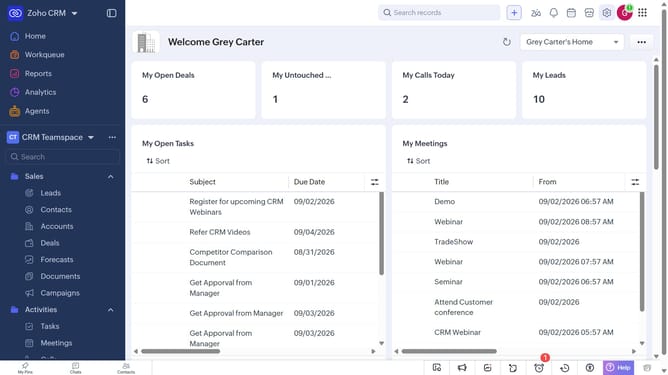
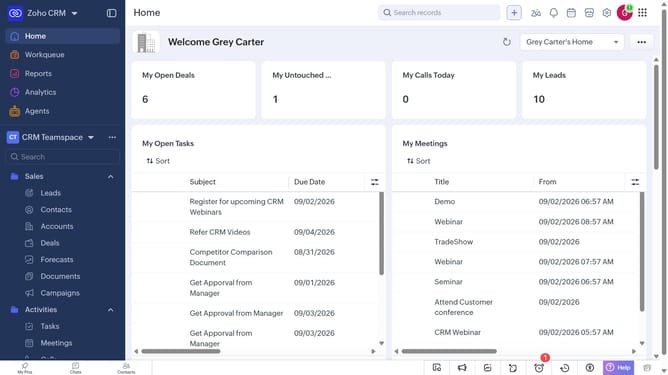
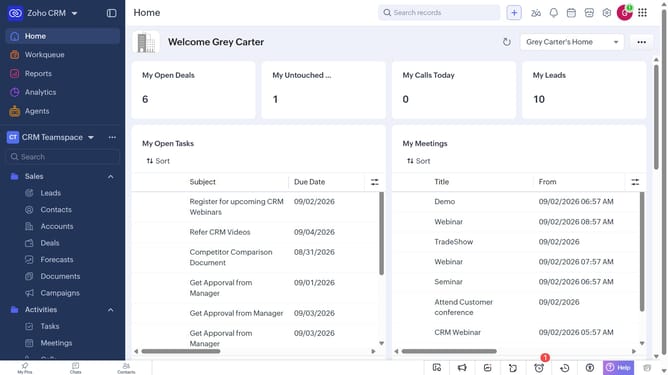
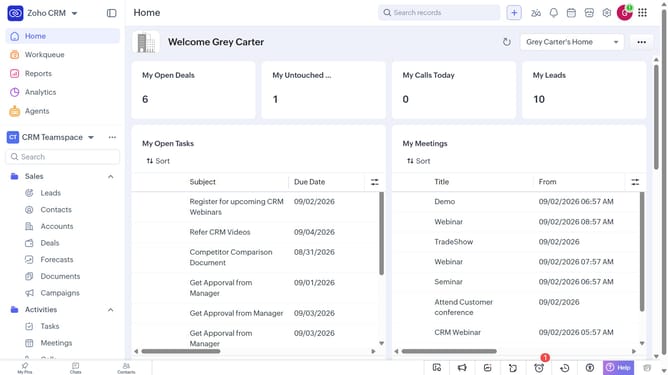
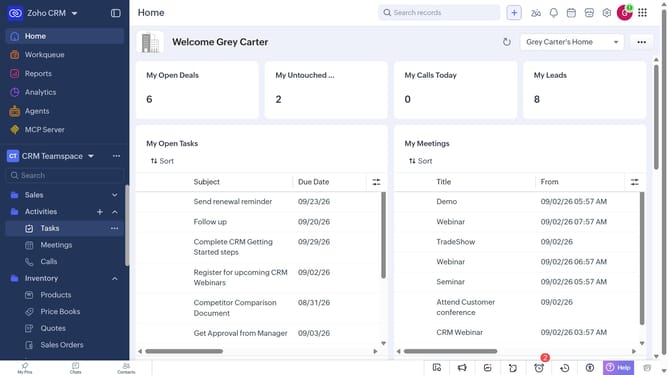
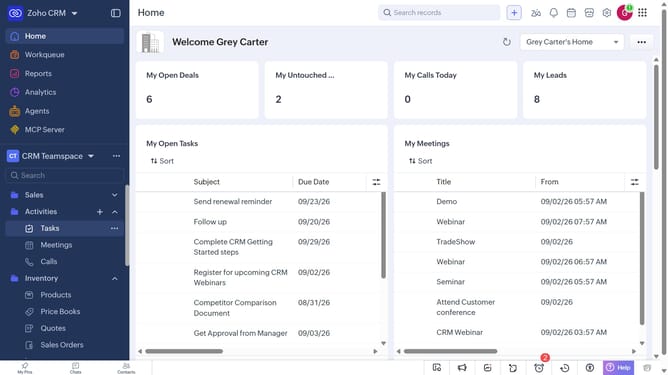
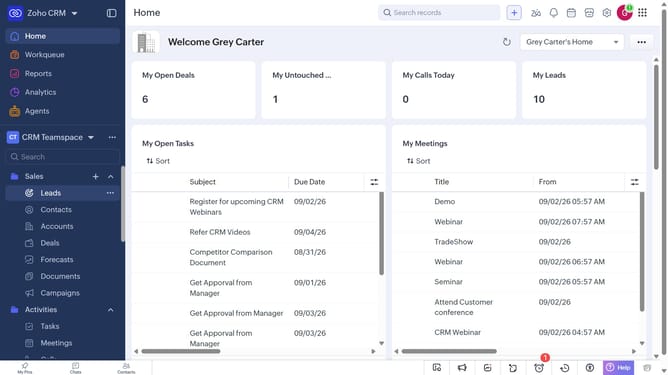
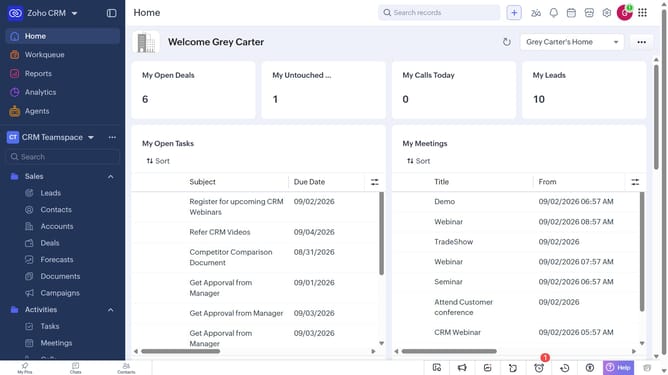
- First click on the settings icon in the top right corner
- Click on "Users" under the "General" section
- Next click on the "Groups" tab
- Click on the group you want to remove a member from
- Next, find the member you want to remove
- Then, select the user by check the box next to it
- Next, click on the "Remove" button that appears
- Finally, click the "Remove" button to confirm
Why should you How to remove a user from a group on Zoho CRM
Zoho CRM is a comprehensive platform designed to streamline customer relationship management effectively.
Removing a user from a group in Zoho CRM is all about maintaining a streamlined workflow and ensuring that the right people have access to the relevant information for their roles. This feature enhances team efficiency by keeping the group structure dynamic and responsive to changing business needs.
By optimizing group membership, businesses can prevent information overload, promote better collaboration, and focus resources effectively, thereby boosting overall productivity.
Last update