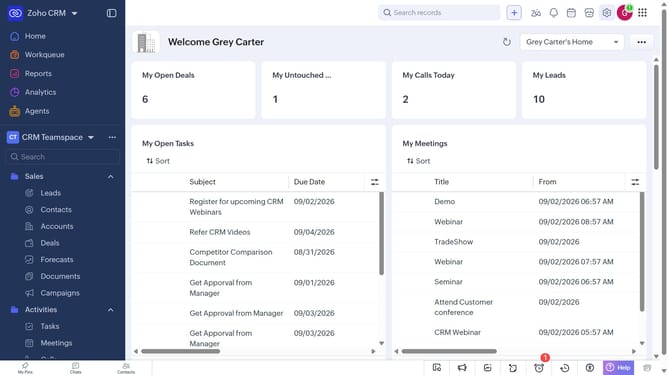
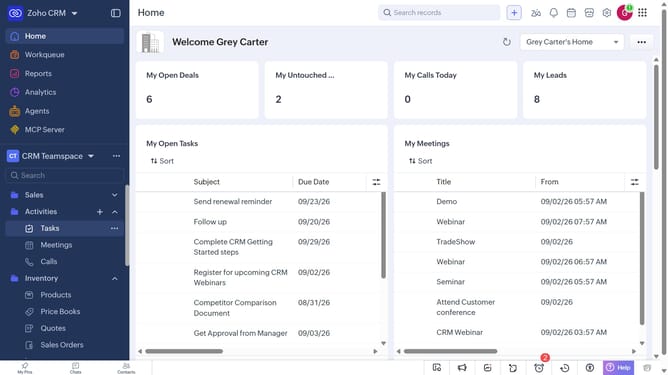
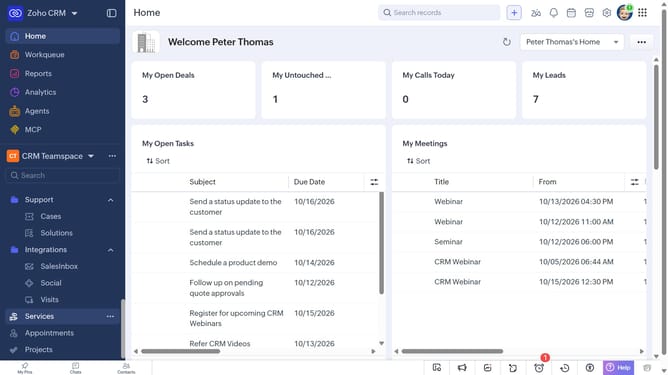
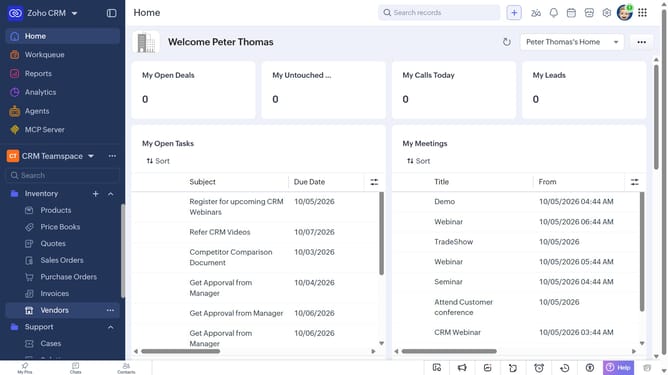
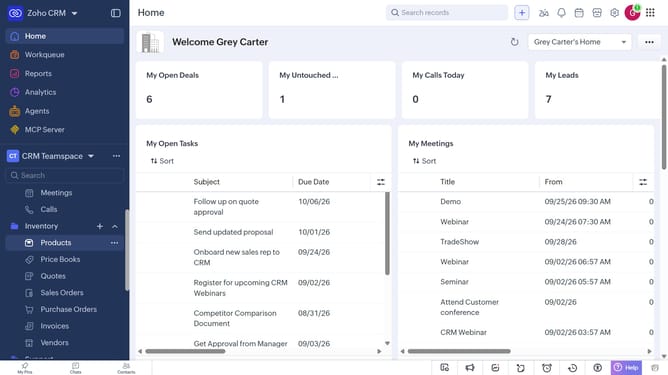
How to change the theme color to Dark Raspberry on Zoho CRM
Here is how to change the theme color to dark raspberry on zoho crm
- First click on your avatar profile in the top right corner
- Next locate the "Themes" section
- Then, select your preferred theme option (Dark or Lite)
- Finally, select "Dark Raspberry" from the theme color options
Why should you How to change the theme color to Dark Raspberry on Zoho CRM
Zoho CRM is a powerful tool designed to streamline your business operations and enhance customer relationships.
Changing the theme color to Dark Raspberry in Zoho CRM adds a unique touch of personalization to your workspace, creating a visually appealing and cohesive environment that aligns with your brand's identity.
Using the Dark Raspberry theme minimizes eye strain during extended work sessions, providing a more comfortable and focused experience. This feature not only enhances user satisfaction but also boosts productivity by fostering a pleasant and engaging interface.
Last update