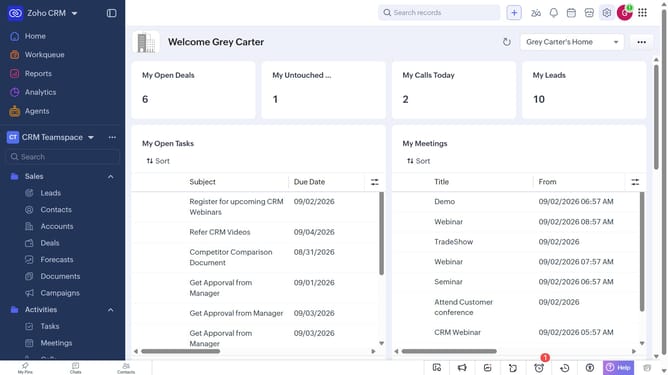
How to view deleted users in the user list on Zoho CRM
Here is how to view deleted users in the user list on zoho crm
- First click on your avatar profile in the top right corner
- Next, click on "Users" under the "General" section
- Then, click the filter dropdown in the user list
- Finally, select "Deleted Users" from the dropdown list
Why should you How to view deleted users in the user list on Zoho CRM
Zoho, a leading suite of online productivity tools, empowers businesses to streamline and enhance their operations efficiently.
Zoho CRM's feature to view deleted users in the user list offers a seamless way to maintain oversight and manage your team effectively. This functionality ensures that you always have access to a comprehensive history of user activities, even if they have been removed from active status.
Utilizing this feature allows for improved auditing and accountability, helping businesses make informed decisions by maintaining a complete and organized record of past user interactions and contributions. It adds an extra layer of transparency and aids in compliance with internal and external regulations.
Last update