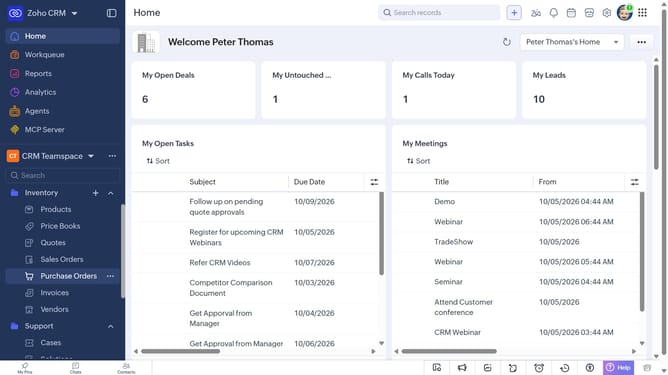
How to enable ARIA landmarks on Zoho CRM
Here is how to enable aria landmarks on zoho crm
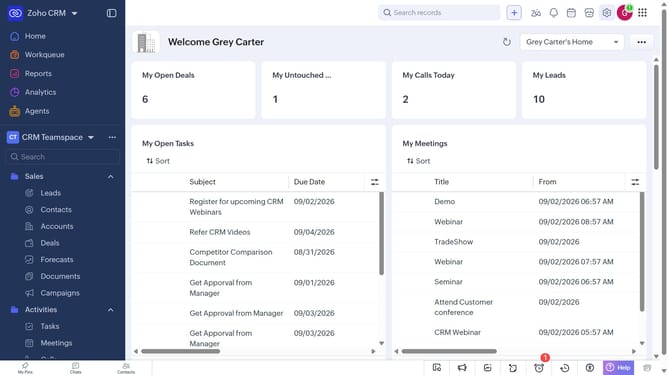
- First click on the settings icon in the top menu
- Next click on "Personal Settings" under the "General" section
- Click on the "Accessibility" tab
- After that, click on the "Vision" tab
- Then, locate the "ARIA Landmark" section
- Finally, turn on the toggle next to it
Why should you How to enable ARIA landmarks on Zoho CRM
Zoho is an all-in-one CRM platform designed to streamline business operations, enhance customer engagement, and drive growth.
Enabling ARIA landmarks in Zoho CRM significantly enhances accessibility for users with screen readers, making navigation more intuitive. This feature identifies key sections of your CRM interface, allowing users to interact seamlessly with the content.
By incorporating ARIA landmarks, you ensure a more inclusive experience, improve the usability for diverse users, and align with accessibility best practices.
Last update