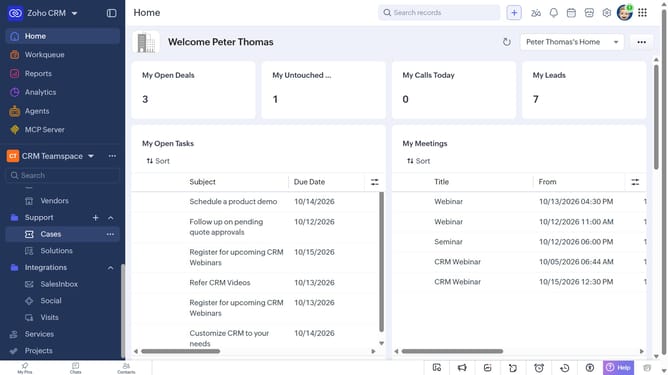
How to enable Zia Voice Assistant on Zoho CRM
Here is how to enable zia voice assistant on zoho crm
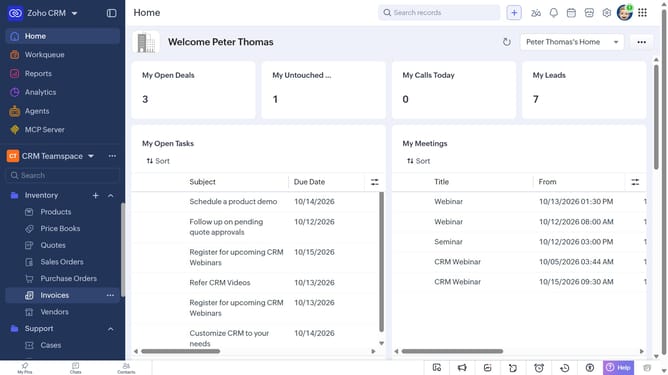
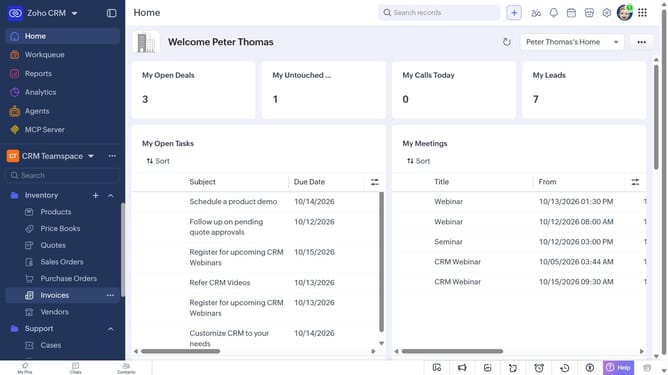
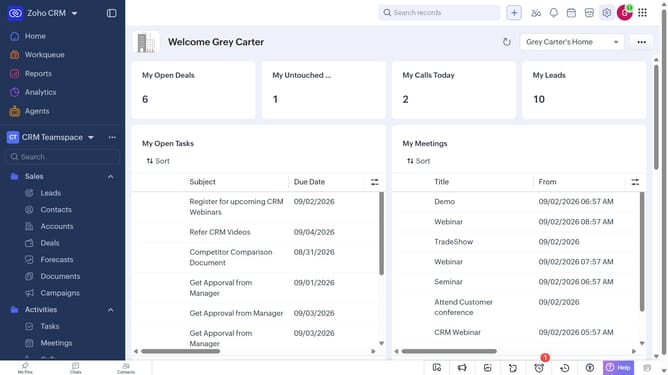
- First click on the settings icon in the top menu
- Next click on "Personal Settings" under the "General" section
- Click on the "Accessibility" tab
- After that, click on the "Motor" tab
- Then, locate the "Zia Voice Assistant" option
- Finally, click the toggle switch to enable this option
Why should you How to enable Zia Voice Assistant on Zoho CRM
Zoho, a dynamic suite of online productivity tools, empowers businesses to streamline operations efficiently.
Imagine having a smart assistant integrated into your CRM system. Enabling the Zia Voice Assistant on Zoho CRM offers a seamless way to interact with your data using simple voice commands.
Zia can help you quickly retrieve contact information, update records, or generate sales reports effortlessly, allowing you to focus more on strategic tasks.
With Zia, enhance productivity and decision-making, as it simplifies CRM interactions and provides instant support anytime you need it.
Last update