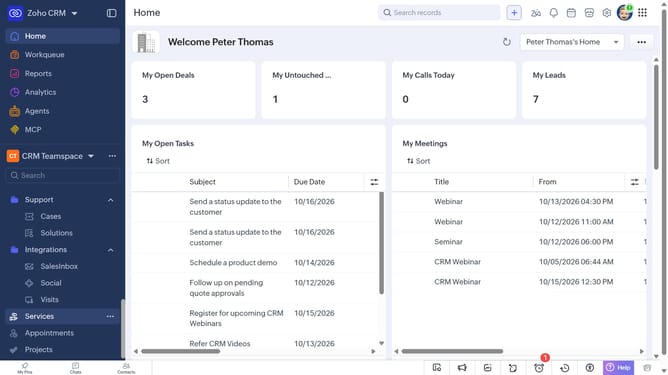
How to switch to Day mode on Zoho CRM
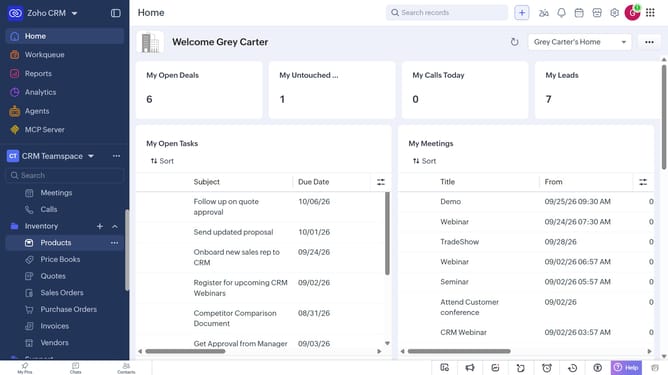
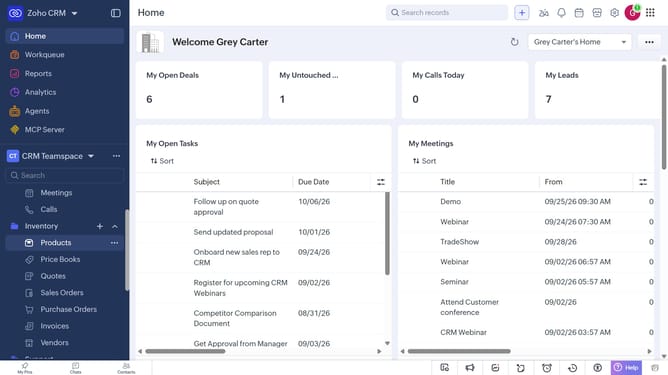
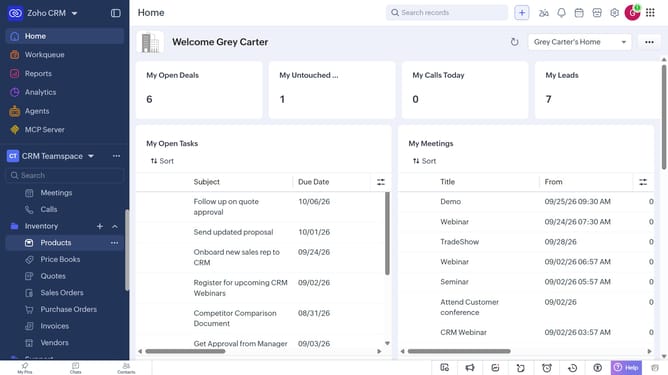
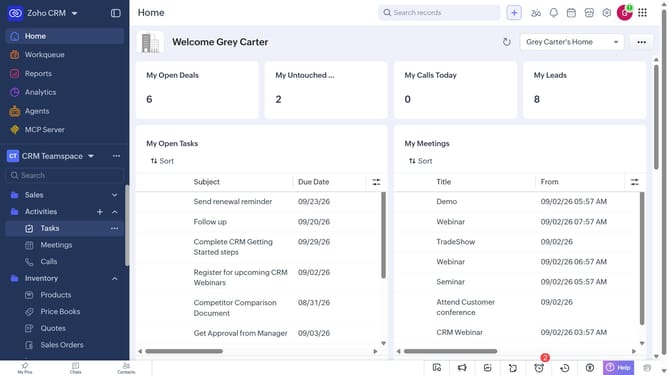
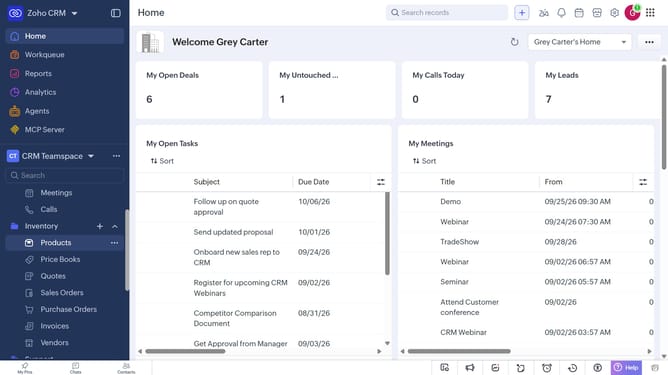
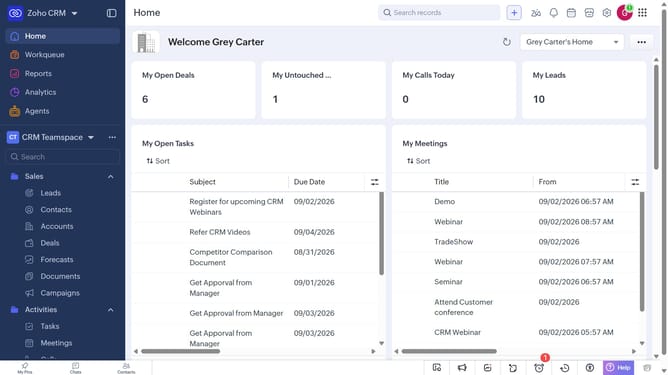
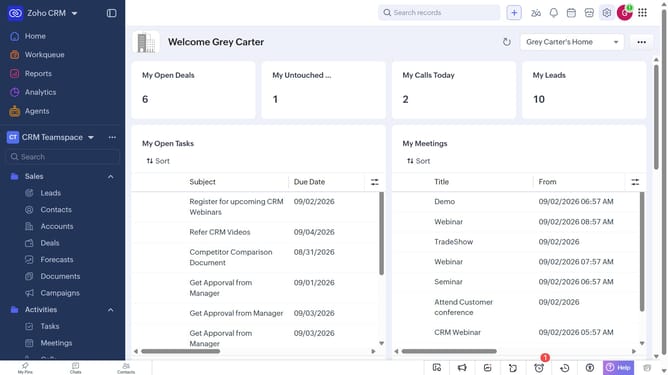
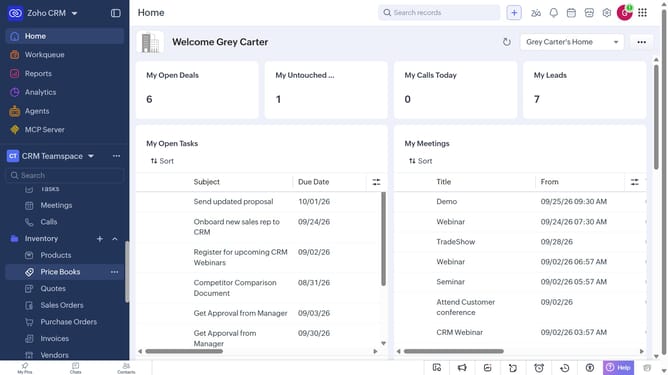
Here is how to switch to day mode on zoho crm
- First, click on your avatar profile in the header
- Next locate the "Mode" section
- Then select the "Day" option
Why should you How to switch to Day mode on Zoho CRM
Zoho is a versatile platform designed to streamline business operations through its comprehensive suite of applications.
Switching to Day mode on Zoho CRM allows you to experience a brighter, cleaner interface, enhancing visibility and ease of use.
By adopting Day mode, users can work in an environment that reduces eye strain during daylight hours, making it easier to focus on tasks.
This feature is ideal for those who prefer a light-themed interface, providing a refreshing change that can lead to increased productivity and comfort.
Last update