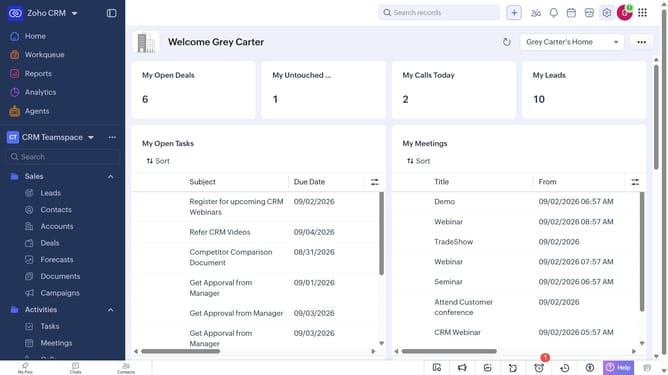
How to enable Flash Screen for Notifications on Zoho CRM
Here is how to enable flash screen for notifications on zoho crm
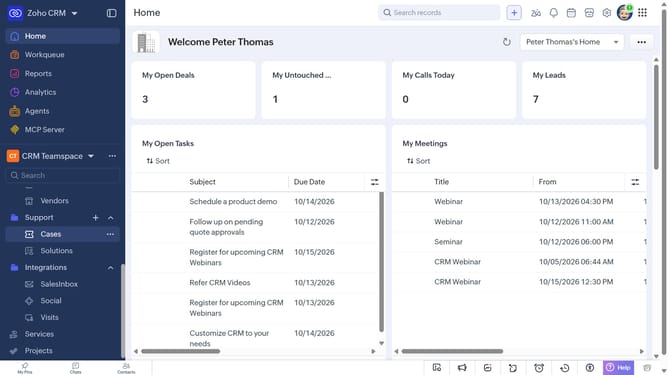
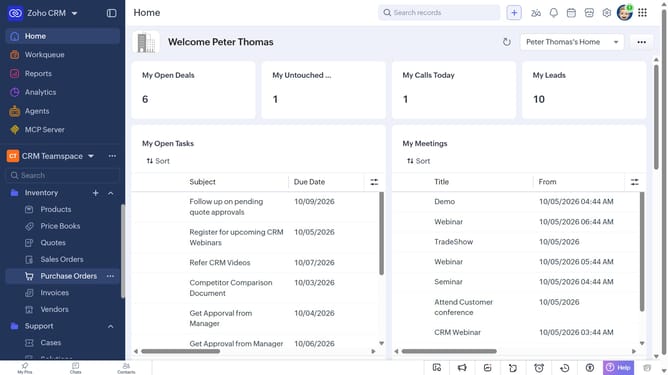
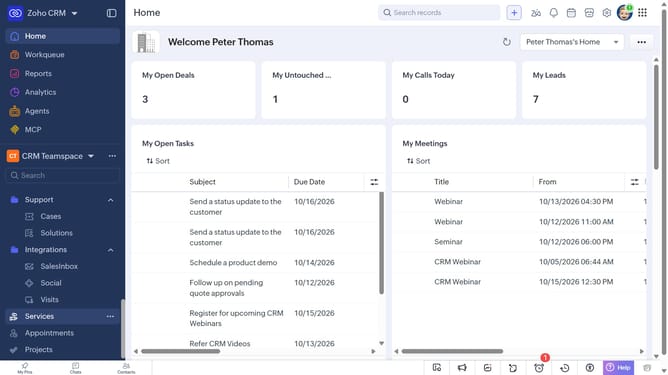
- First click on the settings icon in the top menu
- Next click on "Personal Settings" under the "General" section
- Click on the "Accessibility" tab
- After that, click on the "Vision" tab
- Then, locate the "Flash Screen for notifications" section
- Finally, turn on the toggle next to it
Why should you How to enable Flash Screen for Notifications on Zoho CRM
Zoho, a comprehensive suite of online productivity tools, empowers businesses to streamline their operations efficiently.
Enabling the Flash Screen for Notifications on Zoho CRM can enhance your team's responsiveness and ensure no critical update goes unnoticed. This feature makes your notifications stand out visually, drawing immediate attention to important updates as they occur.
By utilizing Flash Screen, you gain a vibrant, visual cue that can reduce response times and improve communication flow. This ensures that your team remains aligned, boosting overall efficiency and collaboration effortlessly.
Last update