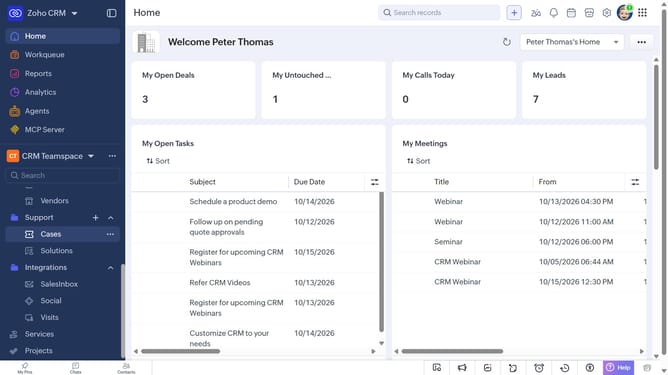
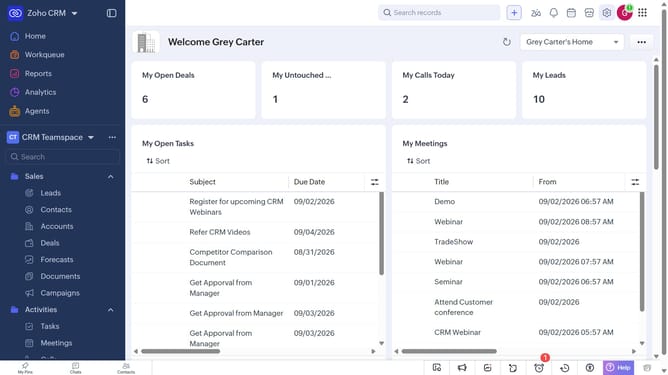
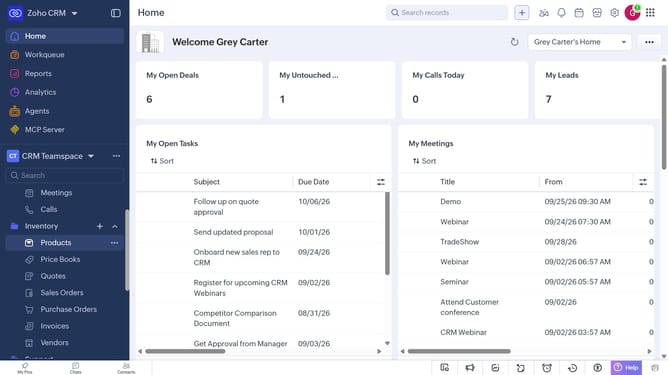
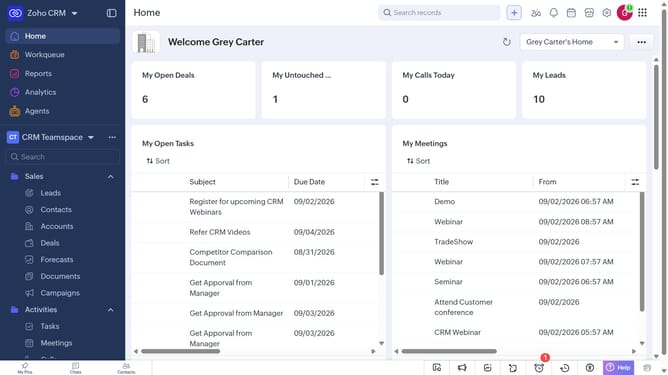
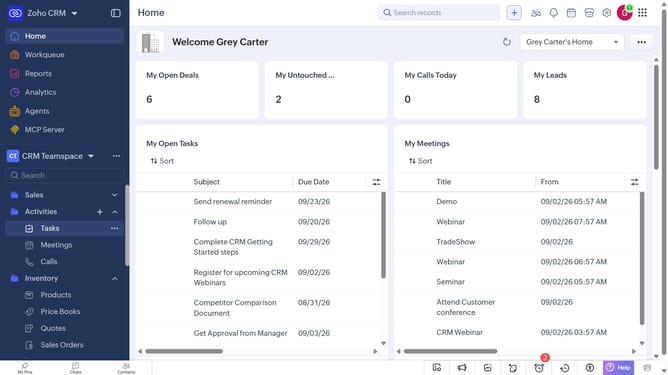
How to switch to Night mode on Zoho CRM
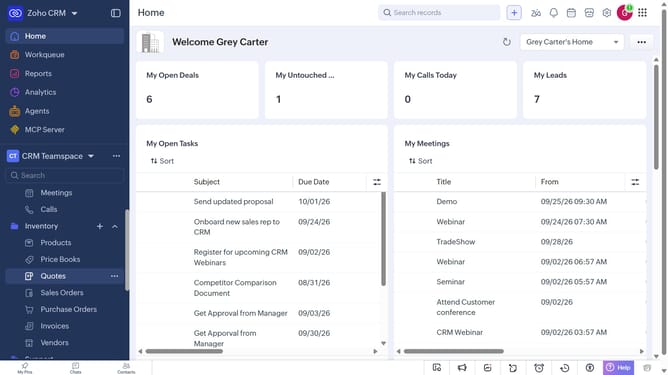
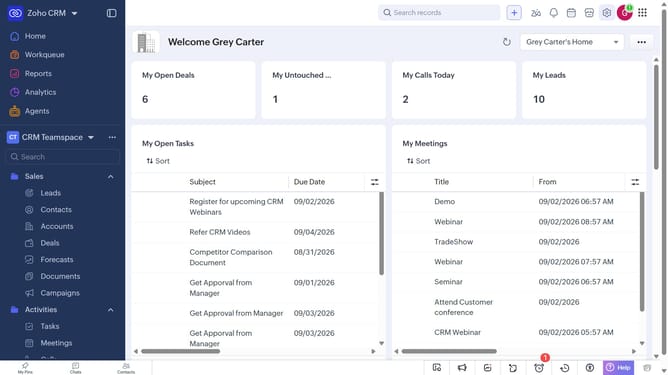
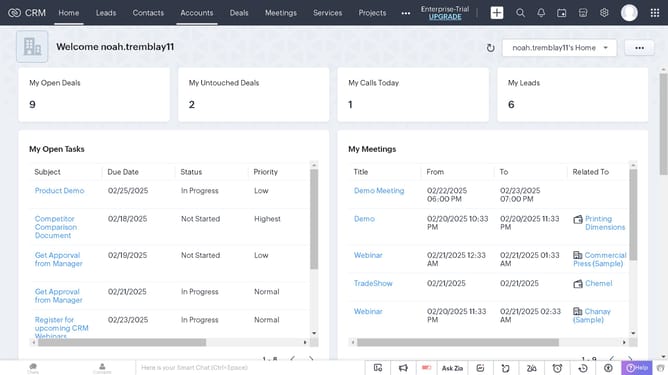
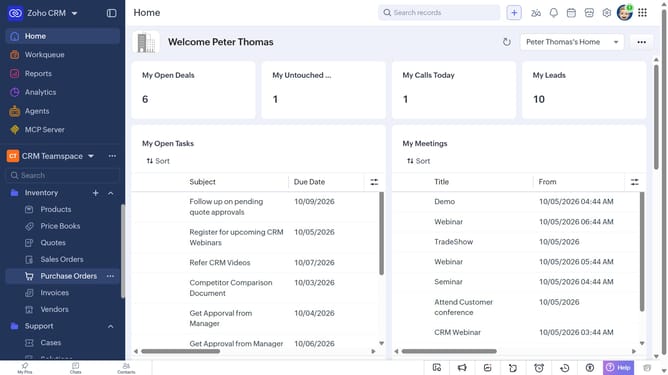
Here is how to switch to night mode on zoho crm
- First, click on your avatar profile in the header
- Next locate the "Mode" section
- Then select the "Night" option
Why should you How to switch to Night mode on Zoho CRM
Zoho CRM is an intuitive platform designed to streamline your sales processes and enhance customer relationships.
Switching to Night mode on Zoho CRM can dramatically improve your user experience, especially in low-light environments. This feature reduces eye strain by offering a darker interface that’s easy on the eyes, allowing for comfortable use during late hours or dimly lit settings.
Using Night mode not only provides aesthetic appeal but also helps maintain focus by minimizing screen glare, ensuring that your productivity stays high, no matter the time of day.
Last update