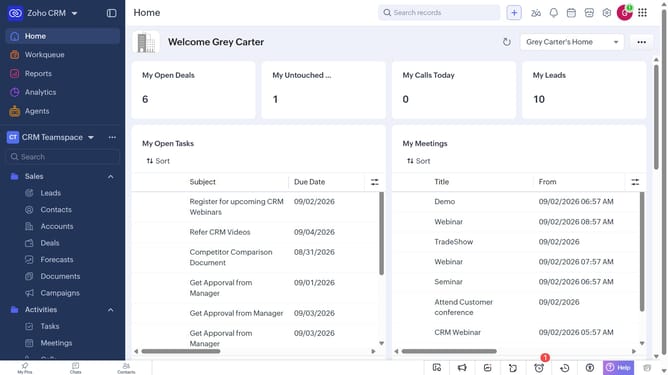
How to enable keyboard shortcuts on Zoho CRM
Here is how to enable keyboard shortcuts on zoho crm
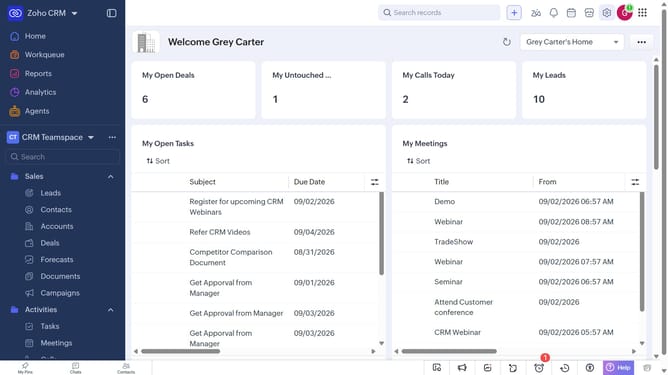
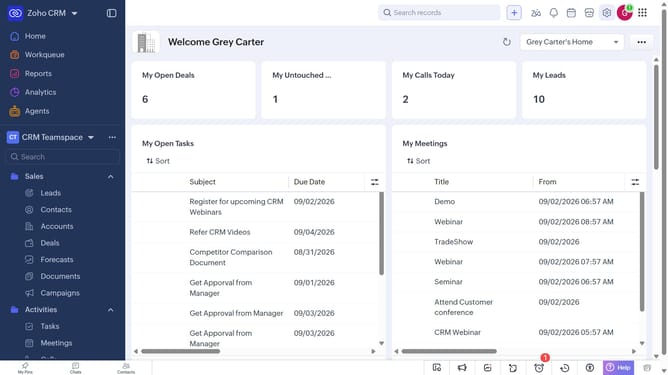
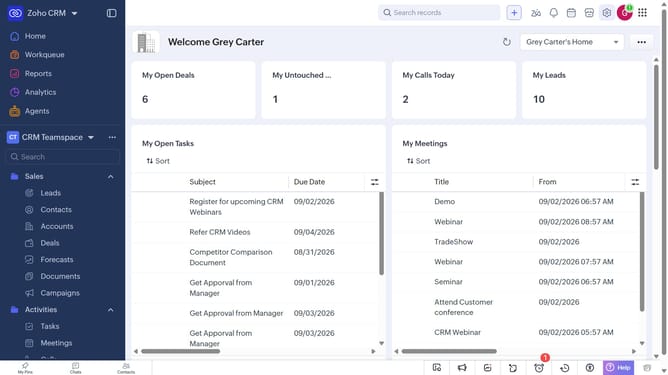
- First click on the settings icon in the top menu
- Next click on "Personal Settings" under the "General" section
- Click on the "Accessibility" tab
- After that, click on the "Motor" tab
- Then, locate the "Keyboard Shortcuts" section
- Finally, turn on the toggle next to it
Why should you How to enable keyboard shortcuts on Zoho CRM
Zoho is a dynamic, all-in-one platform designed to seamlessly integrate business processes and enhance productivity.
Enabling keyboard shortcuts in Zoho CRM is a powerful way to streamline your workflow and boost efficiency. With just a few key presses, you can quickly navigate through various tasks without relying on a mouse.
This feature saves valuable time, allowing you to focus on what truly matters—building relationships and closing deals. By customizing shortcuts, you create a personalized experience that aligns perfectly with your daily operations.
Embrace this feature for a smoother, more responsive interaction with Zoho CRM, elevating your productivity to new heights.
Last update