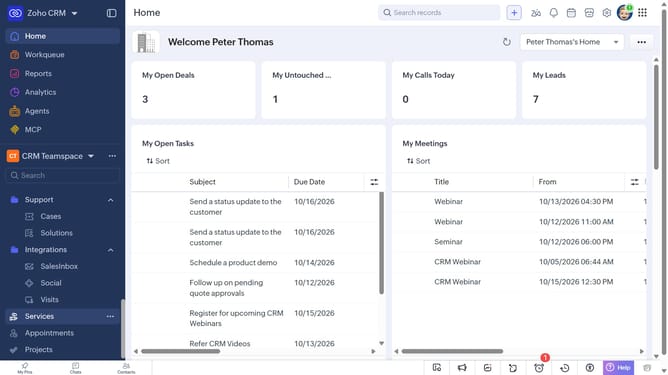
How to change the language on Zoho CRM
Here is how to change the language on zoho crm
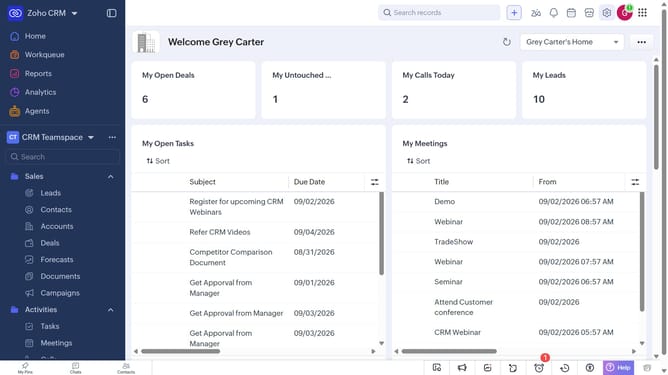
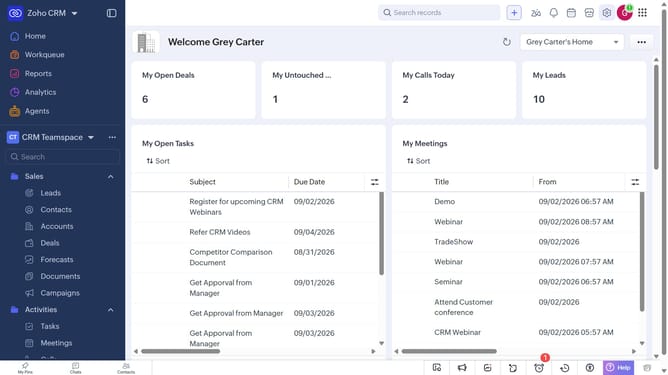
- First click on the settings icon in the top right corner
- Click on "Personal Settings" under the "General" section
- Next, click on the pencil icon next to "Locale information"
- After that, click on the "Language" dropdown
- Then, select your preferred language from the available options
- Finally click on the "Save" button
Why should you How to change the language on Zoho CRM
Zoho CRM is a dynamic customer relationship management platform designed to streamline business operations.
Changing the language on Zoho CRM is an invaluable feature for businesses operating globally. It allows users to switch the interface to their preferred language, enhancing user experience and efficiency across diverse teams.
By personalizing language settings, teams can improve communication and minimize misunderstandings. It fosters inclusion and ensures that every team member can interact with the system comfortably, boosting overall productivity.
Last update