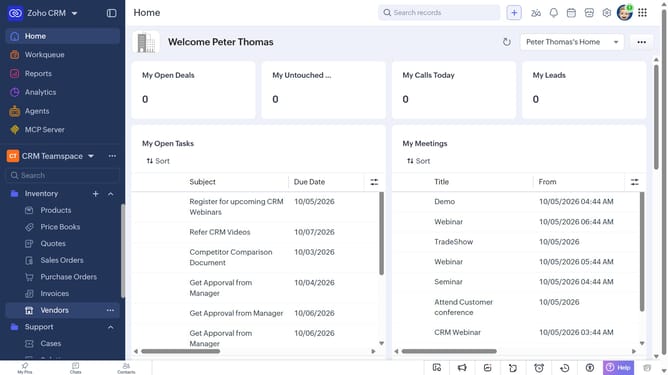
How to show the error icon with messages on Zoho CRM
Here is how to show the error icon with messages on zoho crm
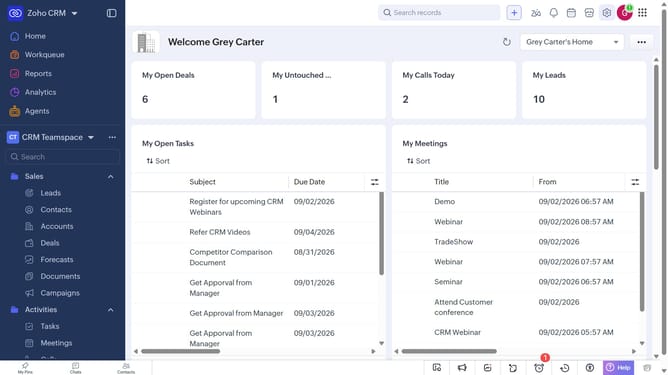
- First click on the settings icon in the top menu
- Next click on "Personal Settings" under the "General" section
- Click on the "Accessibility" tab
- After that, click on the "Vision" tab
- Then, locate the "Custom Error Message Display" sectio
- Finally, select the "Show error icon with message" checkbox
Why should you How to show the error icon with messages on Zoho CRM
Zoho CRM is an innovative platform that streamlines sales and customer relationship management for businesses of all sizes.
The feature of displaying error icons with messages in Zoho CRM enhances user experience by immediately communicating errors during data entry or setup processes. By visually signaling issues with clear icons and precise error messages, users can quickly identify and address problems without disrupting their workflow.
This proactive feedback mechanism not only minimizes errors but also boosts productivity, ensuring smoother operation and efficient data management. Embracing this feature helps maintain data integrity and improves overall satisfaction with the CRM experience.
Last update