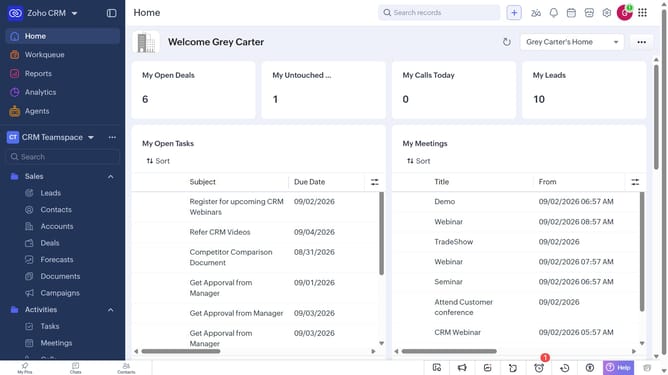
How to delete services in bulk on Zoho CRM
Here is how to delete services in bulk on zoho crm
- First, click on "Services" in the left sidebar menu
- Locate the services you want to delete
- Next, select the checkboxes next to each record
- Then click on the "Delete" button at the top of the list
- Finally, click on "Delete" in the confirmation dialog
Why should you How to delete services in bulk on Zoho CRM
Zoho CRM is a powerful tool designed to streamline your customer relationship management with efficiency and ease.
The "Delete Services in Bulk" feature allows users to manage their services more effectively by removing multiple unwanted services simultaneously. This functionality not only saves time but also enhances productivity by simplifying the process and reducing manual effort.
Utilizing this feature results in a more organized and clutter-free workspace, enabling teams to focus on core activities and strategic objectives without distraction.
Last update