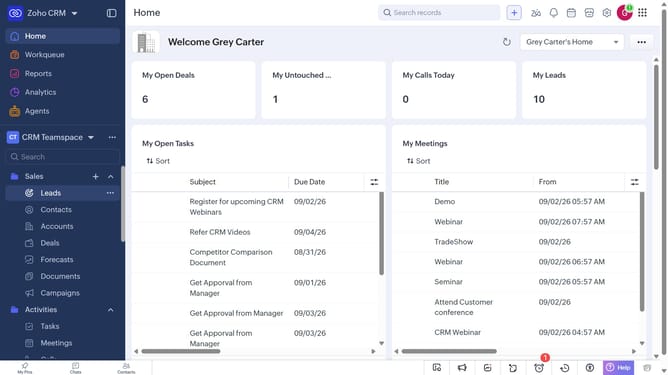
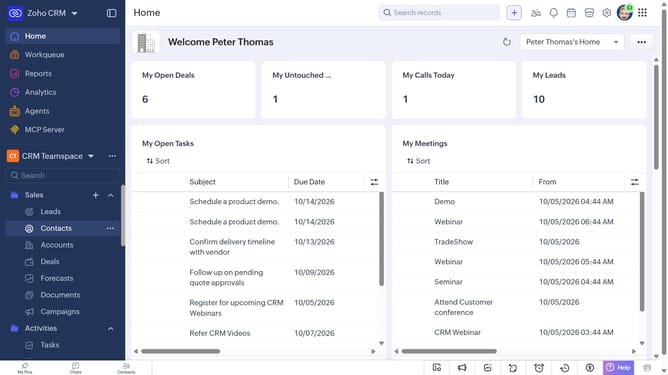
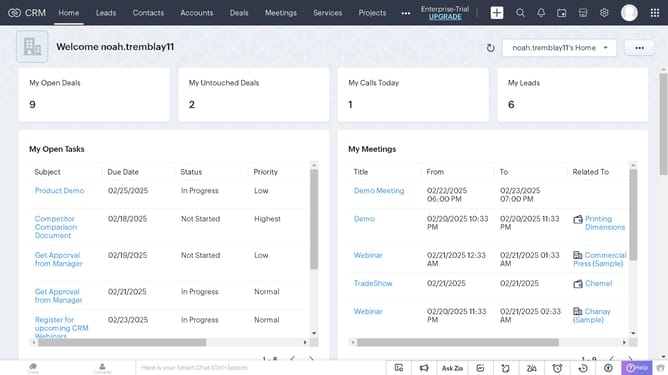
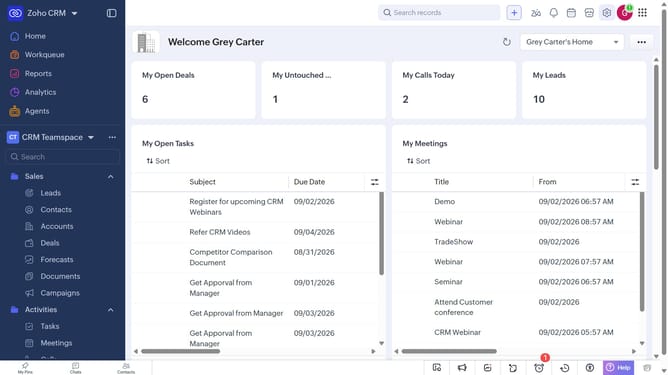
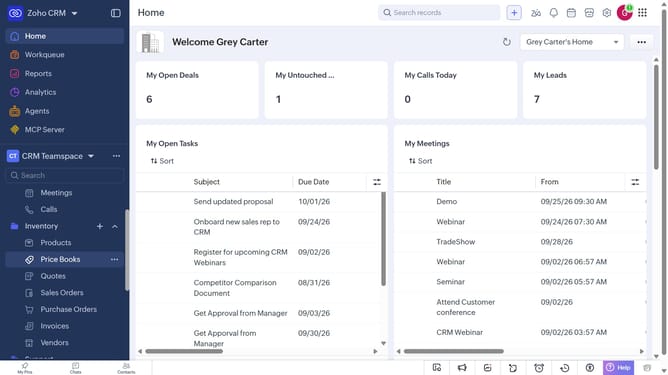
How to change the theme color to Luminiscent Green on Zoho CRM
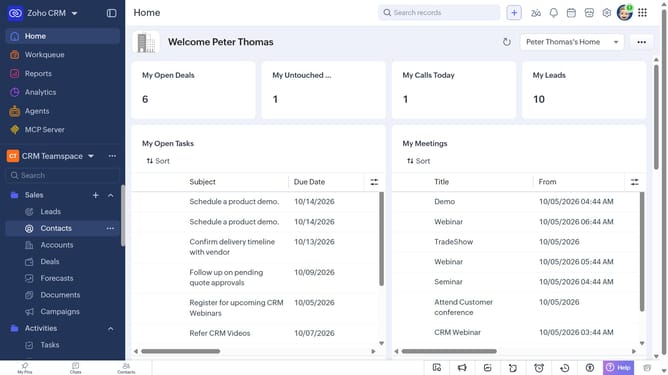
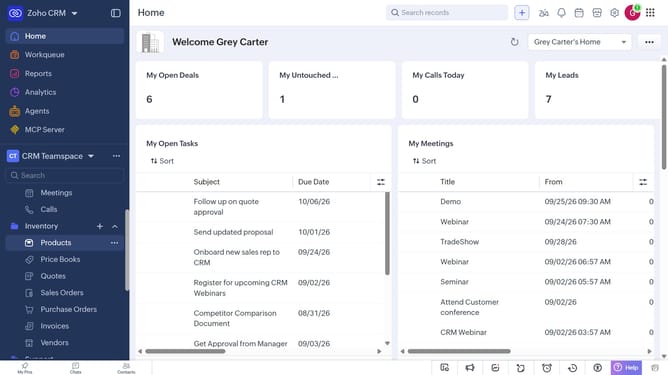
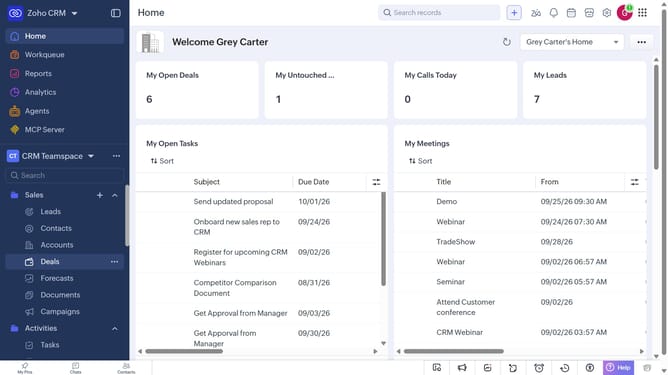
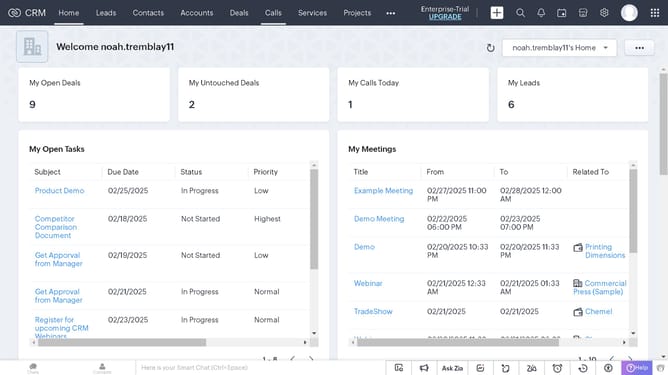
Here is how to change the theme color to luminiscent green on zoho crm
- First click on your avatar profile in the top right corner
- Next locate the "Themes" section
- Then, select your preferred theme option (Dark or Lite)
- Finally, select "Luminiscent Green" from the theme color options
Why should you How to change the theme color to Luminiscent Green on Zoho CRM
Zoho CRM is a powerful tool designed to streamline and enhance customer relationship management for businesses of all sizes.
Changing the theme color to Luminiscent Green can refresh your interface, making your CRM experience visually stimulating and energizing. This subtle change can influence productivity by providing a fresh and appealing look that keeps your team engaged.
Moreover, Luminiscent Green offers a modern and sophisticated aesthetic that enhances user experience and aids in reducing eye strain, promoting a more comfortable workflow.
Last update