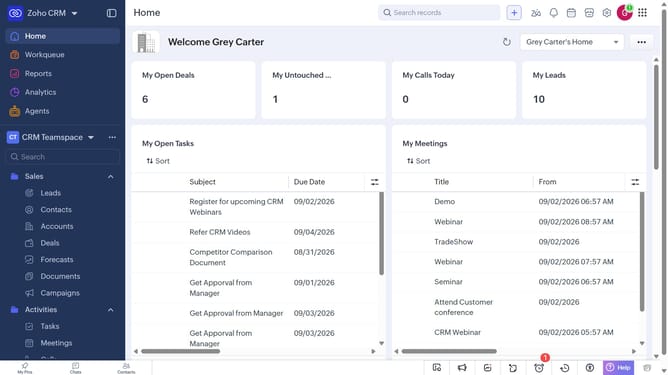
How to clone a price book on Zoho CRM
Here is how to clone a price book on zoho crm
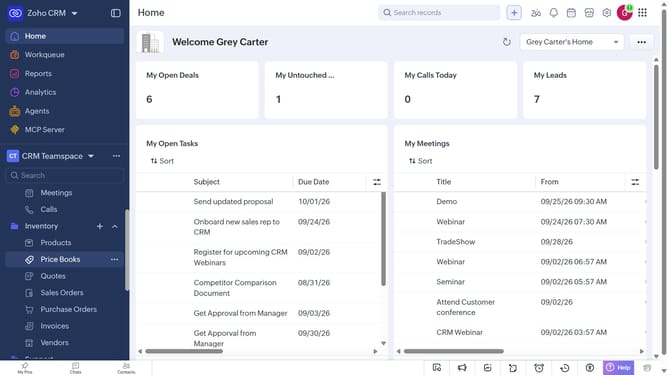
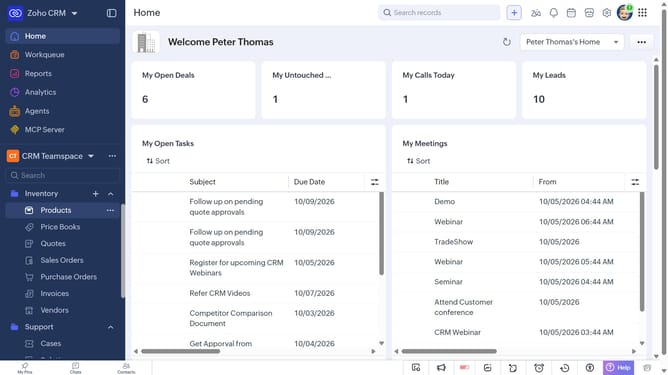
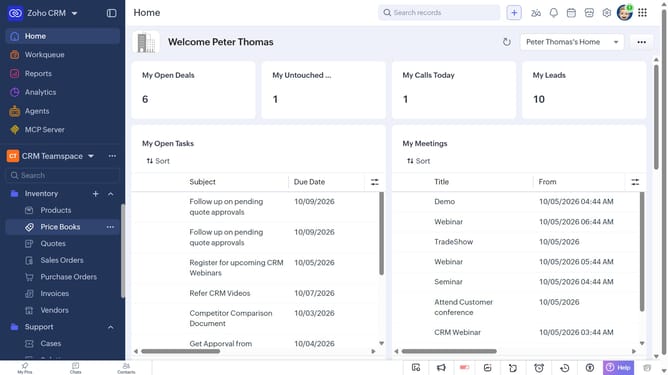
- First, click on "Price Books" under the "Inventory" section in the left sidebar menu
- Next, click on the price book you want to clone
- After that, click on the "More Options" menu
- Select "Clone" from the dropdown menu
- Then make changes to the cloned price book details
- Finally, click on the "Save" button
Why should you How to clone a price book on Zoho CRM
Zoho CRM is a powerful tool designed to streamline customer relationship management for businesses of all sizes.
One standout feature in Zoho CRM is the ability to clone a price book. This function allows users to effortlessly duplicate existing price books, saving time and ensuring consistency across various sales scenarios.
By cloning a price book, businesses can quickly adapt to market changes without the hassle of creating a new structure from scratch. This ensures that your pricing strategies are both agile and effective, supporting smoother operations and enhanced customer satisfaction.
Last update