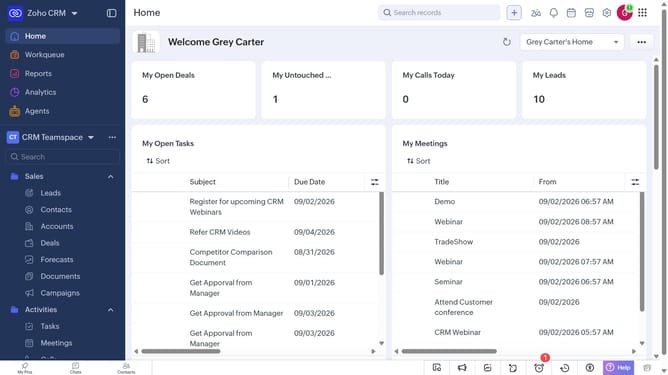
How to change the theme on Zoho CRM
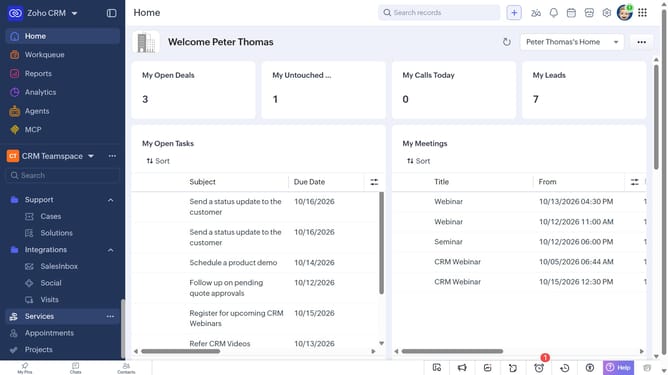
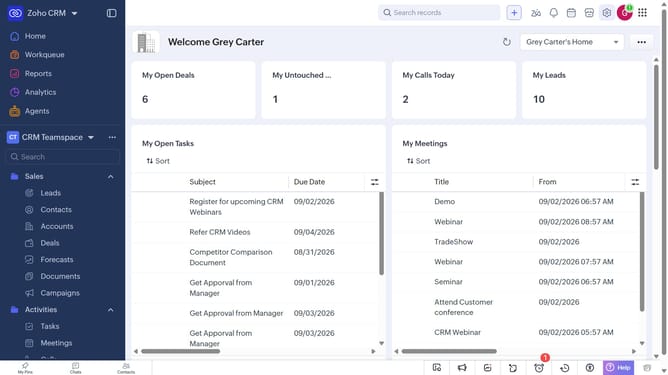
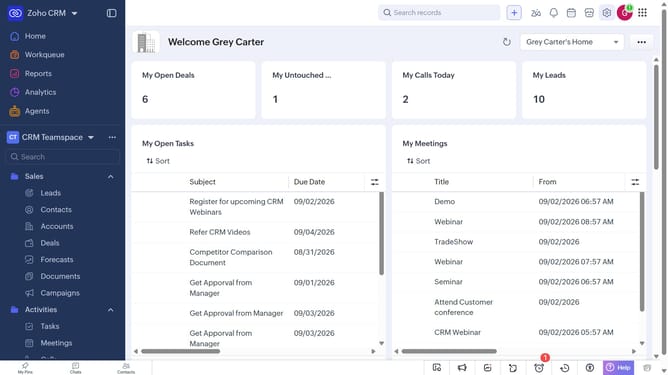
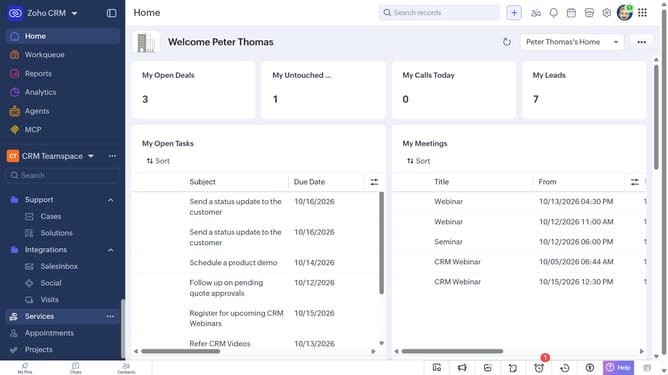
Here is how to change the theme on zoho crm
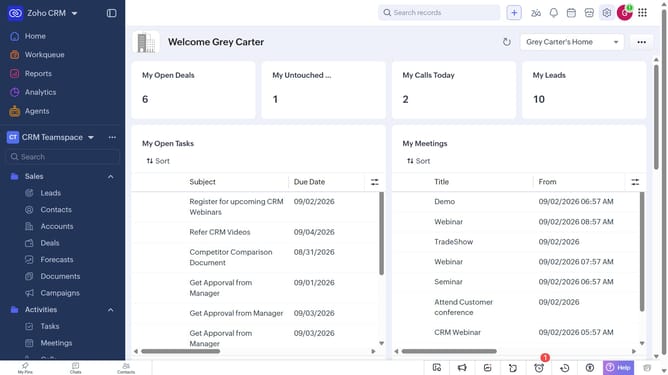
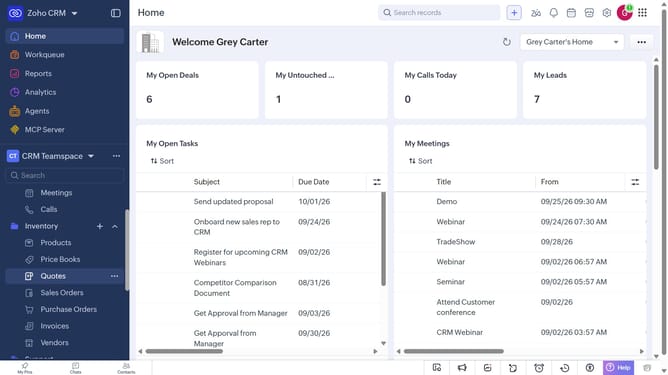
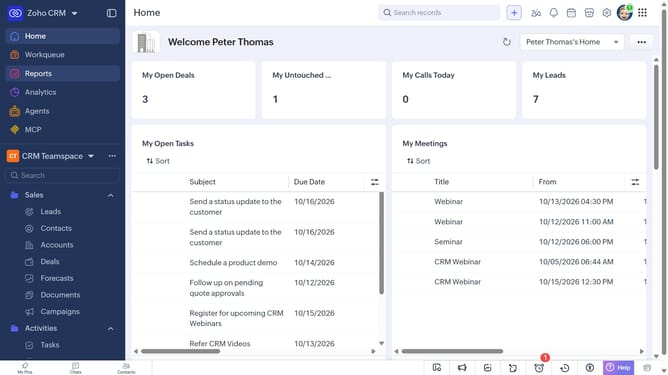
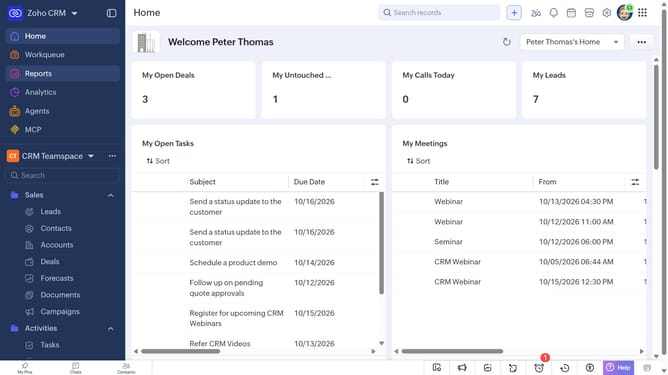
- First, click on your avatar profile in the header
- Next locate the "Themes" section
- Then, select "Dark" or "Lite" option
- Finally, select a color from the available theme color options
Why should you How to change the theme on Zoho CRM
Zoho CRM is a robust platform designed to streamline customer relationship management for businesses of all sizes.
Changing the theme on Zoho CRM can significantly enhance your user experience by allowing you to customize the interface to match your brand's aesthetic or personal preference. This feature brings a touch of personalization, making your workspace feel more engaging and aligned with your style.
A refreshed interface can improve usability, making it easier for you to navigate your tasks and stay focused on customer engagement. Customizing your theme not only boosts morale but also increases productivity, as a visually appealing environment can stimulate creativity and clarity.
Last update