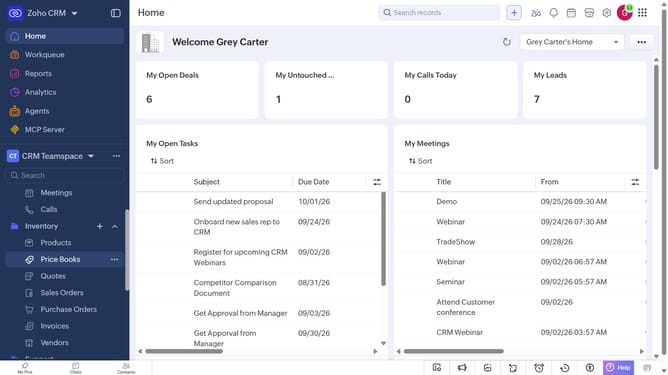
How to set Reading Focus to Medium on Zoho CRM
Here is how to set reading focus to medium on zoho crm
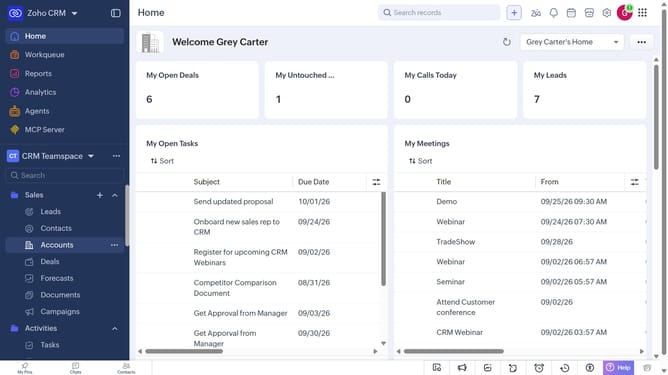
- First click on the settings icon in the top menu
- Next click on "Personal Settings" under the "General" section
- Click on the "Accessibility" tab
- After that, click on the "Interaction" tab
- Then, locate the "Reading focus" option
- Click the toggle switch to enable this option
- Then, click on the dropdown
- Finally, select "Medium" from the dropdown
Why should you How to set Reading Focus to Medium on Zoho CRM
Zoho is a comprehensive suite of online productivity tools designed to streamline business operations and enhance team collaboration.
Setting the Reading Focus to Medium on Zoho CRM offers a comfortable viewing experience by balancing content visibility and clarity, making it easier to digest information without overwhelming the user.
This feature optimizes how data is presented, which enhances focus, minimizes eye strain, and allows for more efficient workflow management. Enjoy a more centered and effective interaction with your CRM dashboard, ensuring you catch every detail.
Last update