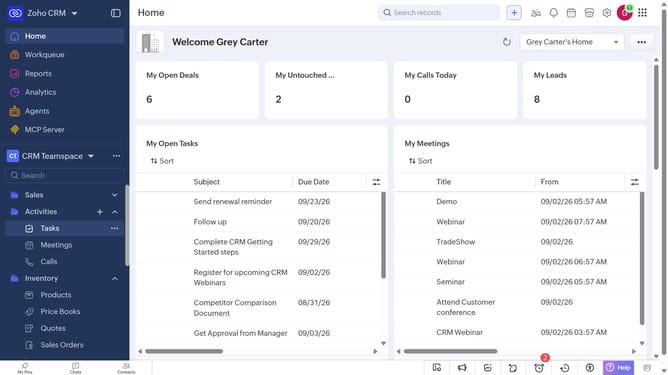
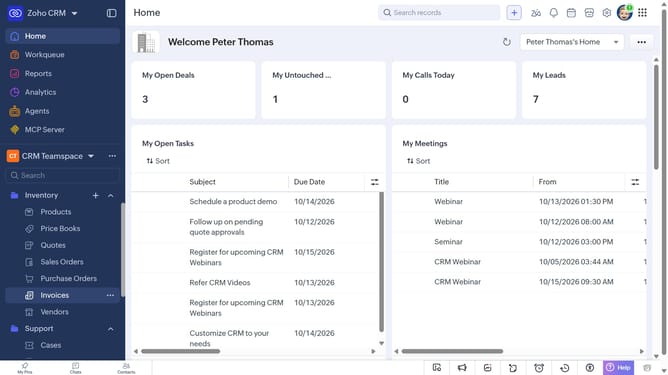
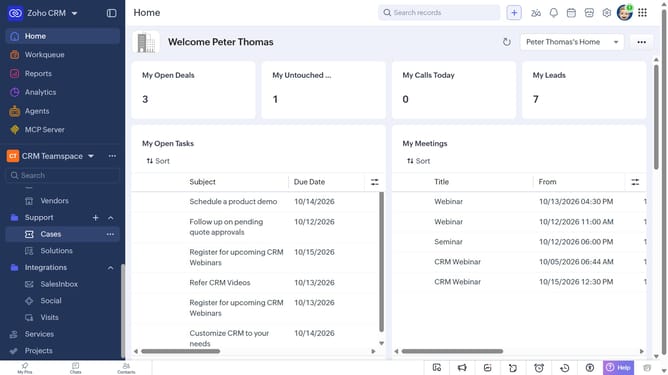
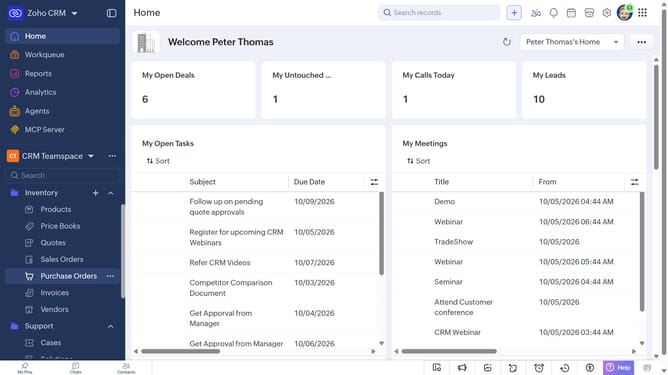
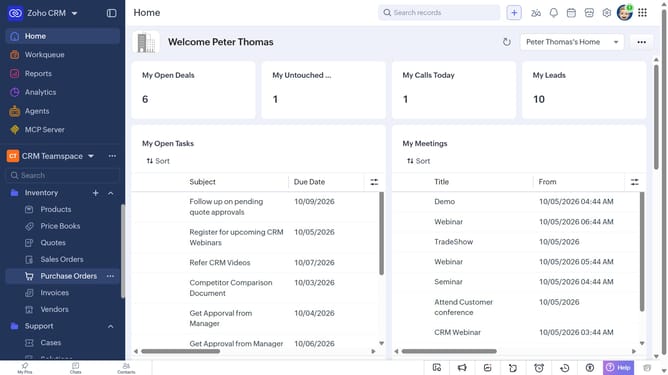
How to switch to the Dark theme on Zoho CRM
Here is how to switch to the dark theme on zoho crm
- First, click on your avatar profile in the header
- Next locate the "Themes" section
- Then, select the "Dark" option
- Finally, select a color from the available theme color options
Why should you How to switch to the Dark theme on Zoho CRM
Zoho CRM is a powerful tool designed to streamline your business processes and enhance customer relationships.
Switching to the Dark theme on Zoho CRM is a user-friendly feature that enhances your experience by providing a visually comfortable interface.
Using the Dark theme reduces eye strain during long hours of work and offers a sleek, modern look to your CRM dashboard.
Embrace a visually appealing work environment with the Dark theme, ideal for maintaining focus while protecting your eyes.
Last update