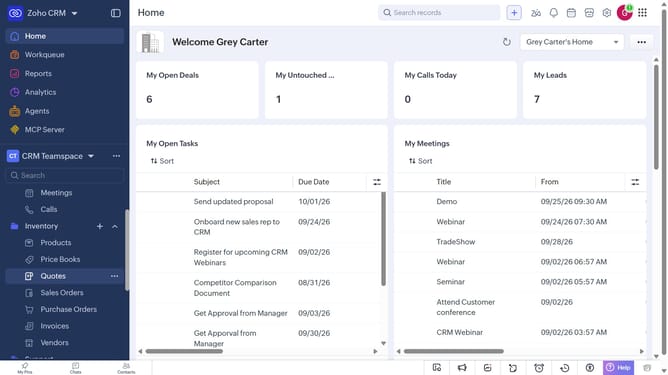
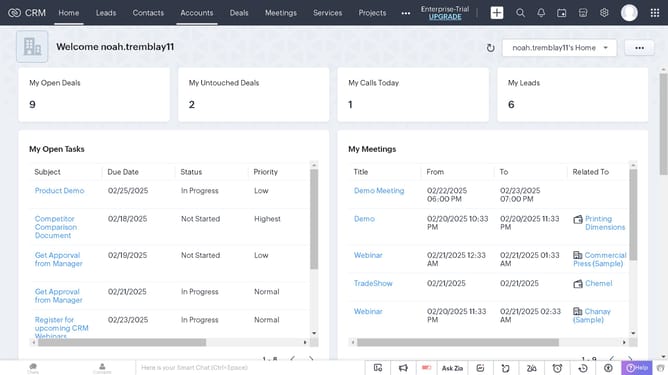
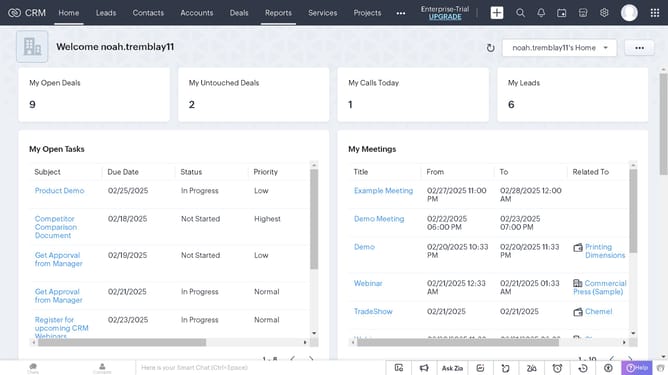
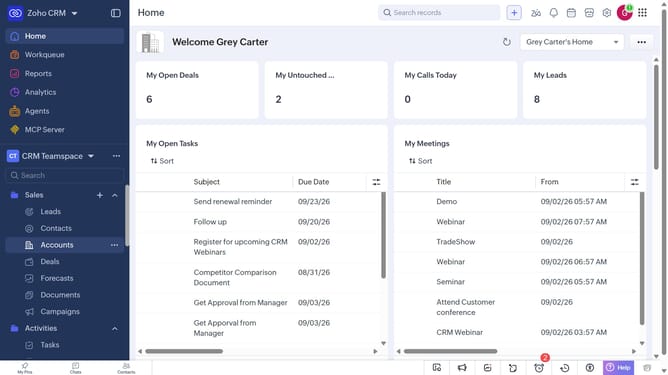
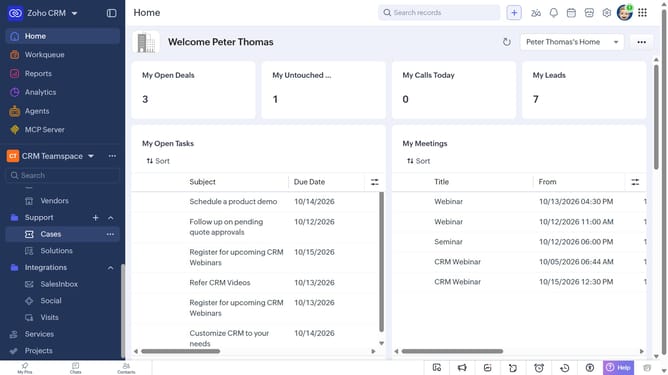
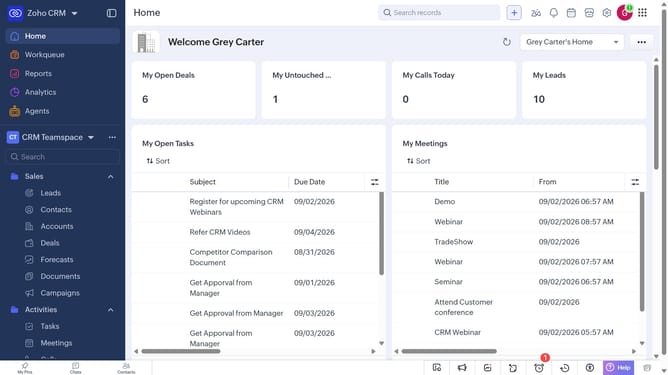
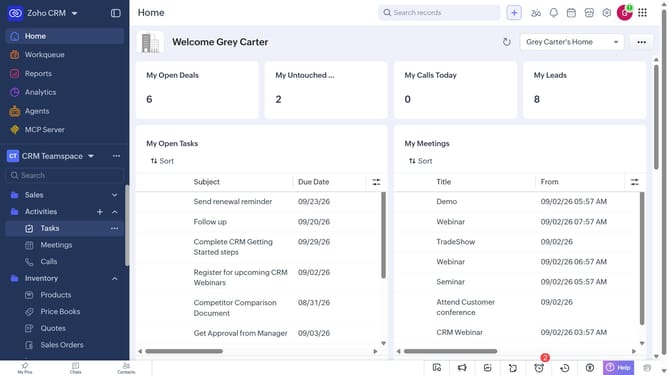
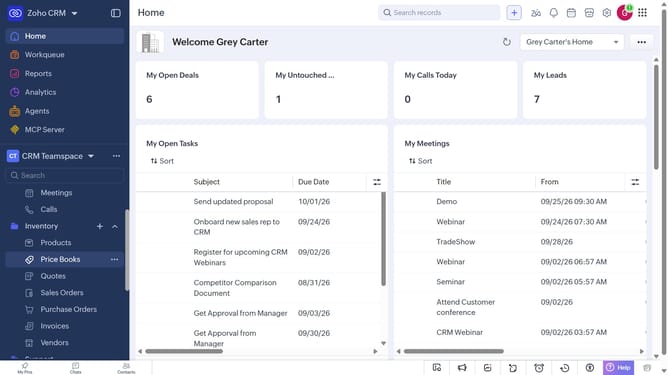
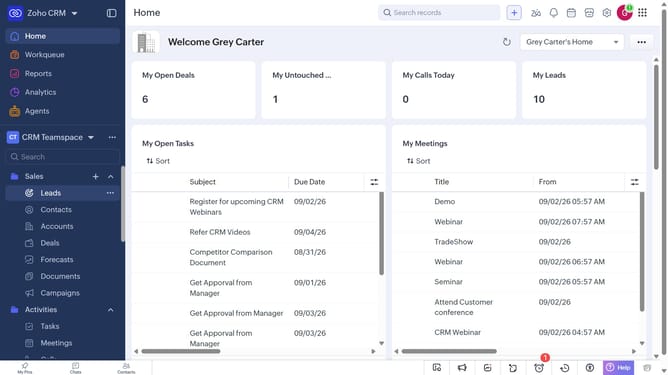
How to change the theme color to Olive Green on Zoho CRM
Here is how to change the theme color to olive green on zoho crm
- First click on your avatar profile in the top right corner
- Next locate the "Themes" section
- Then, select your preferred theme option (Dark or Lite)
- Finally, select "Olive Green" from the theme color options
Why should you How to change the theme color to Olive Green on Zoho CRM
Zoho CRM is an intuitive platform designed to streamline business operations, enhance customer relationships, and drive growth.
Switching your Zoho CRM theme color to Olive Green can provide a refreshing and calming visual experience, promoting productivity and focus.
This feature allows users to personalize their workspace, aligning the aesthetic with personal or organizational branding for a cohesive look.
Choosing Olive Green creates a harmonious environment, potentially boosting employee satisfaction and engagement by offering a visual break from routine.
Last update