How to activate a user on Zoho CRM
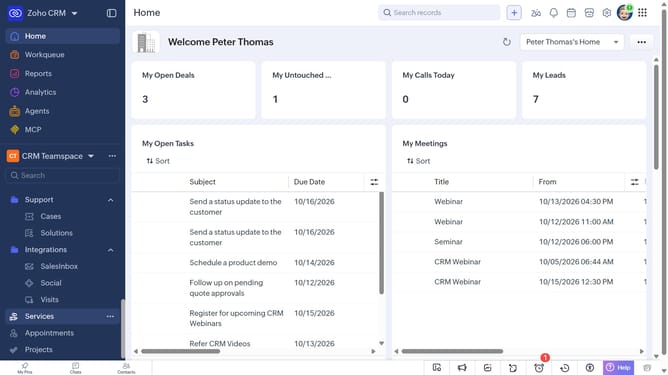
Here is how to activate a user on zoho crm
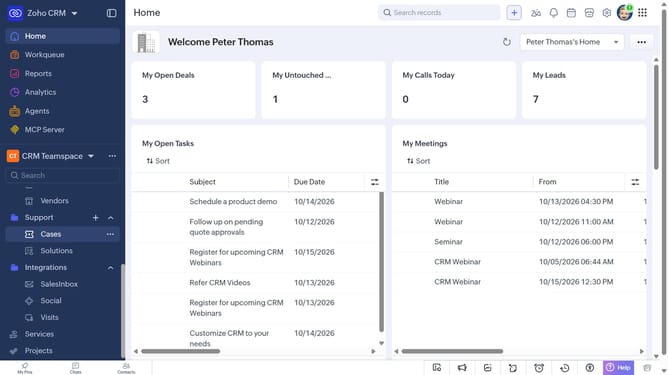
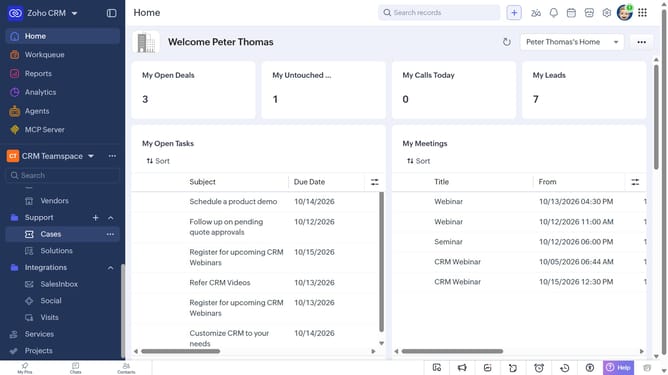
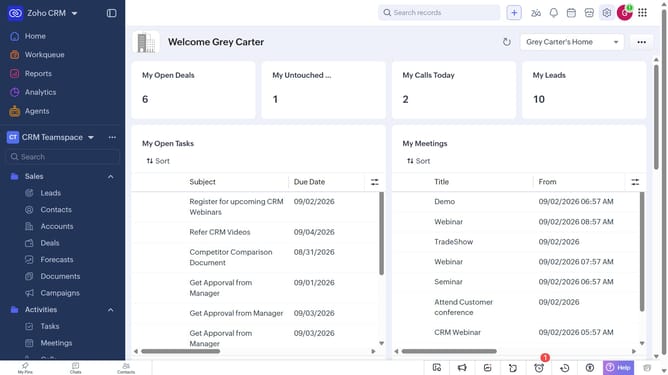
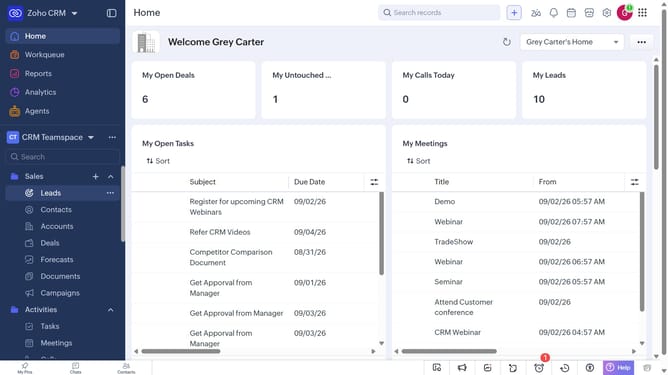
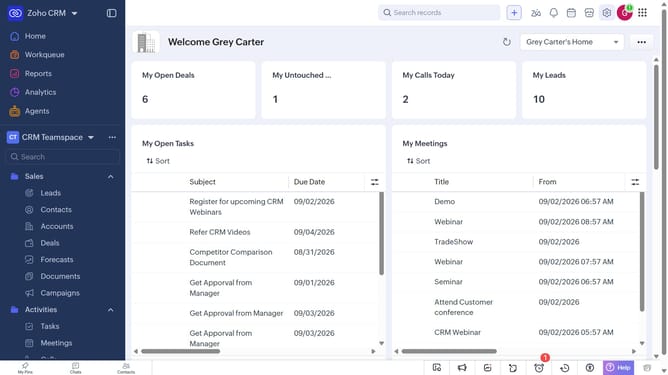
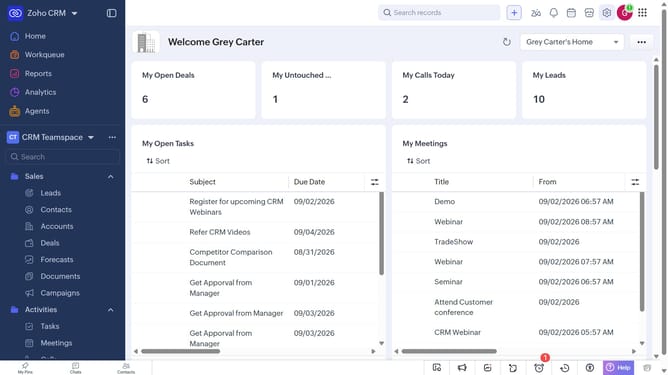
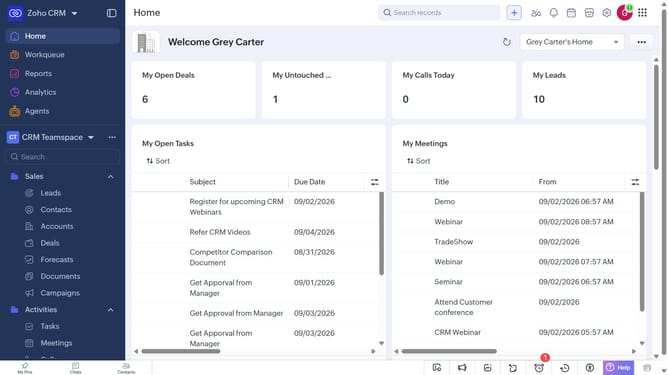
- First click on the settings icon in the top menu
- Next click on "Users" under the "General" section
- Click on the "Activate Users" tab
- Then, locate the user you want to activate
- Finally, toggle the user status switch to activate the user
Why should you How to activate a user on Zoho CRM
Zoho CRM is a dynamic tool designed to streamline business processes and enhance customer relationship management.
Activating a user on Zoho CRM is a seamless feature that empowers teams with efficient collaboration. By granting access to specific users, businesses ensure that pivotal information flows smoothly across departments.
This feature not only fosters enhanced teamwork but also bolsters data security by allowing precise control over who can access sensitive customer information. Leveraging user activation in Zoho CRM nurtures a more cohesive work environment, vital for driving success in today's competitive market.
Last update