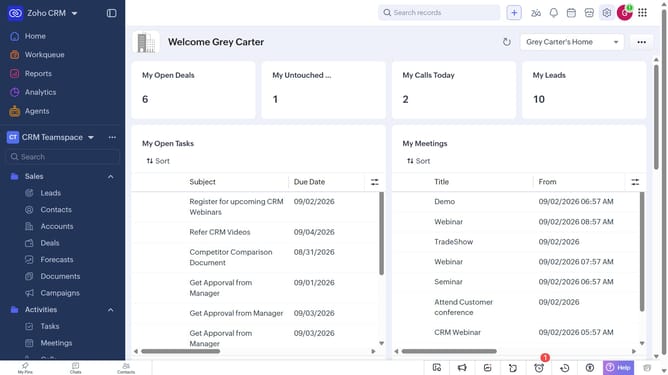
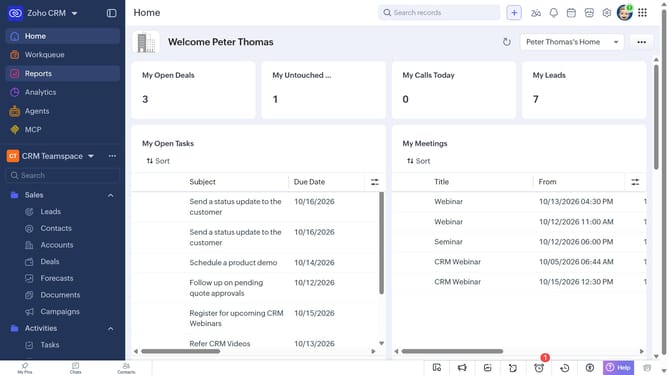
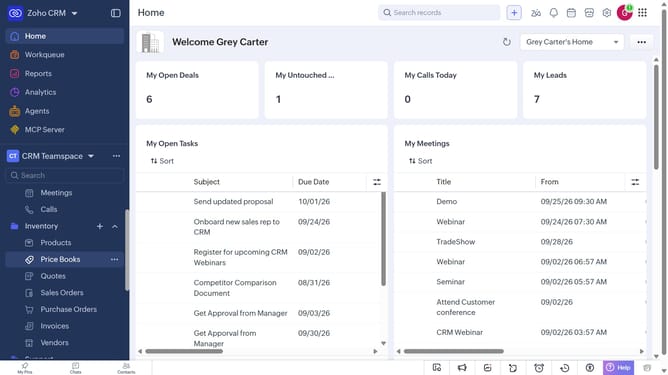
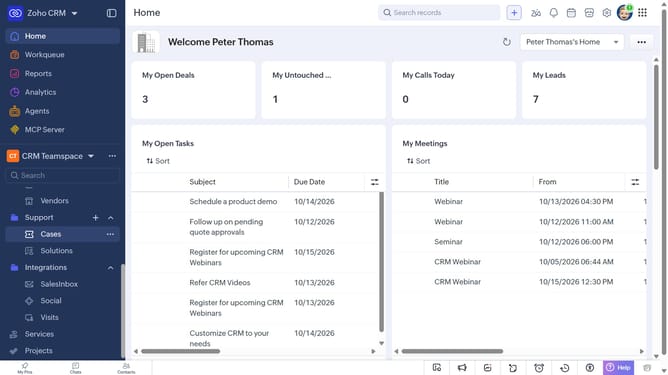
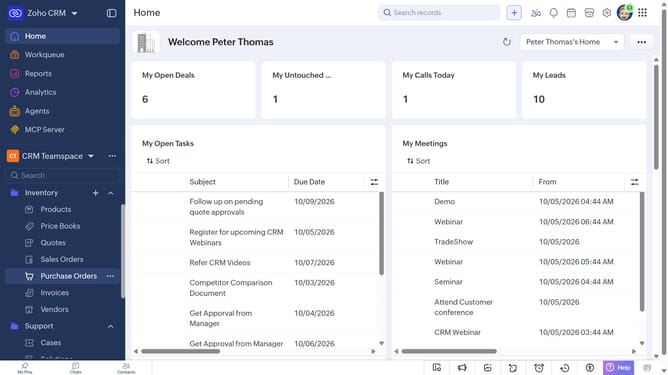
How to change the theme color to Dark Gold on Zoho CRM
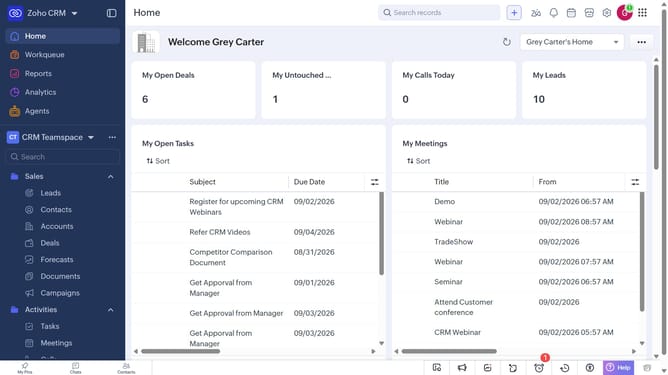
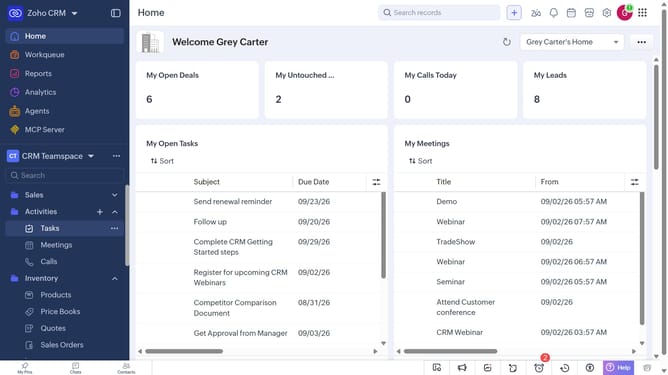
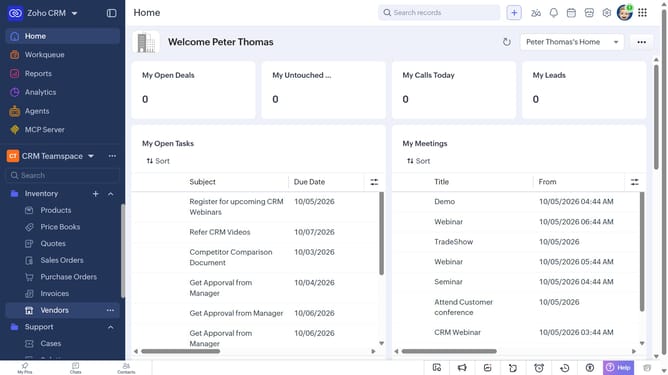
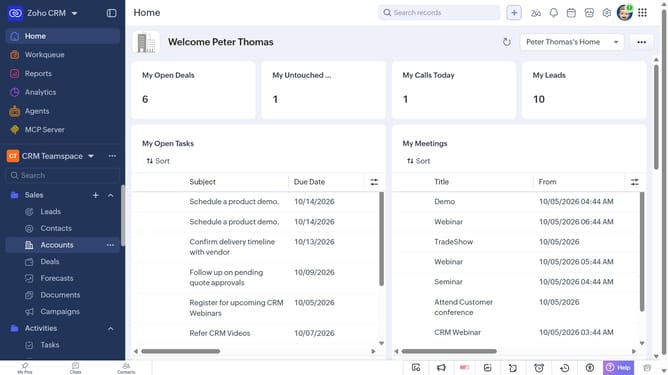
Here is how to change the theme color to dark gold on zoho crm
- First click on your avatar profile in the top right corner
- Next locate the "Themes" section
- Then, select your preferred theme option (Dark or Lite)
- Finally, select "Dark Gold" from the theme color options
Why should you How to change the theme color to Dark Gold on Zoho CRM
Zoho CRM is a dynamic platform designed to enhance customer relationship management with intuitive tools and features.
Changing the theme color to Dark Gold in Zoho CRM brings a touch of elegance and sophistication to your workspace, updating the visual comfort to suit your preferences.
This darker theme reduces eye strain, especially during extended use, providing a luxurious feel that can boost your mood and productivity.
Embracing this feature not only personalizes your CRM experience but also aligns the interface with your brand's identity, enhancing visual appeal and continuity.
Last update