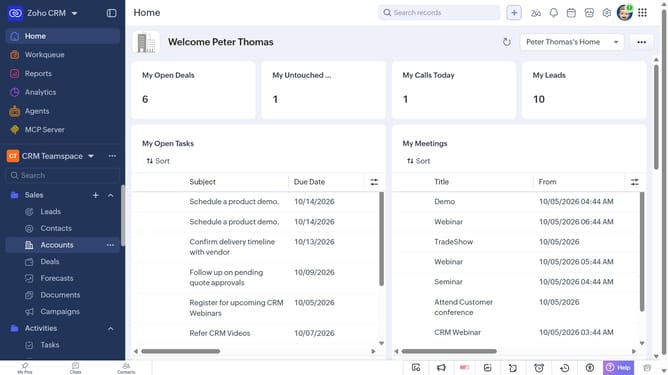
How to switch to the Lite theme on Zoho CRM
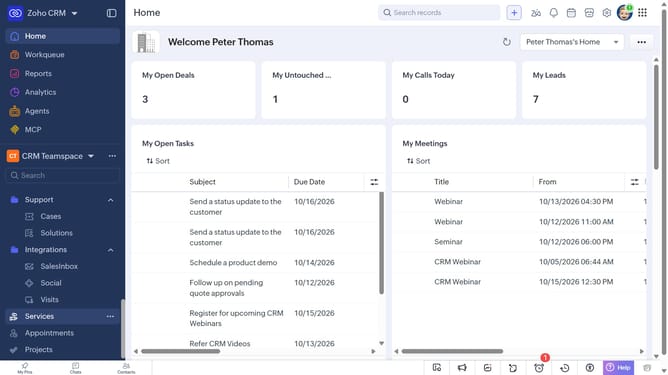
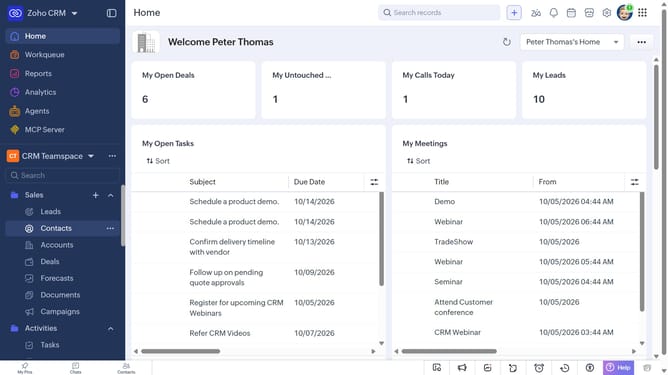
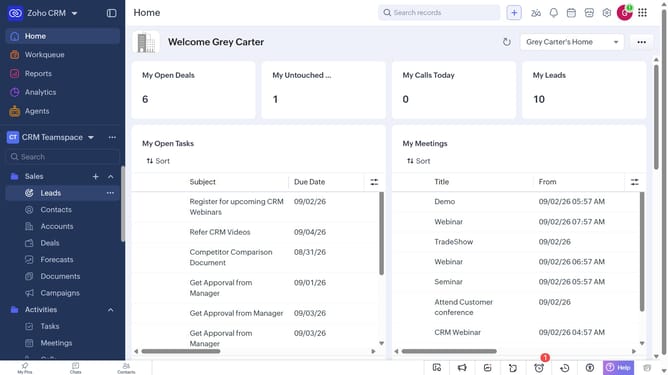
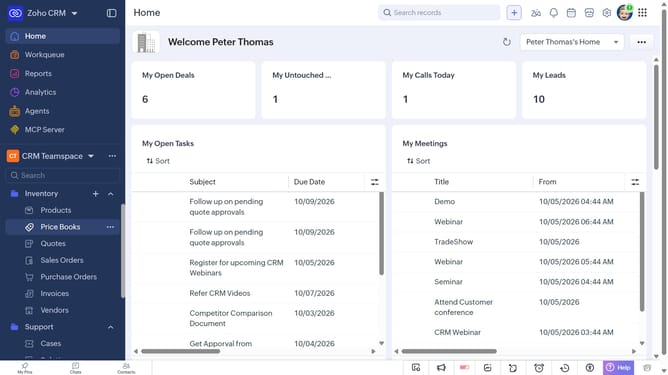
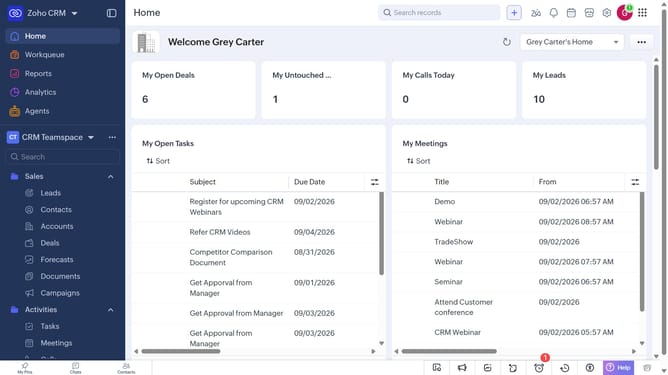
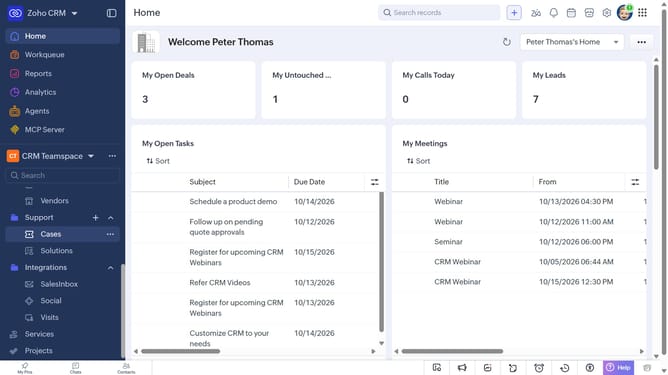
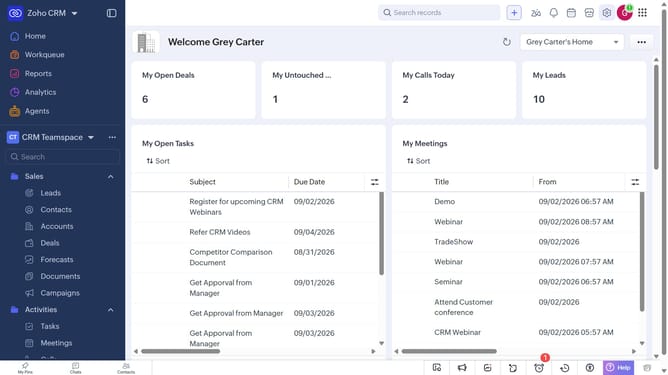
Here is how to switch to the lite theme on zoho crm
- First, click on your avatar profile in the header
- Next locate the "Themes" section
- Then, select the "Lite" option
- Finally, select a color from the available theme color options
Why should you How to switch to the Lite theme on Zoho CRM
Zoho CRM is an innovative platform designed to streamline business processes and boost customer relationships.
The Lite theme in Zoho CRM offers a simplified, clean interface that enhances user experience. By switching to this streamlined theme, users enjoy a visually appealing workspace that reduces distraction, helping them focus more on critical tasks.
Embracing the Lite theme allows for faster navigation, improving efficiency. This feature is particularly beneficial for users who prefer a clutter-free, minimalistic design that encourages productivity and ease of use.
Last update