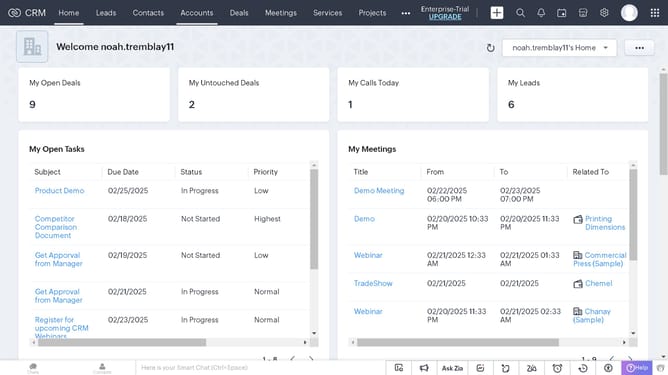
How to hide the error icon from messages on Zoho CRM
Here is how to hide the error icon from messages on zoho crm
- First click on the settings icon in the top menu
- Next click on "Personal Settings" under the "General" section
- Click on the "Accessibility" tab
- After that, click on the "Vision" tab
- Then, locate the "Custom Error Message Display" section
- Finally, unheck the "Show error icon with message" option
Why should you How to hide the error icon from messages on Zoho CRM
Zoho CRM is a dynamic platform designed to streamline customer relationship management, enhancing business productivity and growth.
One valuable feature is the ability to hide error icons from messages. This ensures a cleaner, more professional interface for users, minimizing distractions. By maintaining a neat workspace, you can focus on what truly matters: engaging with your clients effectively.
Hiding these icons can lead to a smoother workflow, reducing stress and enhancing the overall user experience. It's a small tweak with significant payoffs in maintaining a polished and streamlined digital environment.
Last update