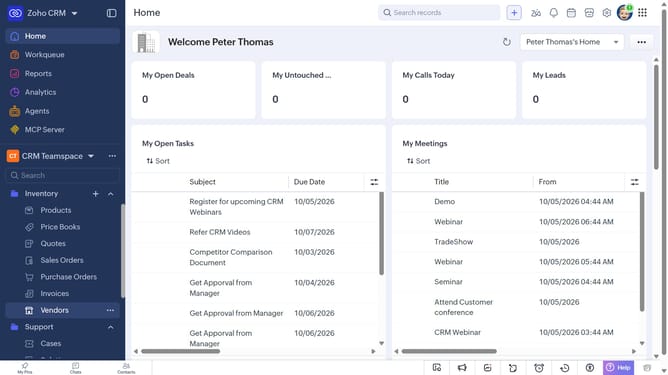
How to view inactive users in the user list on Zoho CRM
Here is how to view inactive users in the user list on zoho crm
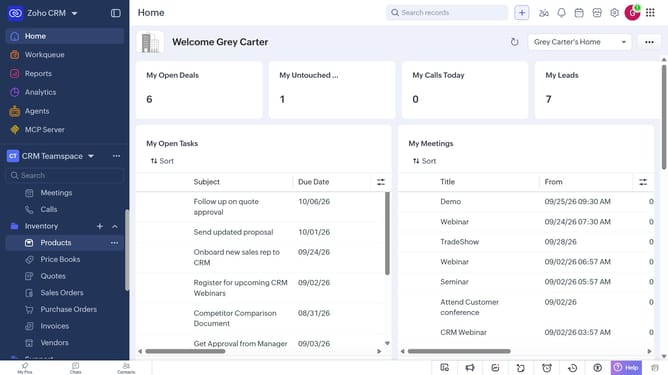
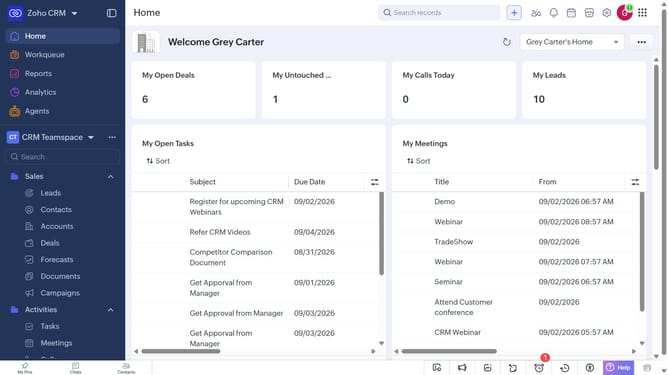
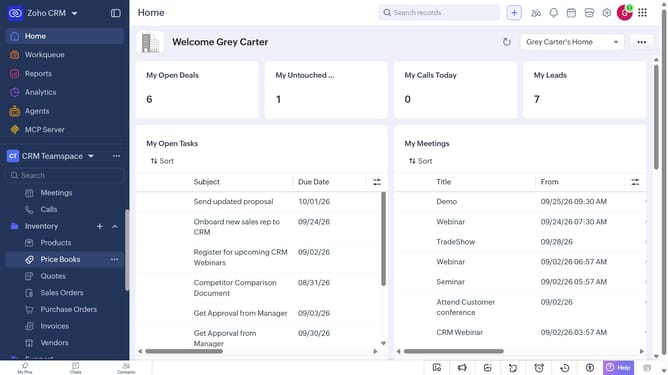
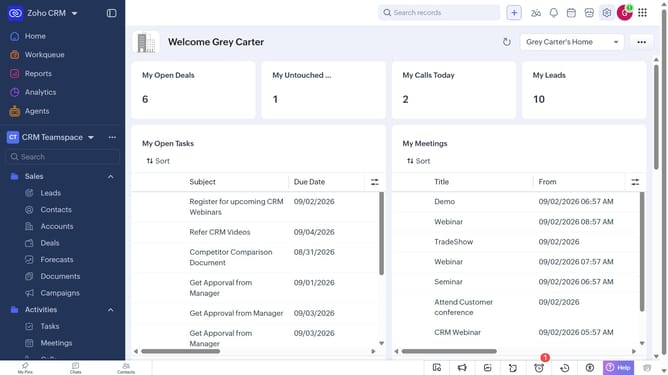
- First click on your avatar profile in the top right corner
- Next, click on "Users" under the "General" section
- Then, click the filter dropdown in the user list
- Finally, select "Inactive Users" from the dropdown list
Why should you How to view inactive users in the user list on Zoho CRM
Zoho CRM is a versatile customer relationship management platform designed to enhance business efficiency and collaboration.
One of its valuable features is the ability to view inactive users in the user list. This allows managers to easily identify which team members are not currently active within the system.
By having a clear overview of inactive users, businesses can make informed decisions on resource allocation, optimize user licenses, and streamline team productivity.
Last update