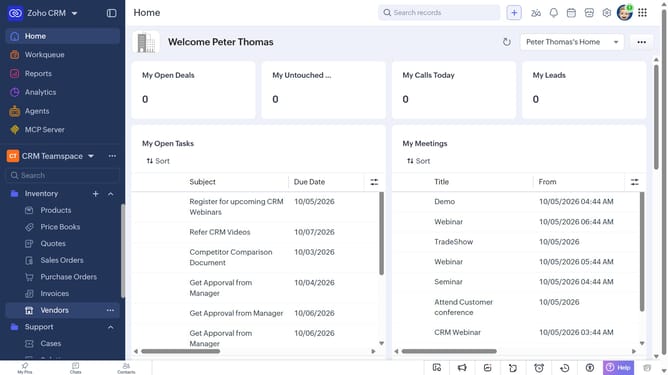
How to preview strikethrough for disabled buttons on Zoho CRM
Here is how to preview strikethrough for disabled buttons on zoho crm
- First click on the settings icon in the top menu
- Next click on "Personal Settings" under the "General" section
- Click on the "Accessibility" tab
- After that, click on the "Vision" tab
- Then, locate the "Strikethrough Disabled Buttons" section
- Finally, click on "Preview" to view the strikethrough effect on disabled buttons
Why should you How to preview strikethrough for disabled buttons on Zoho CRM
Zoho is a comprehensive suite of online productivity tools designed to manage business operations efficiently.
In Zoho CRM, the ability to preview strikethrough for disabled buttons offers a clear visual cue indicating non-functional features without cluttering the interface.
This functionality helps teams quickly discern which options are temporarily unavailable, enhancing the user experience through intuitive design.
By leveraging this feature, users can avoid confusion, streamline workflows, and maintain focus on actionable tasks, ultimately boosting productivity.
Last update