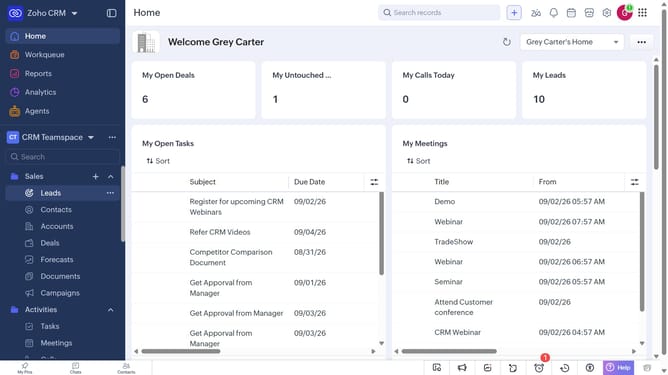
How to export services in bulk on Zoho CRM
Here is how to export services in bulk on zoho crm
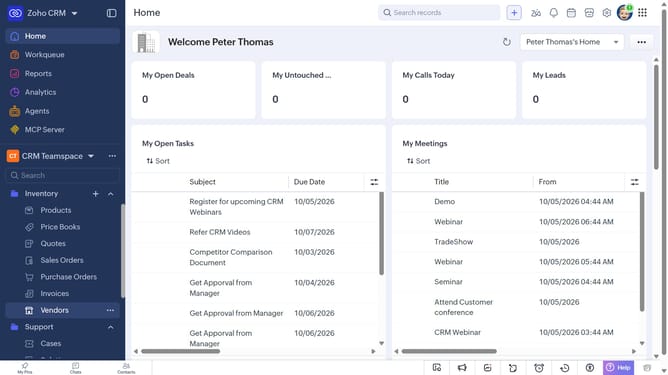
- First, click on "Services" in the left sidebar menu
- Locate the services you want to export
- Next, select the checkboxes next to each record
- Click on the "More Options" button at the top of the list
- Select "Export Selected Records" from the dropdown menu
- In the "Export Selected Records" dialog, select the file type
- Then, toggle the "Set Password" switch on or leave it off
- Finally click on the "Export" button
Why should you How to export services in bulk on Zoho CRM
Zoho CRM is a comprehensive platform designed to streamline your business operations and enhance customer relationship management.
The bulk export feature in Zoho CRM allows users to export services effortlessly, saving time and improving workflow efficiency. By exporting services in bulk, you can handle extensive datasets with ease, ensuring that all necessary information is at your fingertips.
This functionality is invaluable for businesses looking to analyze large amounts of data quickly, facilitating strategic decision-making and ensuring seamless data management across teams.
Last update