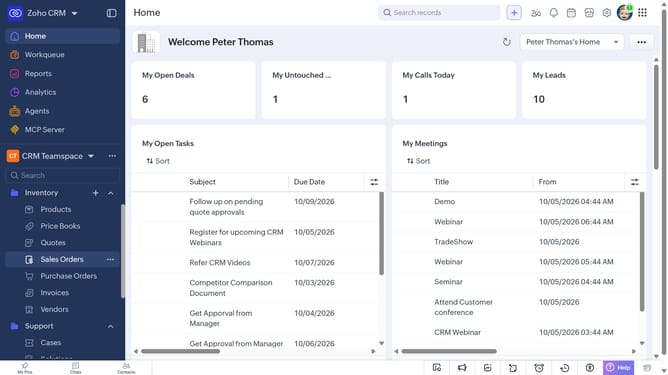
How to delete a group on Zoho CRM
Here is how to delete a group on zoho crm
- First click on the settings icon in the top menu
- Click on "Users" under the "General" section
- Next click on the "Groups" tab
- Locate the group you want to delete
- Next, click on the three dots menu that appears
- Then, select "Delete" from the dropdown menu
- Finally, click on the "Delete" in the confirmation dialog
Why should you How to delete a group on Zoho CRM
Zoho CRM is a cutting-edge platform designed to streamline and enhance customer relationship management processes.
Effortlessly ensuring your CRM stays organized is simple with Zoho’s group deletion feature. By removing outdated or unnecessary groups, you maintain a clutter-free environment, allowing for more efficient data management and improved team focus.
This feature empowers businesses to prioritize relevant information, keeping operations smooth and effective with just a few easy steps. Benefit from a cleaner CRM, fostering enhanced productivity and collaboration.
Last update