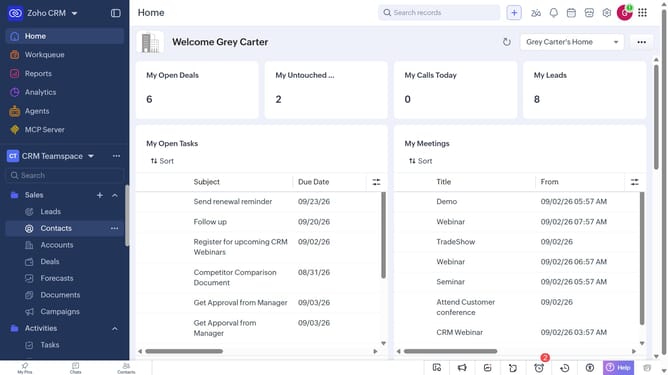
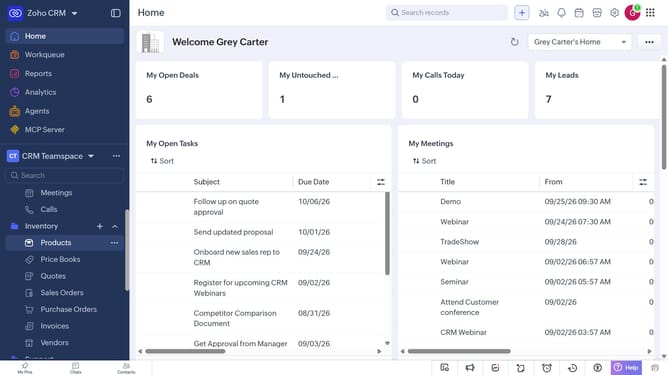
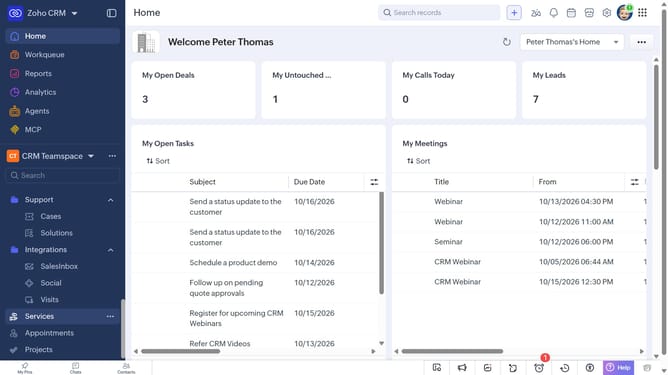
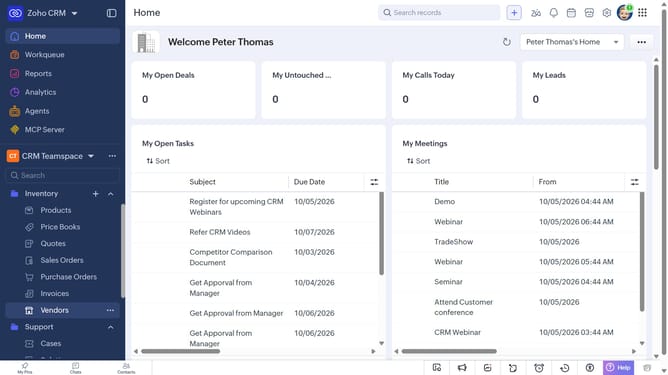
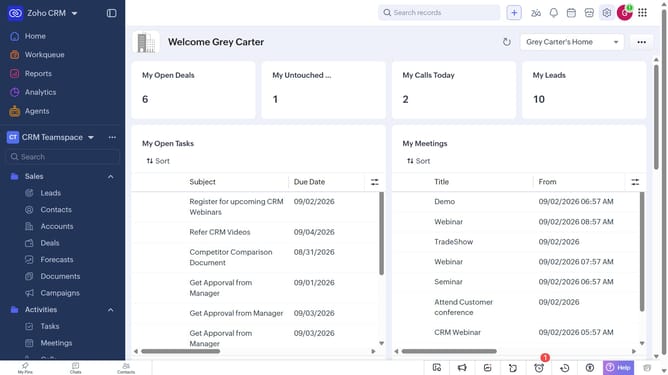
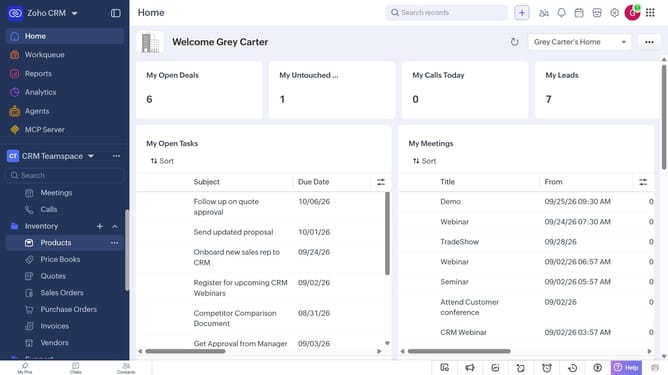
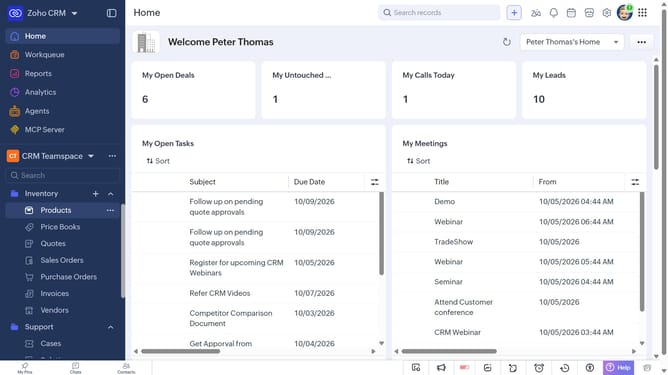
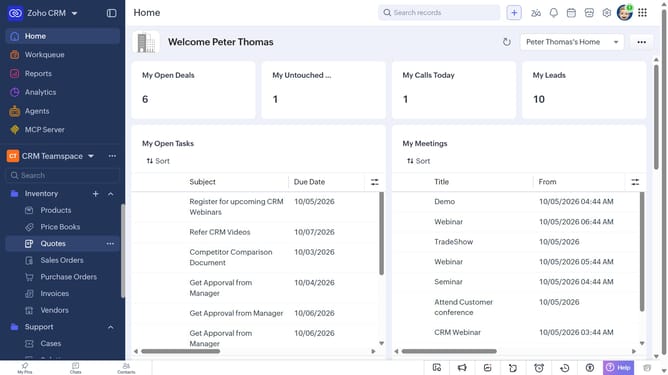
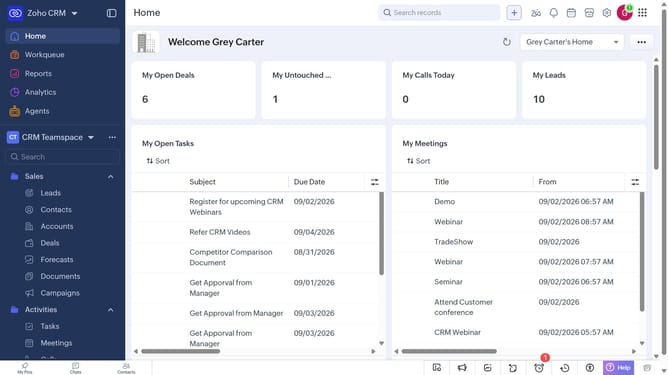
How to change the theme color to State Blue on Zoho CRM
Here is how to change the theme color to state blue on zoho crm
- First click on your avatar profile in the top right corner
- Next locate the "Themes" section
- Then, select your preferred theme option (Dark or Lite)
- Finally, select "State Blue" from the theme color options
Why should you How to change the theme color to State Blue on Zoho CRM
Zoho is a comprehensive suite that streamlines business processes with efficiency and precision.
Personalizing your Zoho CRM by changing the theme color to State Blue can enhance aesthetics and brand consistency. This feature allows you to visually align your CRM interface with your company's branding.
By adopting the State Blue theme, you create a more cohesive and professional appearance, making navigation intuitive and visually appealing for your team.
Overall, tailoring your CRM’s look fosters a more engaging user experience, supporting productivity and team cohesion.
Last update