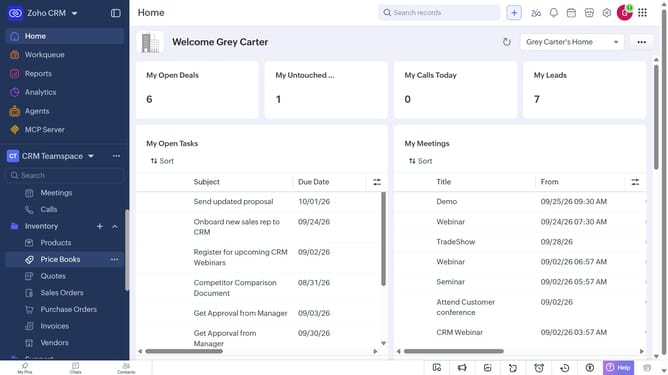
How to disable Zia Voice Assistant on Zoho CRM
Here is how to disable zia voice assistant on zoho crm
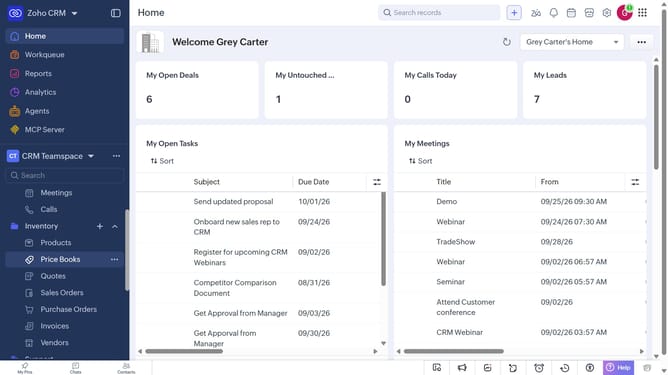
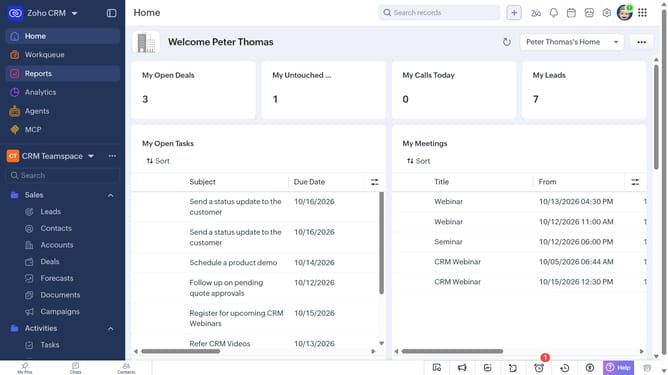
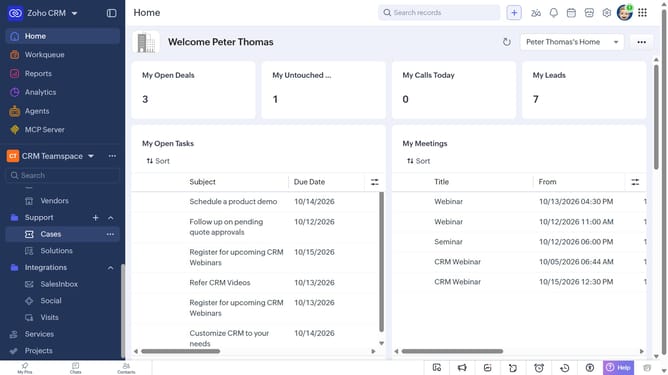
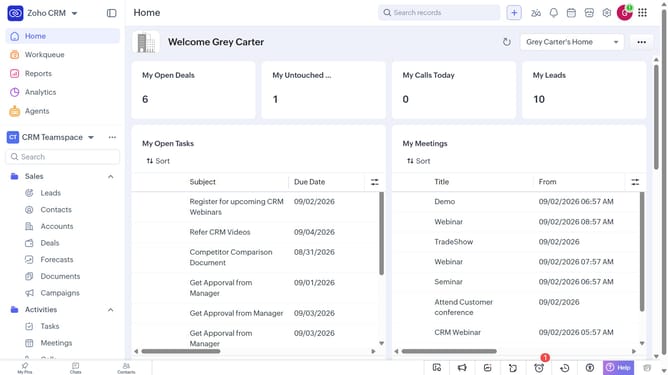
- First click on the settings icon in the top menu
- Next click on "Personal Settings" under the "General" section
- Click on the "Accessibility" tab
- After that, click on the "Vision" tab
- Then, locate the "Zia Voice Assistant" option
- Finally, click the toggle switch to disable this option
Why should you How to disable Zia Voice Assistant on Zoho CRM
Zoho is a versatile business platform designed to streamline operations and enhance productivity through its comprehensive suite of applications.
Disabling Zia Voice Assistant within Zoho CRM can help streamline your workflow by minimizing interruptions, allowing for a more focused work environment. This feature is perfect for teams who prefer a traditional approach to CRM without AI-driven voice commands.
By opting out of Zia’s voice capabilities, you can create a CRM experience tailored to your specific needs, ensuring a smooth and efficient process in managing customer relationships.
Last update