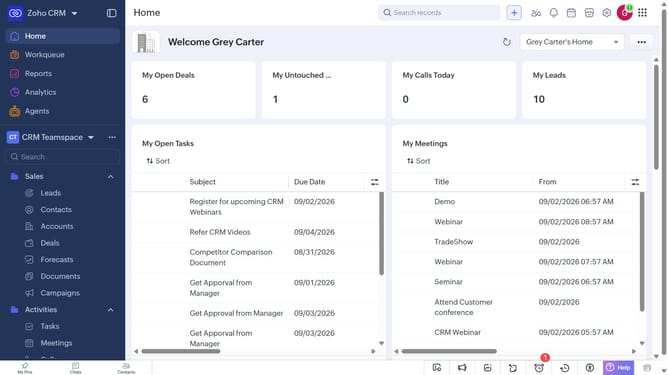
How to view keyboard shortcuts on Zoho CRM
Here is how to view keyboard shortcuts on zoho crm
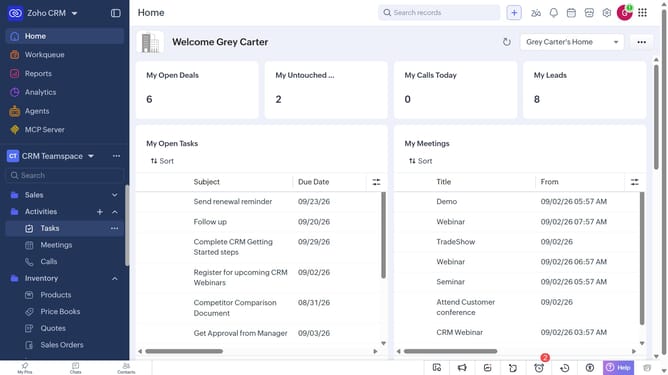
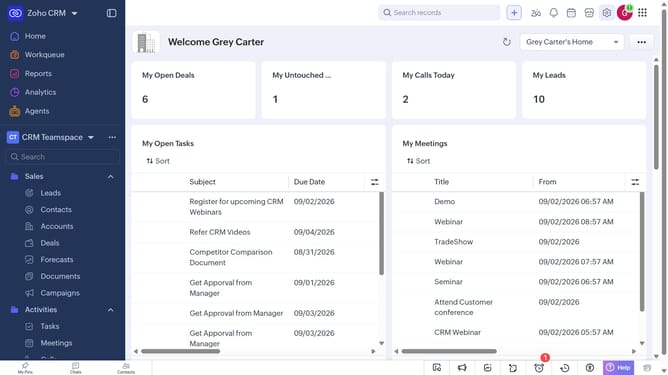
- First click on the settings icon in the top menu
- Next click on "Personal Settings" under the "General" section
- Click on the "Accessibility" tab
- Then, locate the "Keyboard Shortcuts" section
- Finally, click on "View Shortcuts" to view the available keyboard shortcuts
Why should you How to view keyboard shortcuts on Zoho CRM
Zoho CRM is a comprehensive platform designed to streamline your customer relationship management process.
One of its standout features is the ability to view keyboard shortcuts, enhancing the user experience by making navigation swift and intuitive.
Using keyboard shortcuts in Zoho CRM significantly increases your productivity by reducing the time spent on repetitive tasks, allowing for a more seamless workflow.
This feature not only boosts efficiency but also contributes to a more organized and effective management of customer interactions.
Last update