How to view keyboard shortcuts in Claude.ai
Here is how to view keyboard shortcuts in claude.ai
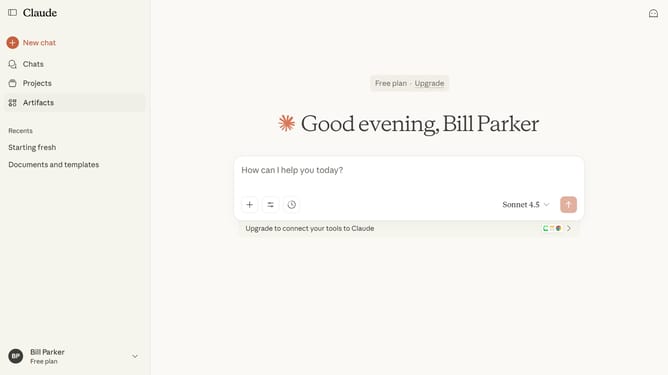
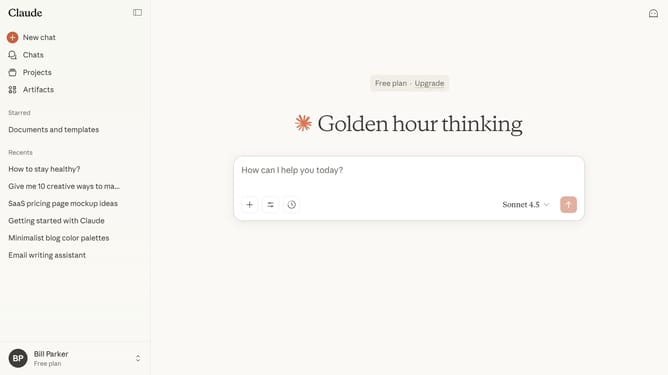
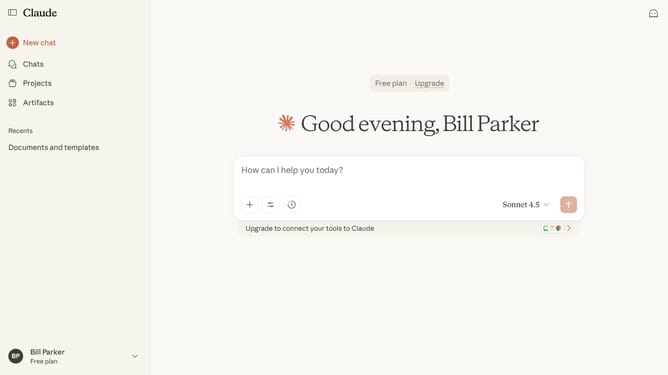
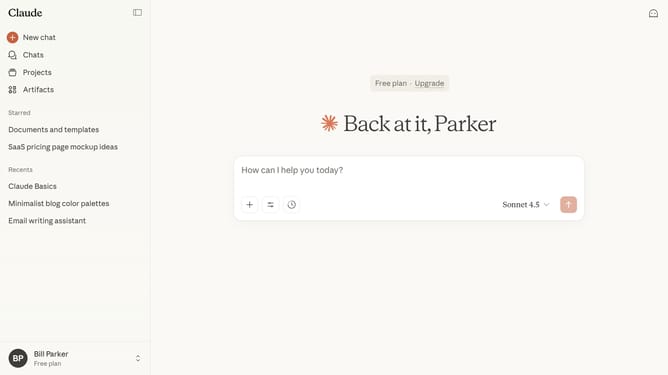
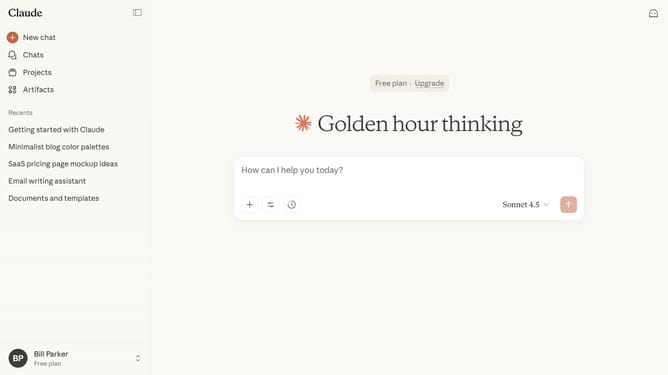
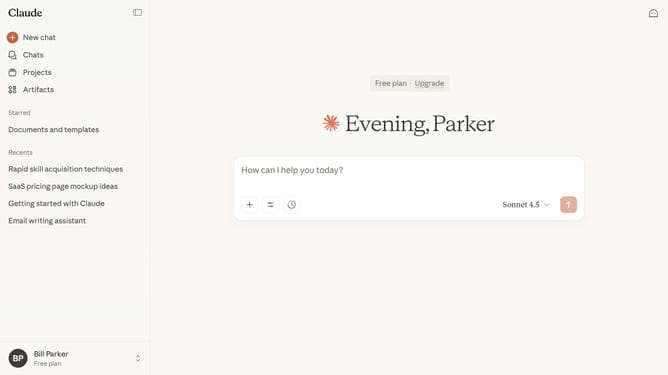
- First click on your profile button in the bottom left sidebar to open the account menu
- Next click on the "Learn more" option in the account menu
- Then click on the "Keyboard shortcuts" option in the expanded menu
- The keyboard shortcuts dialog is now displayed showing all available shortcuts
Why should you view keyboard shortcuts in Claude.ai
Claude.ai is an intuitive AI platform designed to enhance productivity and efficiency.
To make your workflow even more streamlined, Claude.ai offers the ability to view keyboard shortcuts, enabling quick access to various features and functions.
This enhances your efficiency by minimizing the time spent navigating through menus and allows you to focus more on your tasks.
Using these shortcuts ensures a smoother, more seamless interaction with the platform, making every task more manageable and less time-consuming.
Last update