How to upload documents to Claude.ai
Here is how to upload documents to claude.ai
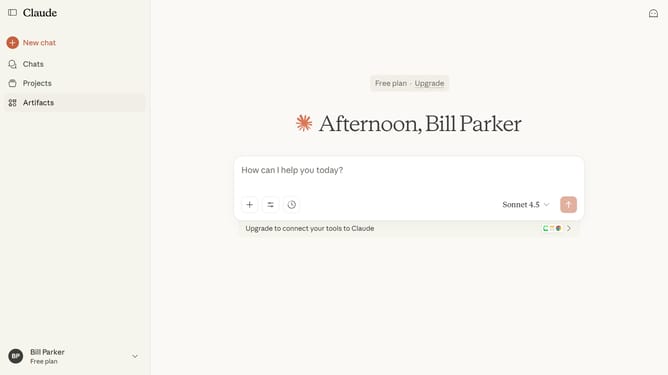
- First go to the chat where you want to upload a document
- Next click on the attachment button (plus icon) below the text input field
- Then select the "Upload a file" option and select files from your device
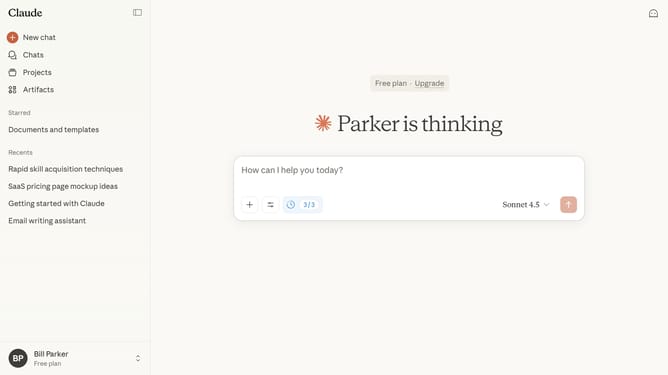
- Finally once uploaded, the document will appear below the text input field
- You can now start a chat or reference the document in your conversation
Why should you upload documents to Claude.ai
Claude.ai is an intuitive AI platform designed to streamline your document management and data analysis tasks.
Uploading documents to Claude.ai is a seamless feature that enhances your efficiency by allowing for quick data processing and integration.
This feature is perfect for those who need to analyze or organize large volumes of information without hassle, making your workflow smoother and more productive.
Benefit from increased accuracy and time savings when you effortlessly upload documents into the system for immediate output and insight generation.
Last update