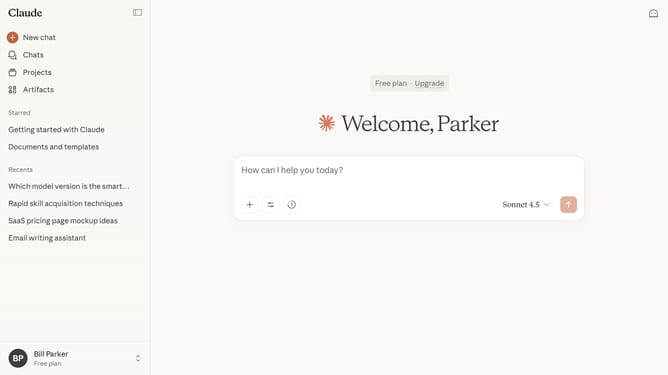
How to unstar a chat in Claude.ai
Here is how to unstar a chat in claude.ai
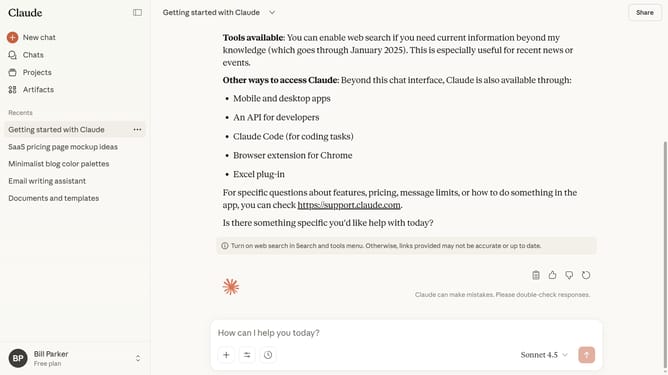
- First click on the chat you want to unstar
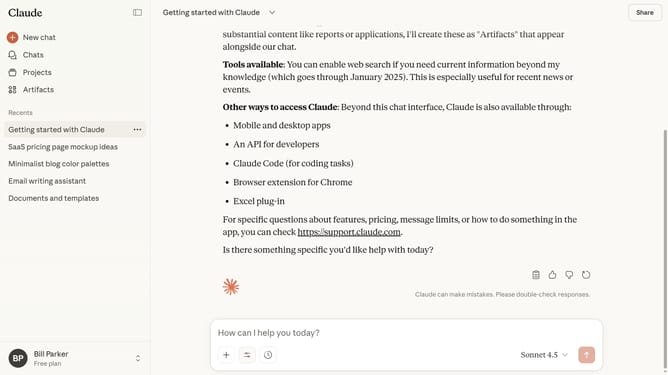
- Next click on the dropdown menu button next to the chat’s name in the header
- Then click on the "Unstar" option in the dropdown menu
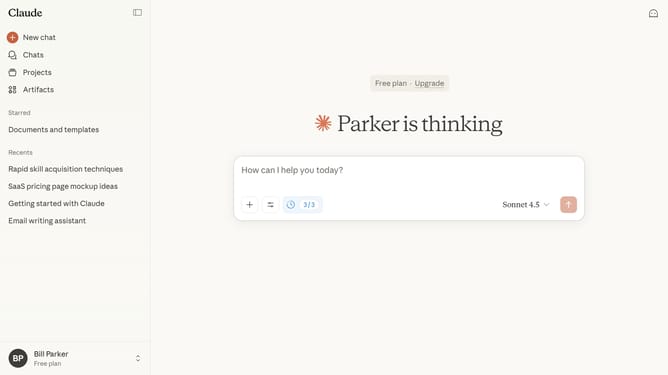
- The chat will no longer appear in your Starred section
Why should you unstar a chat in Claude.ai
Claude.ai is an advanced AI system designed to streamline and enhance your digital communications.
In Claude.ai, managing your chat notifications is made easy, with the ability to unstar chats being one of its core features. This function empowers users to shift their focus to more pressing conversations by decluttering their view.
Unstarring chats helps maintain an organized workspace and ensures your attention is aligned with your current priorities. By simply modifying chat statuses, you can boost efficiency and keep your communication streamlined, adaptable to your dynamic needs.
Last update