How to enable web search in a chat in Claude.ai
Here is how to enable web search in a chat in claude.ai
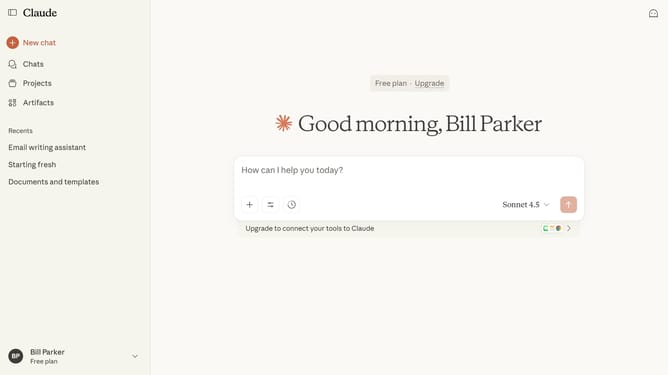
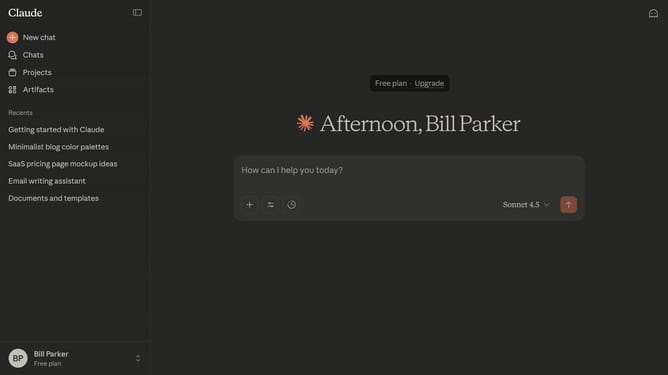
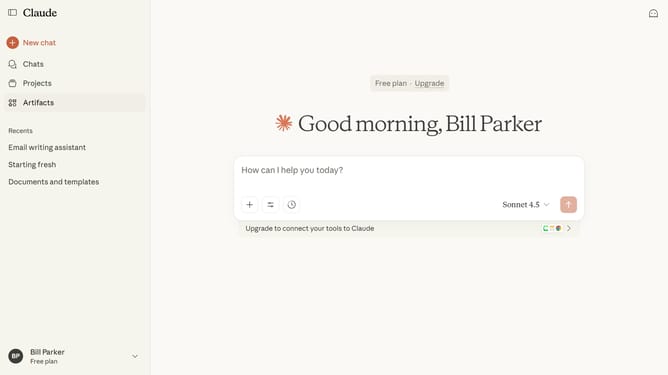
- First click on the slider icon in your chat input interface
- Next locate the "Web search" option in the dropdown
- Then click on the toggle switch to turn on web search functionality
Why should you enable web search in a chat in Claude.ai
Claude.ai is an innovative AI-driven platform designed to make online interaction smarter and more intuitive.
One standout feature of Claude.ai is its integration of web search within chat conversations, which elevates user experience by making information seamlessly accessible.
Enabling web search in chat brings the vast reservoir of online knowledge directly into your conversations, allowing for dynamic and informed interactions without the need to switch between different applications or perform separate searches.
This feature not only enriches discussions but also enhances productivity by streamlining the process of information gathering.
Last update