How to manage AI-powered artifact settings in Claude.ai
Here is how to manage ai-powered artifact settings in claude.ai
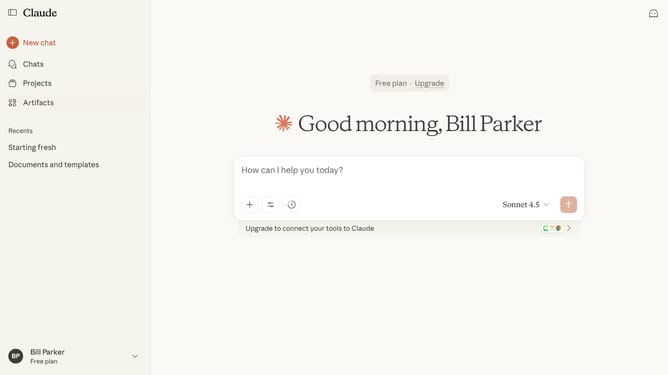
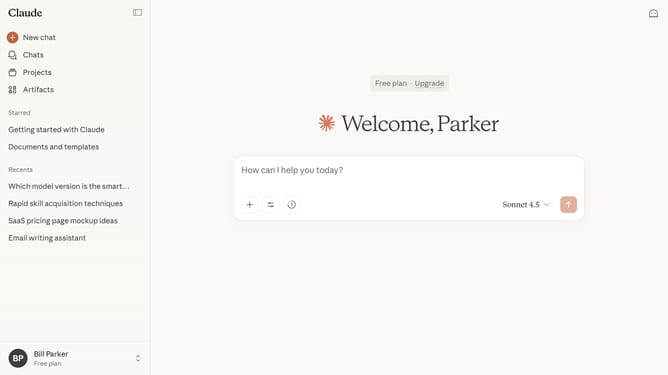
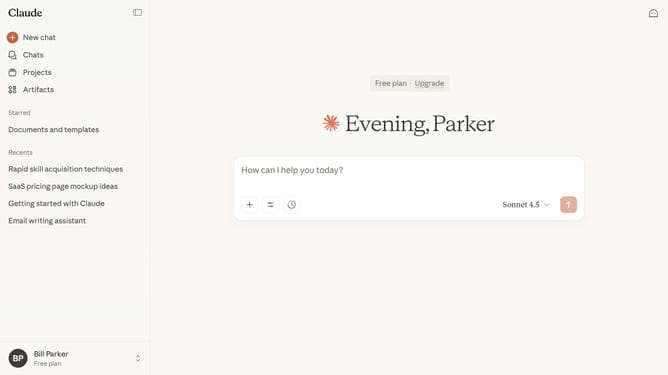
- First click on your profile in the bottom left sidebar to open the account menu
- Next click on the "Settings" option in the account menu
- Click on the "Capabilities" option in the left settings menu
- Then locate the "AI-powered artifacts" option
- From here you can enable or disable AI-powered artifacts using the toggle
Why should you manage AI-powered artifact settings in Claude.ai
Claude.ai is a sophisticated AI platform designed to enhance and streamline digital processes through intelligent automation.
Managing AI-powered artifact settings in Claude.ai allows users to customize their digital environment for optimal efficiency. By adjusting these settings, businesses can tailor the AI’s performance to meet specific needs, ensuring better resource allocation and improved productivity.
This feature provides an intuitive way to control and refine the AI's automation capabilities, benefiting users by delivering more accurate and relevant outputs aligned with their objectives.
Last update