How to enable notifications for completed responses in Claude.ai
Here is how to enable notifications for completed responses in claude.ai
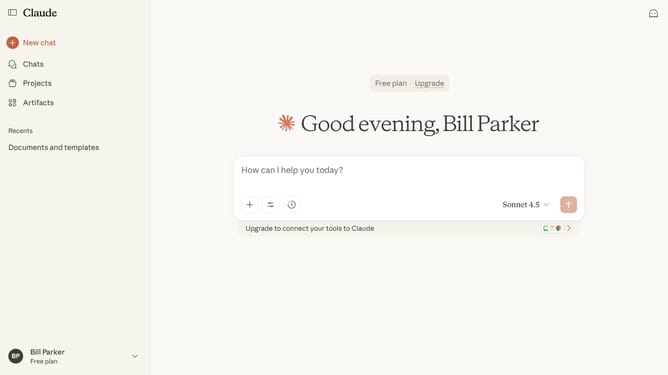
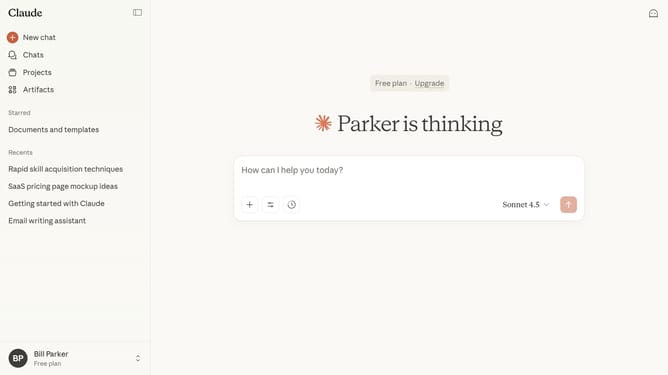
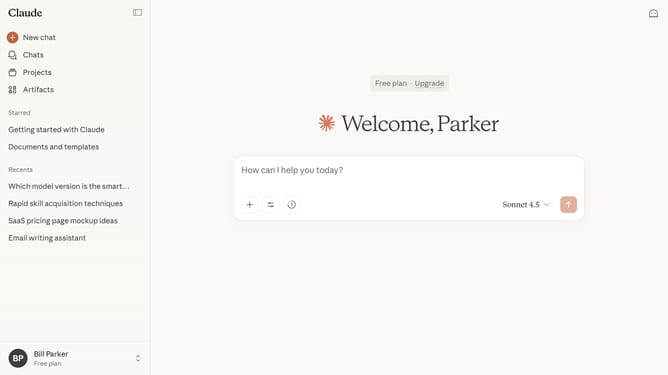
- First click on the user profile section in the bottom left sidebar
- Next click on the "Settings" option in the expanded user menu
- Navigate to the "General" tab
- Then scroll down to the "Notifications" section in the General settings tab
- Finally click on the toggle switch next to "Response completions" to enable it
Why should you enable notifications for completed responses in Claude.ai
Claude.ai is a cutting-edge AI platform designed to streamline and enhance your interactive experiences.
Enabling notifications for completed responses in Claude.ai is a feature that ensures you never miss an important update.
This setup allows users to focus on other tasks while Claude processes information, notifying them promptly upon completion.
By using notifications, you can optimize your workflow, improve time management, and ensure timely engagement with generated responses, enhancing overall efficiency.
Last update