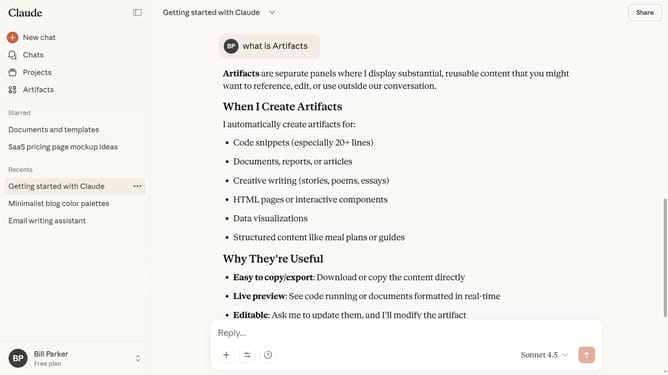
How to use extended thinking mode in Claude.ai
Here is how to use extended thinking mode in claude.ai
- First start a new chat or open an existing chat
- Next click on the "Search and tools" button below the input field
- Locate the "Extended thinking" option in the dropdown menu
- Then switch the toggle on to enable Extended Thinking
- Now type your question or prompt, and Claude will begin thinking and generate a detailed response
Why should you use extended thinking mode in Claude.ai
Claude.ai is an advanced AI tool designed to elevate decision-making through insightful analysis.
The extended thinking mode in Claude.ai is a feature that allows users to delve deeper into complex ideas and scenarios. This mode is beneficial for those looking to explore intricate details beyond surface-level data.
By engaging with extended thinking, users can gain a comprehensive understanding, allowing for more informed and strategic choices.
Employing this feature helps clarify challenging questions and nurtures innovative solutions, enhancing productivity and fostering creative problem-solving.
Last update