How to turn on incognito mode in Claude.ai
Here is how to turn on incognito mode in claude.ai
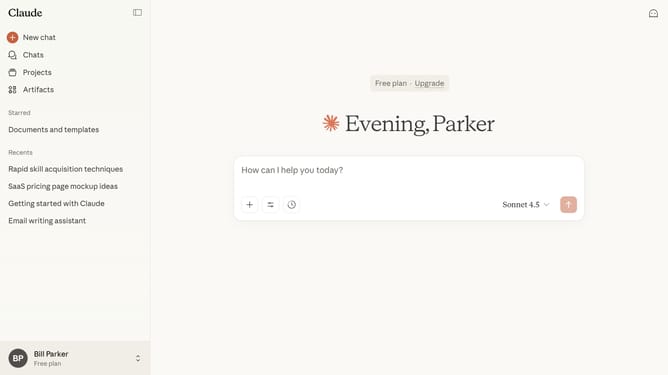
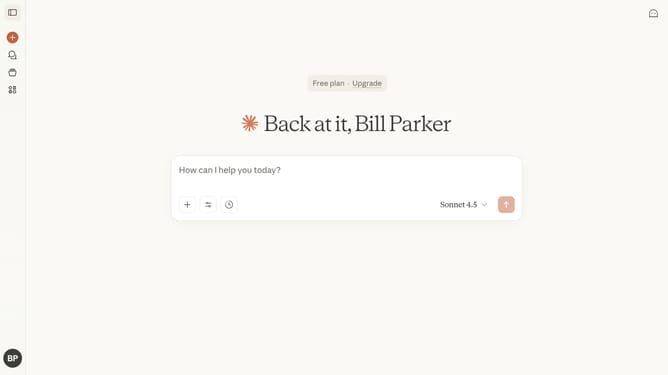
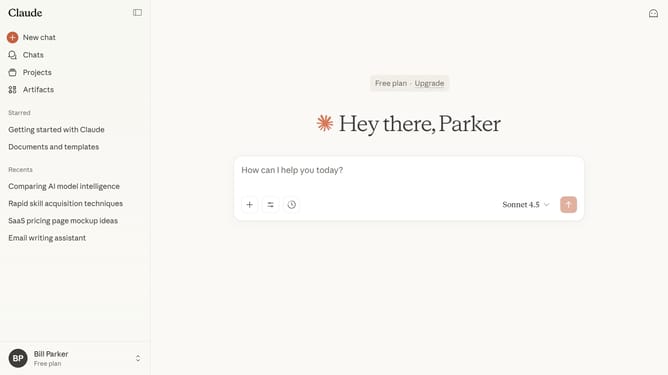
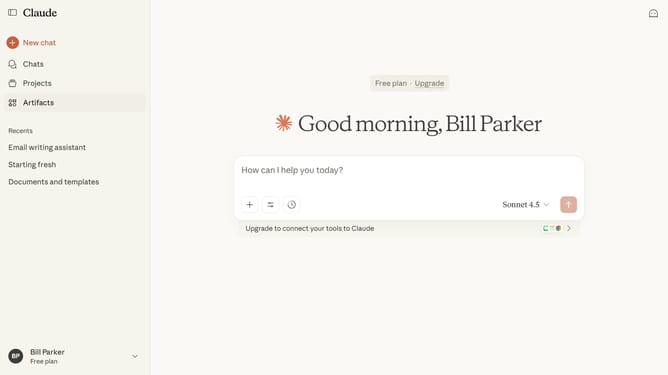
- First start a new chat by clicking on the "New chat" button in the left sidebar
- Then click on the ghost icon in the top right corner of the header
- The Incognito chat window opens in fullscreen mode, where your conversation history is not saved
Why should you turn on incognito mode in Claude.ai
Claude.ai is a cutting-edge AI assistant designed to streamline and enhance digital interactions with superior efficiency.
Turning on the incognito mode in Claude.ai ensures your privacy by temporarily pausing data storage during a session, giving you the freedom to explore without leaving a trace.
This feature provides peace of mind for users who prioritize confidentiality and wish to explore topics discreetly, as it prevents historical logging of activities.
Enjoy the benefits of enhanced privacy and control, knowing your interactions are safeguarded from prying eyes.
Last update