How to bulk delete chats in Claude.ai
Here is how to bulk delete chats in claude.ai
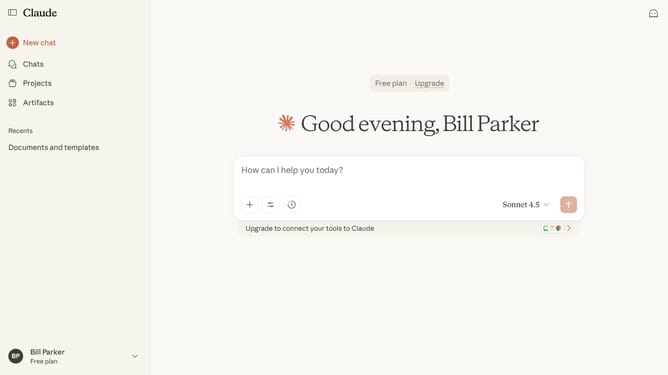
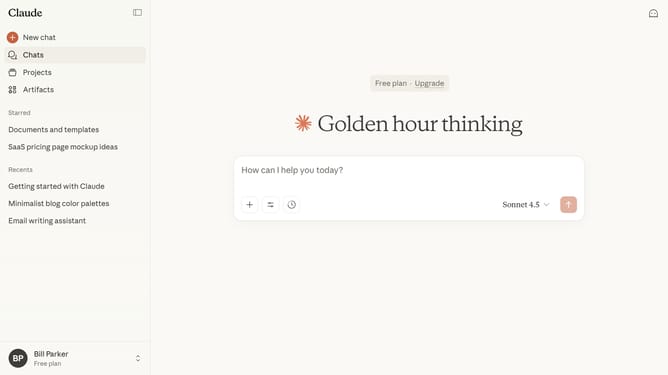
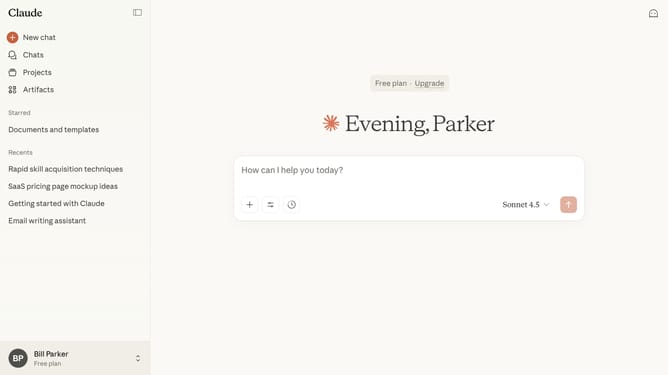
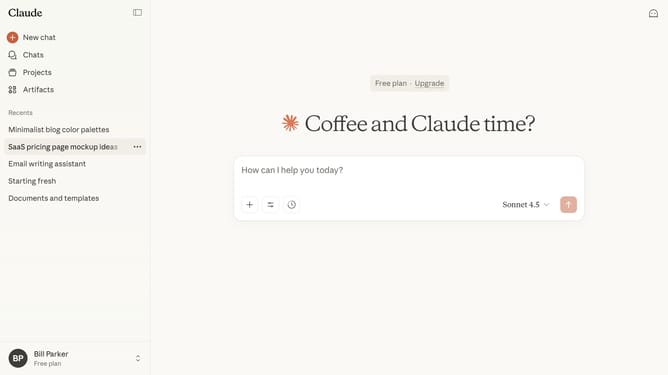
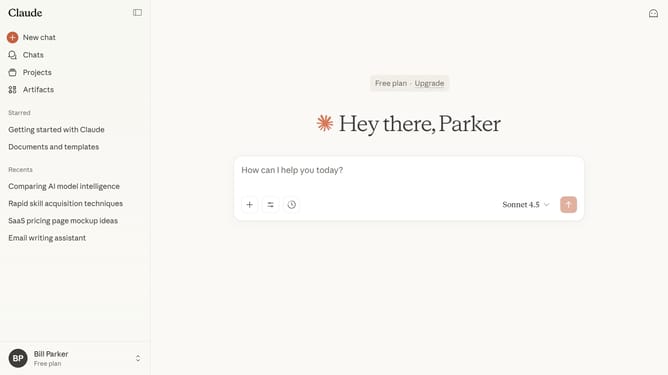
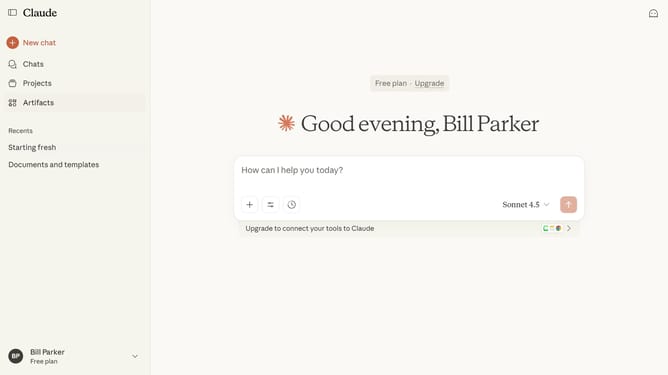
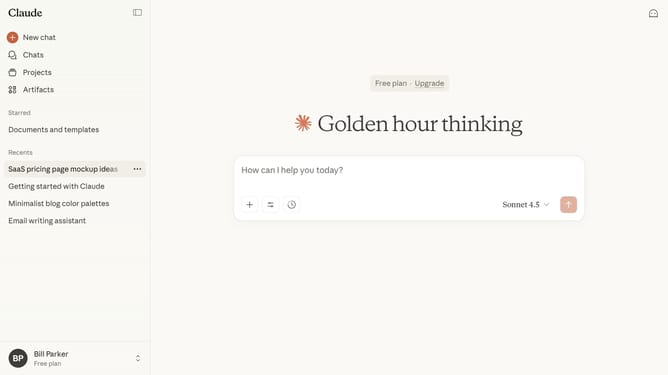
- First click on the "Chats" menu in the left sidebar to navigate to the chats view
- Find the chats you want to delete from the list
- Click the checkboxes next to each chat you want to delete
- Finally click on the "Delete" button in the confirmation dialog to permanently delete the selected chats
Why should you bulk delete chats in Claude.ai
Claude.ai is an innovative AI platform designed to streamline communication and improve productivity.
The bulk delete chats feature in Claude.ai offers a seamless way to manage and organize your conversations efficiently. This functionality allows users to clear multiple chat histories in one swift action, saving valuable time and effort.
By maintaining a tidy interface, it enhances focus and ensures that users are only interacting with relevant information, ultimately optimizing their workflow.
Last update