How to access all your saved Artifacts in Claude.ai
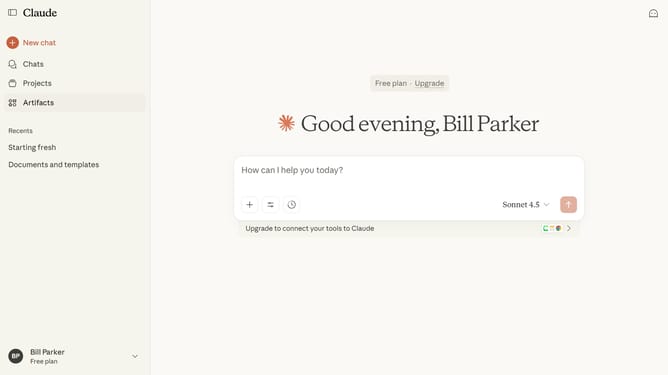
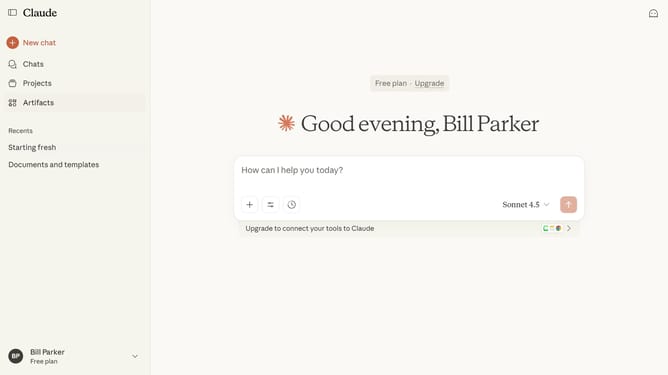
Here is how to access all your saved artifacts in claude.ai
- First click the Artifacts button to access your artifacts
- Then click the "Your artifacts" tab to view your personal artifacts
- Your Artifact library will open, showing all your created Artifacts
Why should you access all your saved Artifacts in Claude.ai
Claude.ai is an intuitive platform designed to enhance productivity through seamless data management and accessibility.
Finding your saved artifacts in Claude.ai is straightforward, allowing users to effortlessly revisit their important data and documents.
This feature adds value by providing instant access to your saved items, ensuring you are always ready to review, edit, or share your work.
With quick retrieval, you maintain continuity in your projects, enhancing efficiency and work satisfaction.
Last update