How to manage data contribution settings in Claude.ai
Here is how to manage data contribution settings in claude.ai
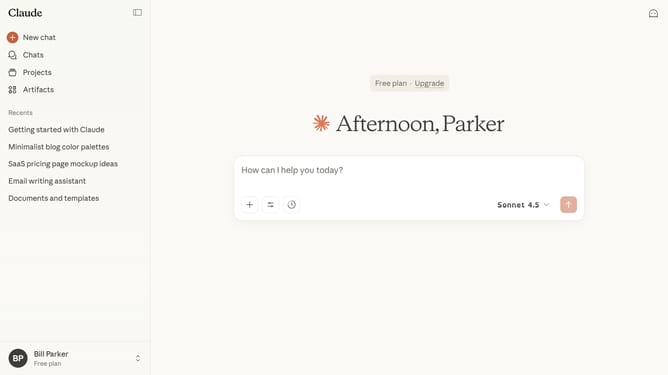
- First click on your profile button in the bottom left corner of the sidebar
- Next click on the "Settings" option in the user menu
- Click on the "Privacy" tab in the settings sidebar menu
- Then scroll down to locate the "Help improve Claude" section in the privacy settings
- Finally, toggle the switch on to allow your chats and coding sessions to improve Claude, or off to stop contributing your data
Why should you manage data contribution settings in Claude.ai
Claude.ai is a cutting-edge AI platform designed to make complex interactions feel natural and intuitive.
With Claude.ai, managing your data contribution settings is straightforward and empowering.
This feature allows you to have control over your personal data, enhancing your sense of privacy and security while using the platform.
By efficiently managing these settings, you can ensure a more personalized and tailored experience, maximizing the tools and insights Claude.ai provides to fit your unique needs.
Last update