How to adjust your response preferences in Claude.ai
Here is how to adjust your response preferences in claude.ai
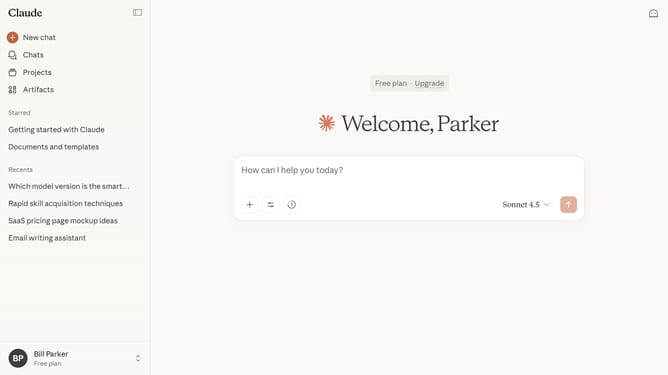
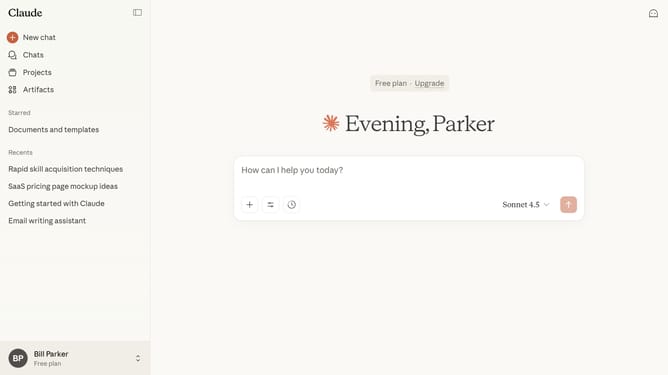
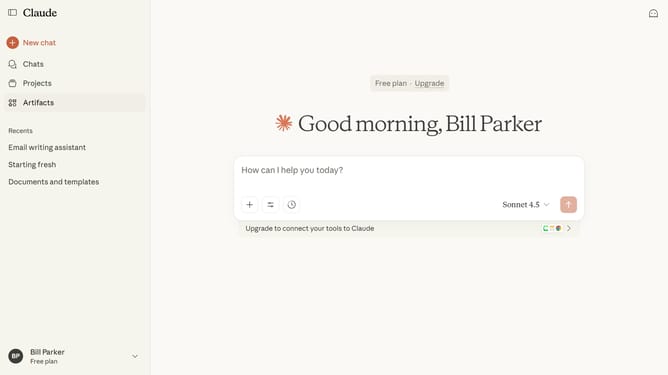
- First click on the user profile section in the bottom left corner of the sidebar
- Next click on the "Settings" option in the user menu that appears
- Click on the "General" tab in the settings navigation menu
- Locate the personal preferences text field under "What personal preferences should Claude consider in responses?"
- Then enter the details you want Claude to consider in responses
- Finally click on the "Save changes" button to save your profile settings
Why should you adjust your response preferences in Claude.ai
Claude is an innovative AI platform designed to enhance efficiency and streamline workflows through intelligent automation.
Adjusting your response preferences in Claude.ai allows you to tailor its interactions to better fit your unique requirements and communication style.
This feature enhances user experience by ensuring responses are not only relevant but also aligned with your personal or professional tone.
By customizing these settings, users can maximize productivity, ensuring that the AI supports their goals effectively with precise and appropriate interactions.
Last update