How to export chats from the past 90 days in Claude.ai
Here is how to export chats from the past 90 days in claude.ai
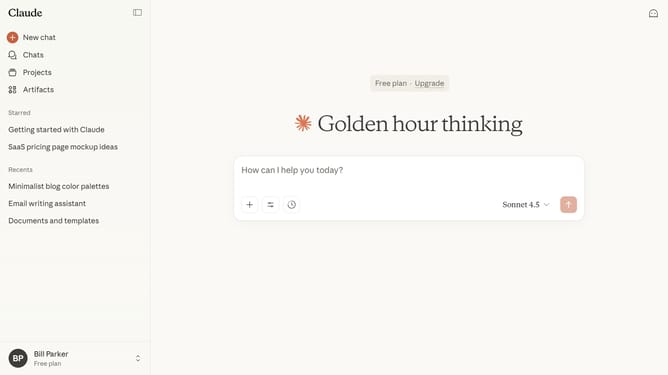
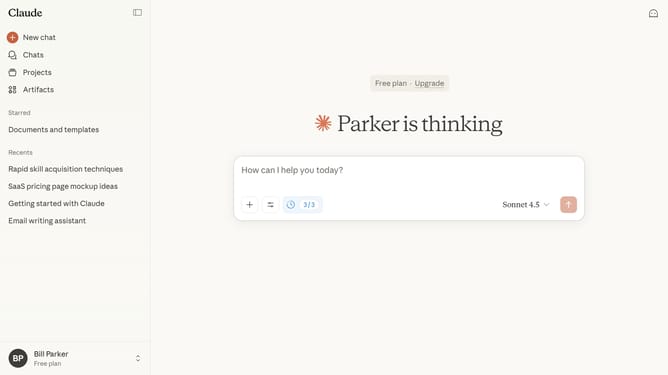
- First click on the user profile section in the bottom left sidebar
- Next click on "Settings" option in the account menu
- Click on "Privacy" option in the left settings menu
- Then click on "Export data" button in the Privacy settings section
- In the Export data dialog, select the "90 days" option
- In the Export data dialog, click on the "Export" button to confirm the data export
- You’ll receive a download link to your email once your export is ready
Why should you export chats from the past 90 days in Claude.ai
Claude.ai is an advanced AI assistant designed to refine decision-making and enhance productivity through insightful conversations.
One of its handy features is the ability to export chats from the past 90 days, making information retrieval straightforward. This feature maintains a seamless flow of information, allowing users to track past interactions efficiently.
The capability to export these conversations is particularly beneficial for project documentation or revisiting critical insights, ensuring no valuable information is lost in time.
Using this function enables users to keep organized records, strengthen collaboration, and foster informed actions based on previous discussions.
Last update